N93-572-88 Issue 12 NH Page 41 of 52 © Protec Fire Detection plc 2020
7.27 Displaying Panel Diagnostic Data
The DISPLAY DIAGNOSTIC DATA menu allows the engineer to view various values used within the
panel, and can be used as an aid when diagnosing problems.
Press the
¿
key to enter the DISPLAY DIAGNOSTICS DATA menu.
Press the ▲ or ▼ keys to move through the data screens.
Press the
¿
key in any screen to return to the main menu.
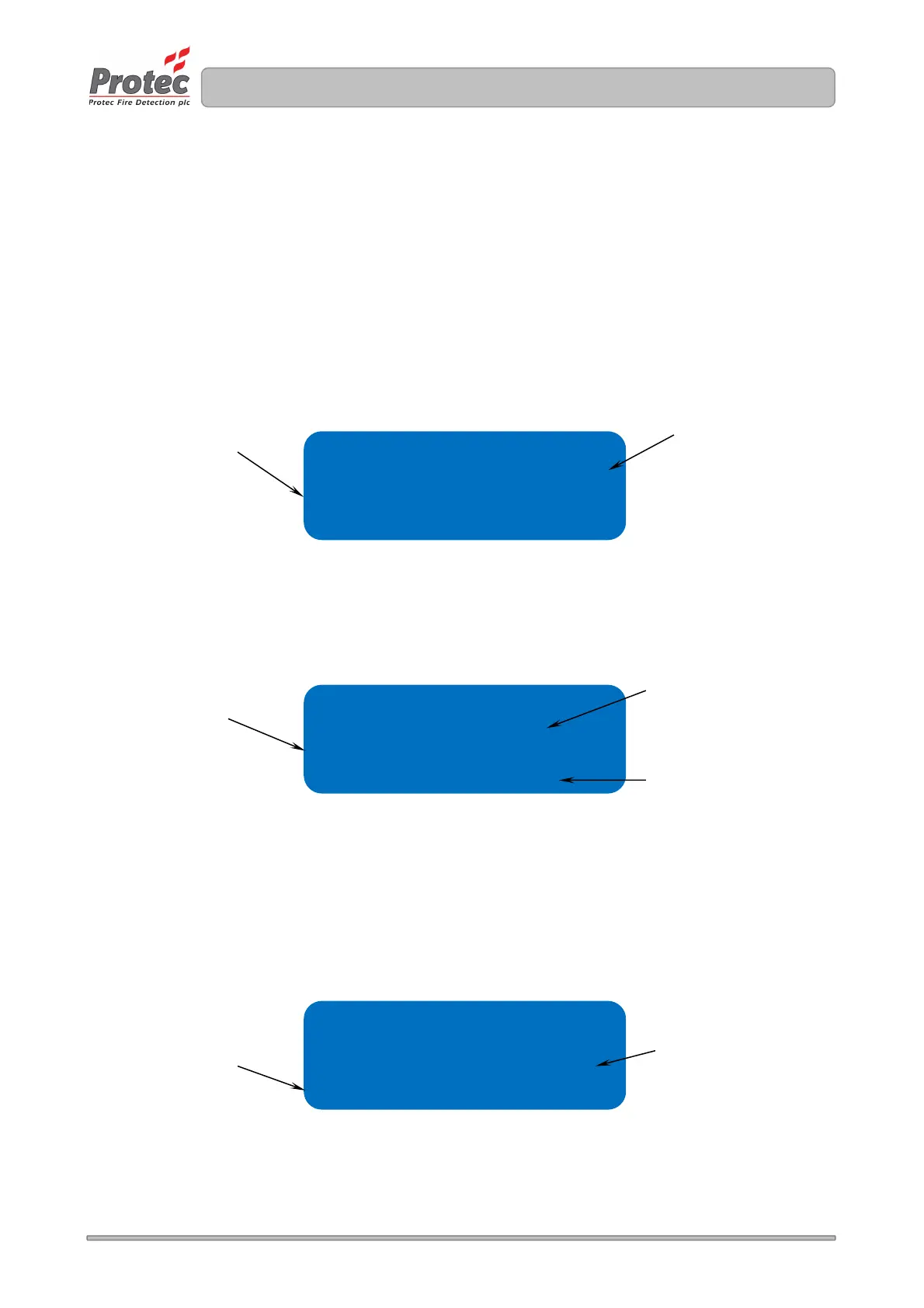
Screen 1 displays various levels associated with the 6100 power supplies.
Figure 7.23 Typically Panel Diagnostic data screen 1
Screen 2 displays the levels read from the Auxiliary 24V, Firelink End of Line Monitoring and
conventional alarm circuits. The numbers in brackets are internal data.
Figure 7.24 Panel Diagnostic data screen 1 ( showing typical values )
Screen 3 displays levels associated with the loop driver circuits.
The ‘missed scans’ and ‘seen scans’ numbers may be used to determine the integrity of the loop
communications by comparing how many ‘good’ scans versus how many ‘bad’ scans have been
detected since the counters were reset ( 20 minutes of detection time is given until the counters reach
the end value ).
Figure 7.25 Panel Diagnostic data screen 1
Loop data
Lp ol val = 415
Missed SCANS = 00000
SEEN SCANS = 00100
Auxiliary data
Aux 24v = OK ( 861)
Firelink = OK (237)
Alarm = OK (266)
Psu data
Chg volts = 27.4v
Batt volts = 27.0v
Indicates the battery
charger Voltage
Indicates the state of the Auxiliary
24V output.
OK is normal
SC means short circuit fault
Indicates the state of the Firelink
output.
OK is normal
SC indicates short circuit fault
OC indicates open circuit fault
Indicates the state of the
Conventional Alarm outputs.
OK is normal
SC indicates short circuit fault
OC indicates open circuit fault
Displays the number of missed
replies to devices when scanned
Pressing ◄ or ► clears the count
Displays the number of seen
replies when scanning devices
Pressing ◄ or ► clears the count
Indicates the standby
battery Voltage



 To Next Page