EasyManua.ls Logo

Protec 6100 - Page 29

Protec 6100
52 pages
Print Icon
To Next Page IconTo Next Page
To Previous Page IconTo Previous Page
Loading...
N93-572-88 Issue 12 NH Page 29 of 52 © Protec Fire Detection plc 2020
View Faults
Refer to User Manual
View Disablements
Refer to User Manual
Edit Device Text
See Section 7.22
Disable Options
Refer to User Manual
Clear System Faults
Refer to User Manual
Test Indications
Refer to User Manual
Exchange Devices
See Section 7.19
Program Zone Options
Refer to User Manual
Edit Zone Text
See Section 7.23
Set Date and Time
Refer to User Manual
View Alarm Count
Refer to User Manual
Program Address Data
See Section 7.18
Log Loop Devices
See Section 7.17
Device RVAV
See Section 7.21
Display Loop Device Data
See Section 7.26
Clear General Event Log
See Section 7.25
View Fire Event Log
Refer to User Manual
View General Event Log
Refer to User Manual
Clear Fire Event Log
See Section 7.24
Display Diagnostic Data
See Section 7.27
Display Panel Details
See Section 7.28
Connect to PC Using USB
See Section 7.29
Restart System
See Section 7.30
Exit Menu
Refer to User Manual
Disable a device
See Section 7.20
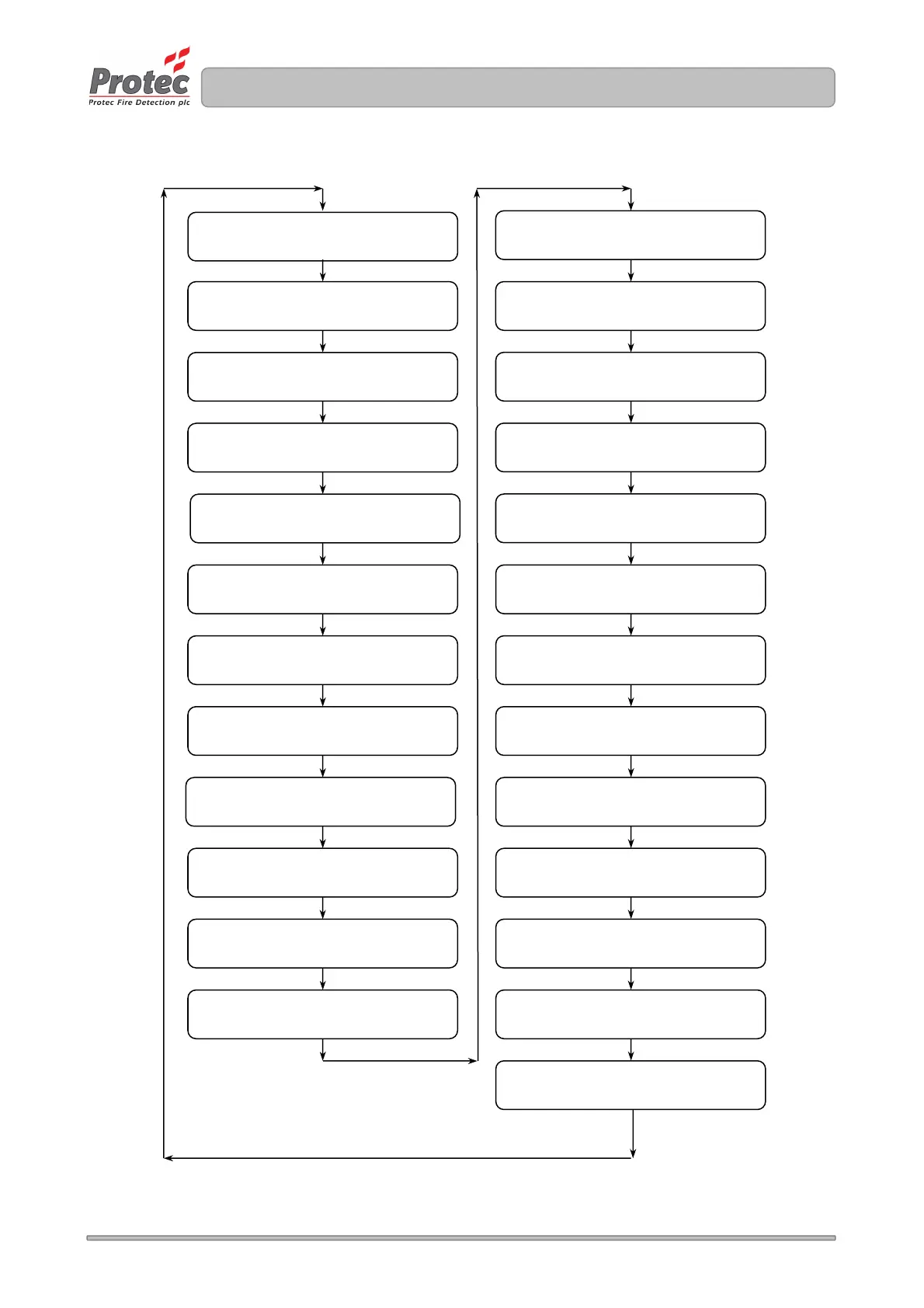
Figure 7.0 6100 Engineer (Access level 3) Menu Structure

Table of Contents

Other manuals for Protec 6100

Related product manuals