1
2
17
Multimedia system
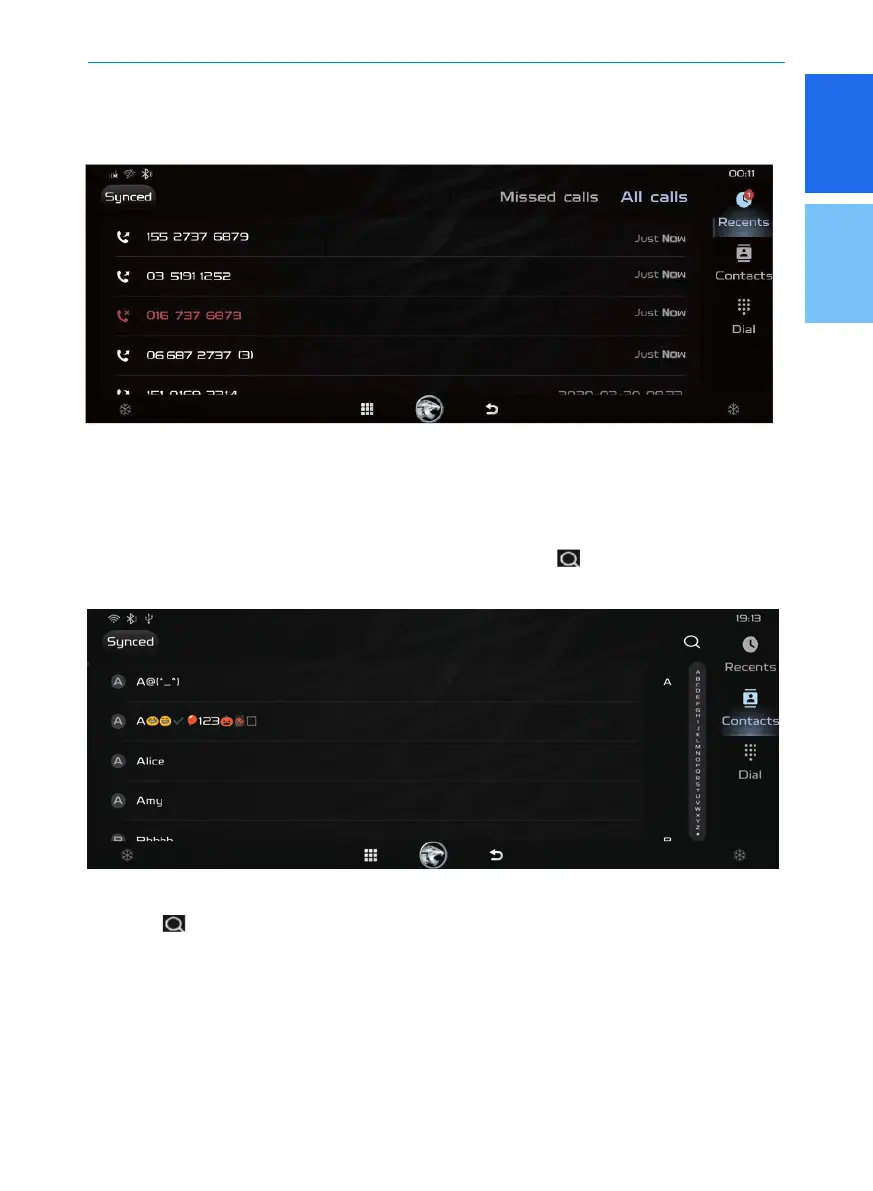
Recent Calls
Click [Phone] in the main interface, and then click [Recents]. The Recent Calls interface will
be displayed and you can call the contact by clicking on the [Contact name].
Contacts
Click [Phone] in the main interface, and then click [Contacts] to display the contacts interface.
It is very convenient to view and search the phone number. It is similar to the viewing and
searching through the phone. You can operate the left slide button or directly
touch the touch screen to view the contacts. You can also click [
] and enter the name of the
person you want to search.
1. Quickly Search
Click [ ], enter the initials or the name you want to search. After the searching is
completed, click the phone button to make a call.



 To Next Page
 Loading...