56
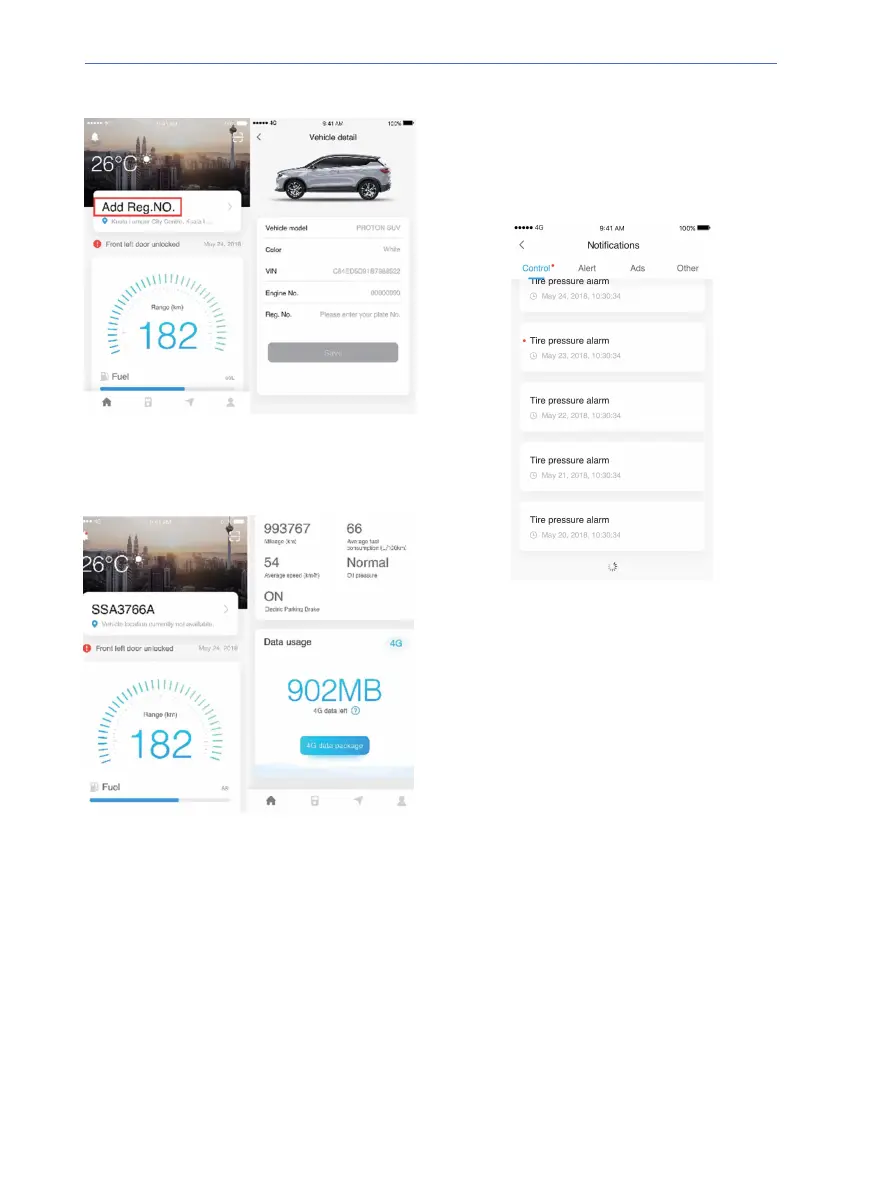
Press “Add Reg. No.” in (the red box) to enter
the vehicle detail page, add the vehicle
information and press Save to return to home
page.
PROTON Link App Centre
Home page
The home page shows weather information,
vehicle status, dashboard and internet data
usage information.
Notification
Press "Control" icon at the upper left corner of
the page to view the vehicle
remote control
execution results, alert information,
advertisements and other types of messages.



 To Next Page
 Loading...