Prime the Jet 3.3
1. Set the jet to close with the operator interface or JDX controller box.
2. Fill the syringe with material.
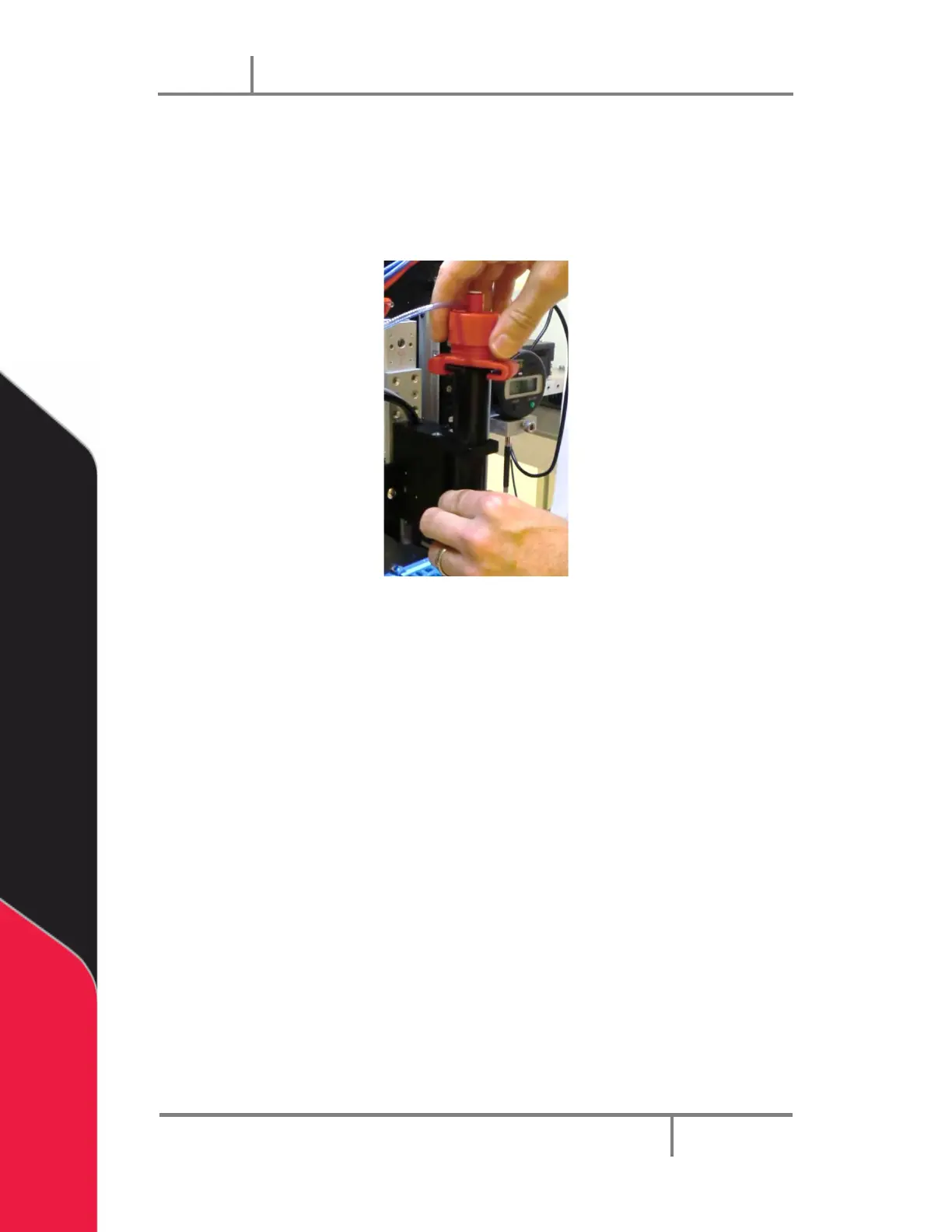
3. Attach the air cap to the syringe.
Figure 9: Attach the Air Cap
4. Set the supply pressure to 10 psi.
5. Check the jet and syringe for fluid leaks.


 To Next Page