Select a Recipe 5.2
To select a recipe in Manual mode do the steps below.
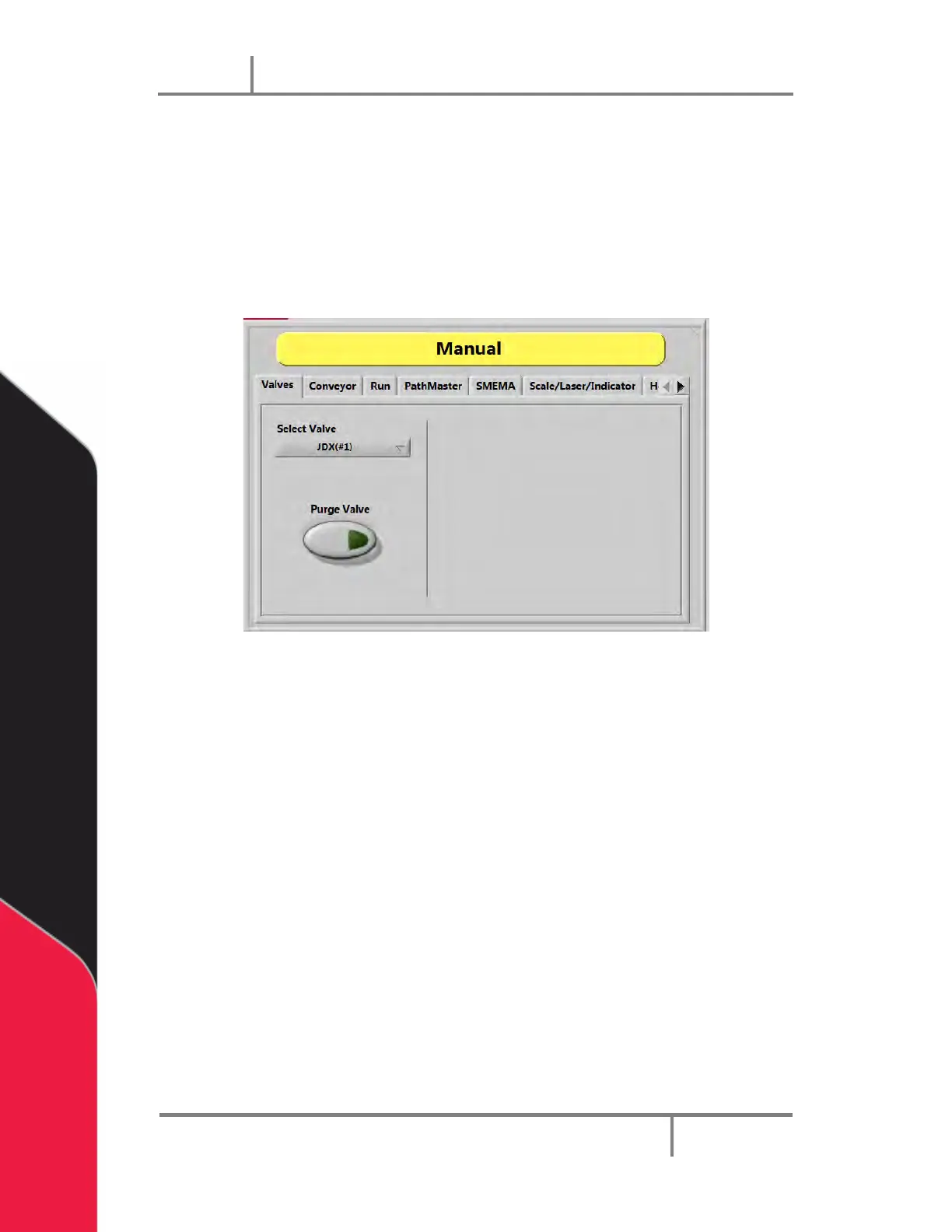
1. Select Manual Mode.
2. Select the Valves tab.
3. Click on the Select Valve drop down menu, and select a recipe for the JDX valve.
A screen will show that the parameters are loading.
Figure 29: Valves Tab
NOTE: The settings are found in the tabs shown when you select the Jetter tab.
These settings and changes apply only in Manual mode.


 To Next Page