20
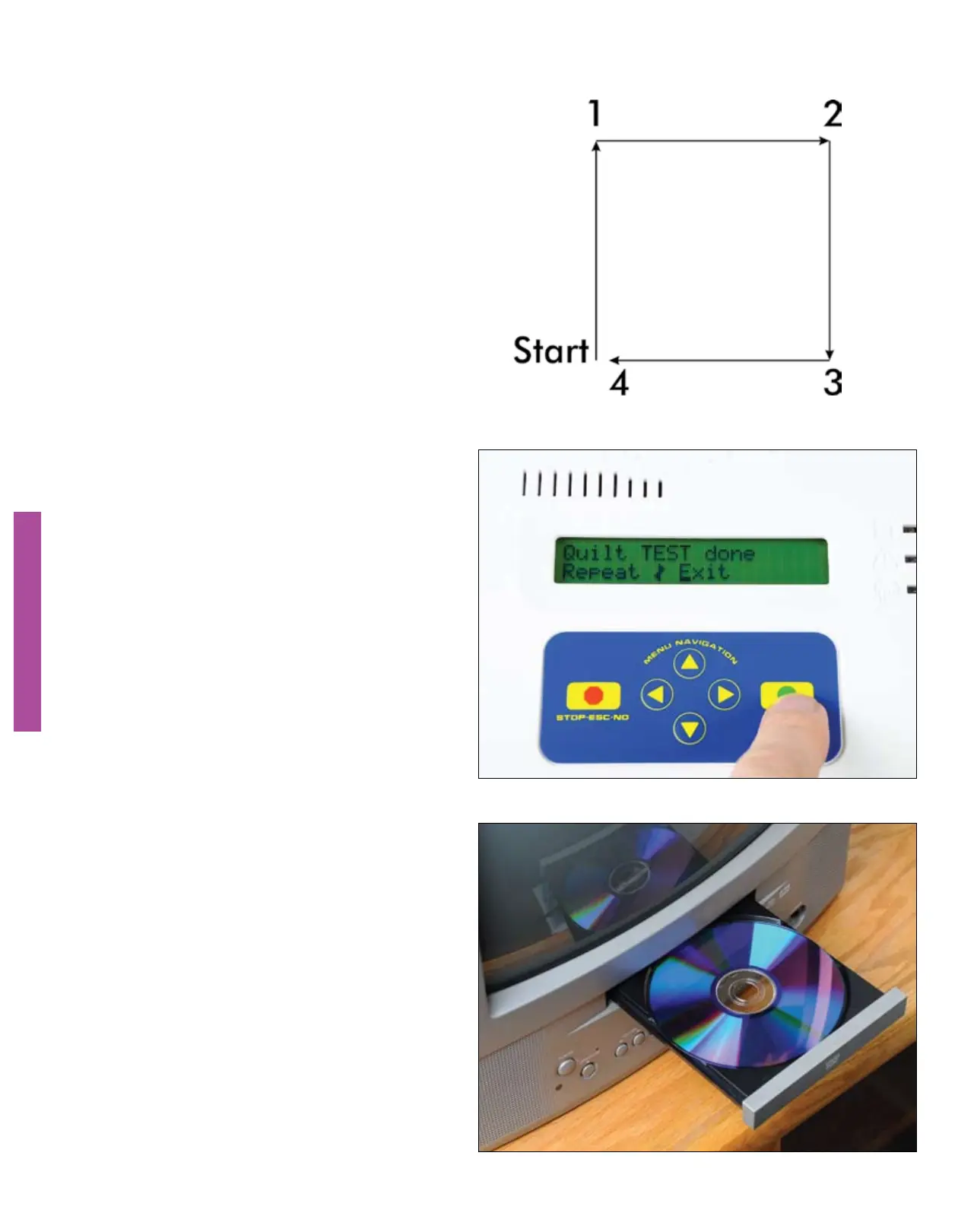
The QBOT will move the sewing
machine in a square from the lower
left corner to the upper left corner to
the upper right corner to the lower
right corner, then back to the lower
left corner. If your results are different,
please consult the troubleshooting
section of this manual.
VERIFYING THE INSTALLATION
VERIFYING THE INSTALLATION
After pressing the ‘GO’ button the
carriages will begin to move in the
direction of the test pattern.
At the end of the test design, you will
be asked to “Repeat|Exit”. Touch the
right navigation arrow until the cursor
blinks over the “E” in “Exit”. Touch
GO. You are ready to start quilting.
Your QBOT is now installed and you
are ready to begin quilting with your
QBOT. Load some fabric onto your
quilting frame, following the loading
instructions that came with your
quilting frame. You may now skip to
the ‘Quilting with QBOT’ section of
this manual.
To see more details of this procedure,
please view the quilting section of the
DVD that is included with your QBOT.


 To Next Page