QUILTING WITH YOUR QBOT
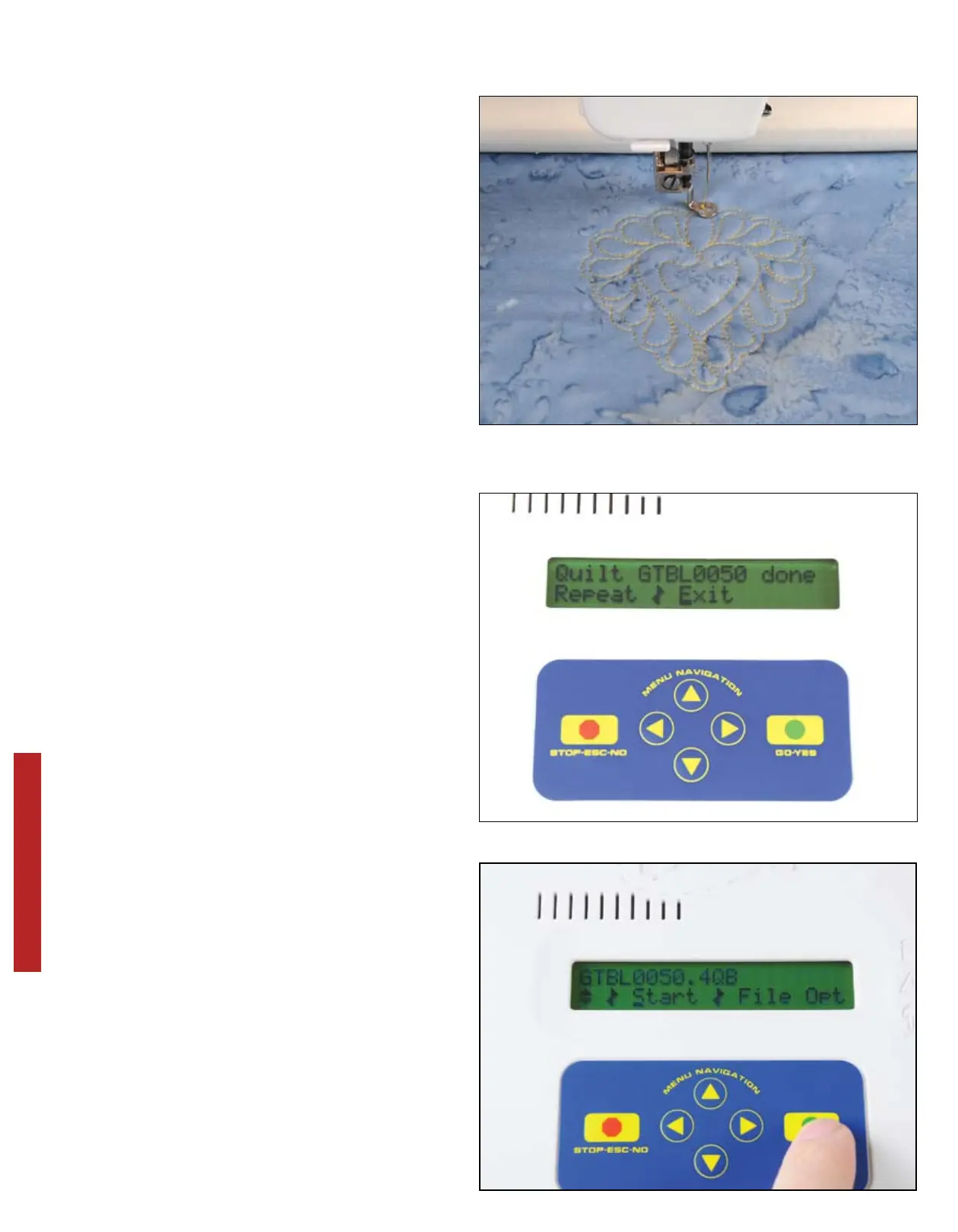
Here is pattern GTBL0050.4QB quilted
out. Isn’t this great?! Your heart may
be a slightly different size, but the pro-
portion should be the same. You have
just completed the quilting process with
the QBOT. About 80% of your QBOT
quilting will be similar to the process
that you just performed.
You selected a design, sized the design
by choosing the upper-right and lower-
left points of the block, chose to keep it
proportional, and pressed ‘GO’.
Your QBOT now asks you whether you
want to Repeat|Exit. We are going to
explore more features of the QBOT.
Use the right navigation button to move
the cursor to ‘Exit’. Press ‘GO’.
The same design file (GTBL0050) ap-
pears in the display. This time we are
going to make the same heart fill up a
rectangle. With the cursor over ‘Start’,
press ‘GO’.
26


 To Next Page