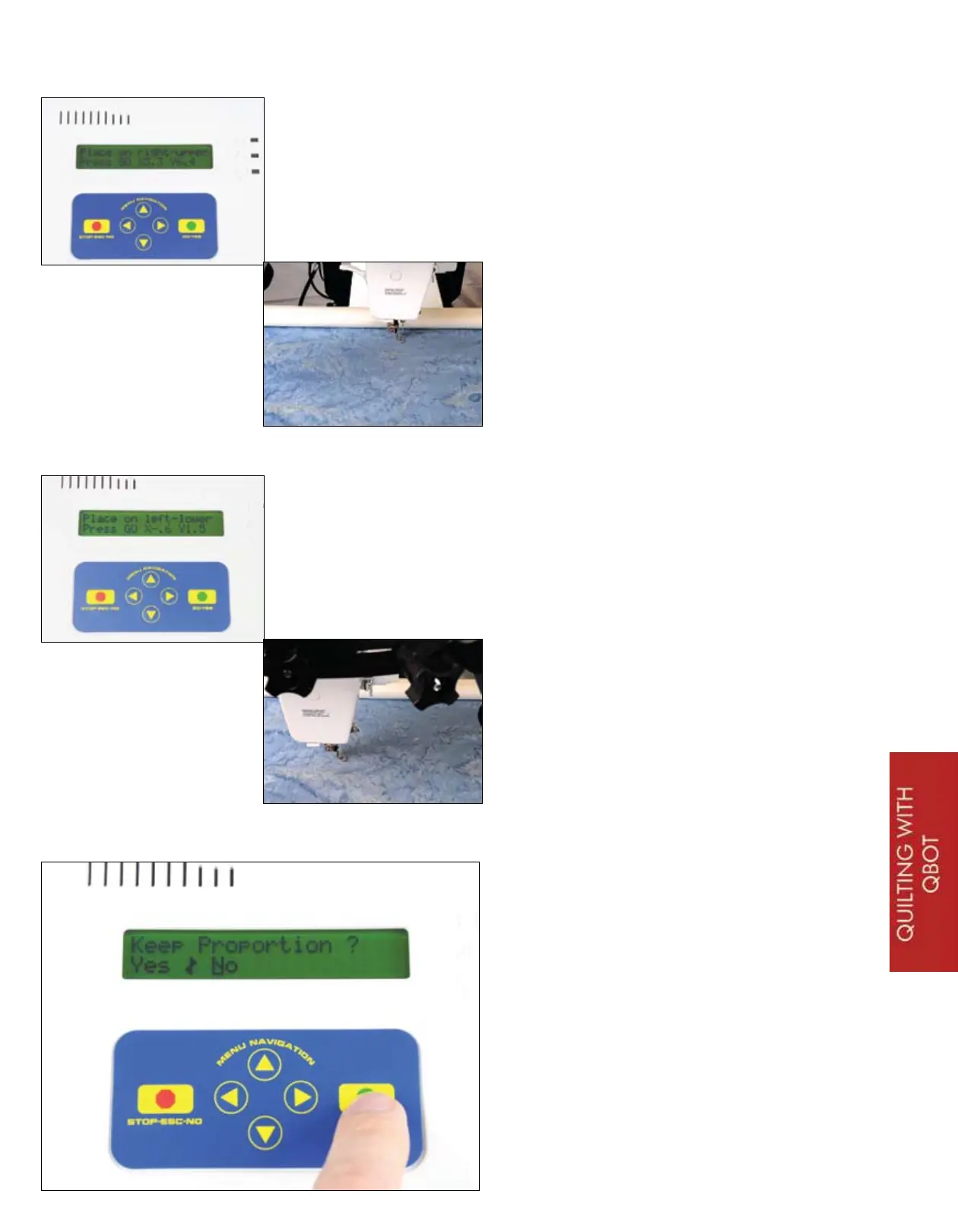
You are shown the ‘Place on right-up-
per’ menu again. If you have made the
QBOT technique quilt, choose the right-
upper corner of the small rectangle.
Press ‘GO’.
QUILTING WITH YOUR QBOT
Now, place the needle on the left-lower
corner of the block. If you are not us-
ing the QBOT technique quilt, choose
a point that is about 3 inches to the
left, and about 5 inches down from the
right-upper corner. A rectangle of this
proportion will highlight the difference
between proportional and non-propor-
tional scaling. Press ‘GO’.
Here at the ‘Keep Proportion?’ menu,
select ‘No’. Press ‘GO’. The QBOT will
scale the file to fill up the area of the
rectangle. When finished, the design
will look stretched in the vertical direc-
tion.
27


 To Next Page