QUILTING WITH YOUR QBOT
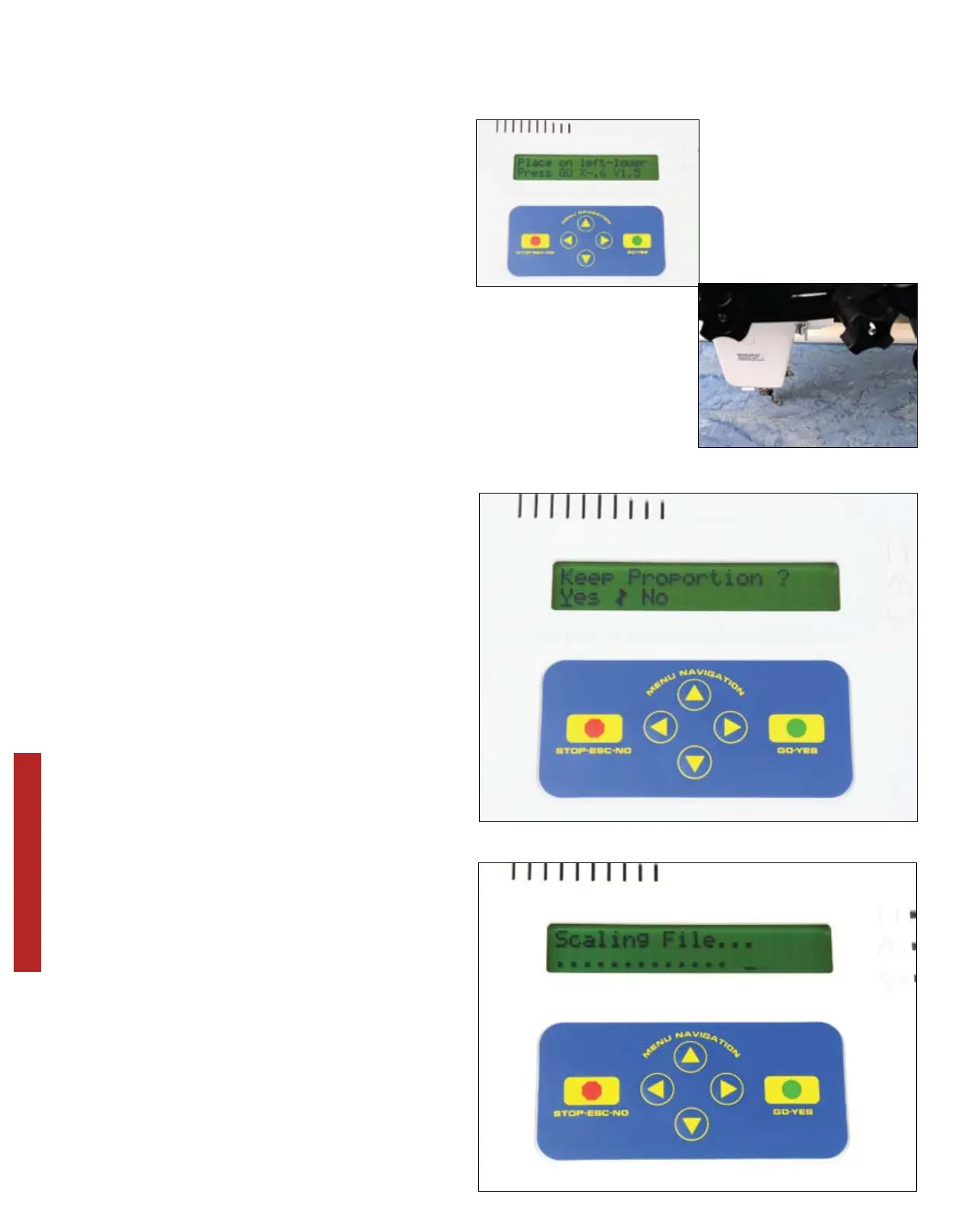
Your QBOT now asks you to ‘Place on
left-lower’. This will define the left lower
corner of your quilting area. If you are
using the QBOT technique quilt select
the lower left corner of the first 5-inch
square. Here, you will move to a point
that is to the left and below the first point
that we defined as the right-upper. Press
‘GO’.
Your QBOT now asks you whether you
want to ‘Keep Proportion?’ If you choose
‘Yes’, your QBOT will keep the relative
height and width of the design the same
even if the design was made larger
or smaller than the original. For this
exercise, we want to keep proportion, so
we highlight ‘Yes’ and Press ‘GO’.
Your QBOT now shows you that it is
scaling the design. You will see the
‘Scaling File’ message, and the dots will
cycle back and forth along the bottom
of the display. Depending on the size
of the file, scaling may take a couple of
seconds to a minute or two.
24


 To Next Page