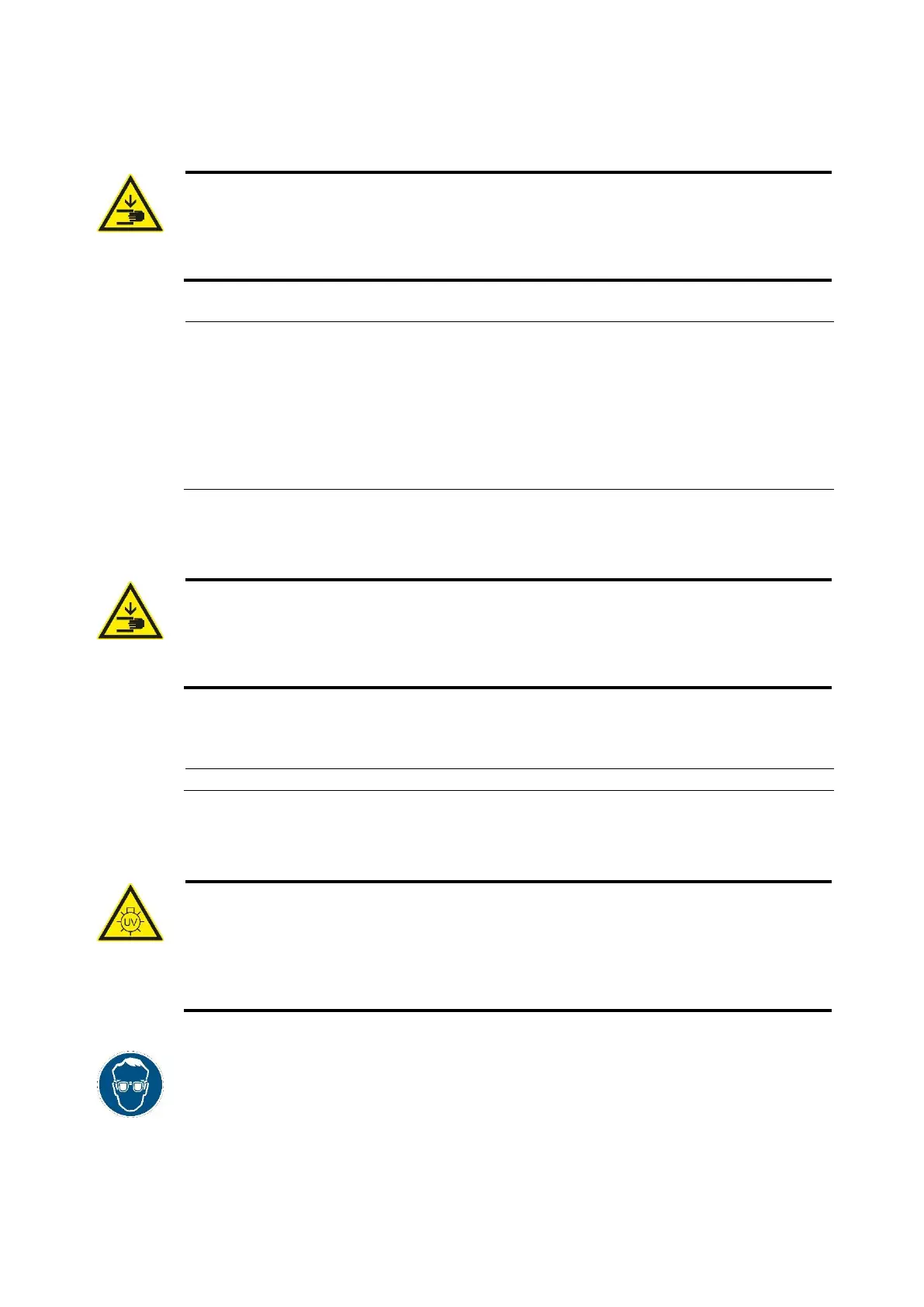
Rapid Shape Operating Instructions
Caution
Danger of injury to hands due to moving parts!
The machine consists of accessible moving parts which can cause light hand injuries from
bruising and trapping. There is a risk of bruising and trapping due to moving of the building
platform. Only personnel instructed in the machine may operate the machine.
(1) If open, close the protective hood.
(2) Switch on the machine at the main switch on the machine’s rear side.
(3) The machine starts up:
- The display indicates „starting machine“.
- The z-axis carries out a reference run towards the upper end position
(Attention: risk of bruising and trapping).
- The operating system starts up.
- The operating panel starts up.
6.5 Opening / closing the machine
Caution
Danger of injury to hands due to moving parts!
The machine consists of accessible moving parts which can cause light hand injuries from
bruising and trapping. There is a risk of bruising and trapping due to moving of the building
platform. Only personnel instructed in the machine may operate the machine.
The machine is equipped with a protective hood which can be opened and closed manually.
(1) Press the hood upwards (opening) / downwards (closing) at the lateral gripping areas.
6.6 Printing the first test job
Caution
Danger of injury from UV radiation!
Printing takes place under the influence of UV radiation. UV radiation can cause permanent
damage to eyes and skin if exposed for a long time without suitable protective equipment.
Therefore, during printing, work at the machine may only be performed when wearing UV
protection goggles.
• Printing process should be carried out when the protective hood is mainly closed.
• The material reservoir may only be used when it’s filled with sufficient amount of
material.
• It’s recommended to wear the UV protection goggles during any operation at the
machine.



 To Next Page