22
Top part of the display
In the first line of the introductory screen the RATIO iX3M 2 shows:
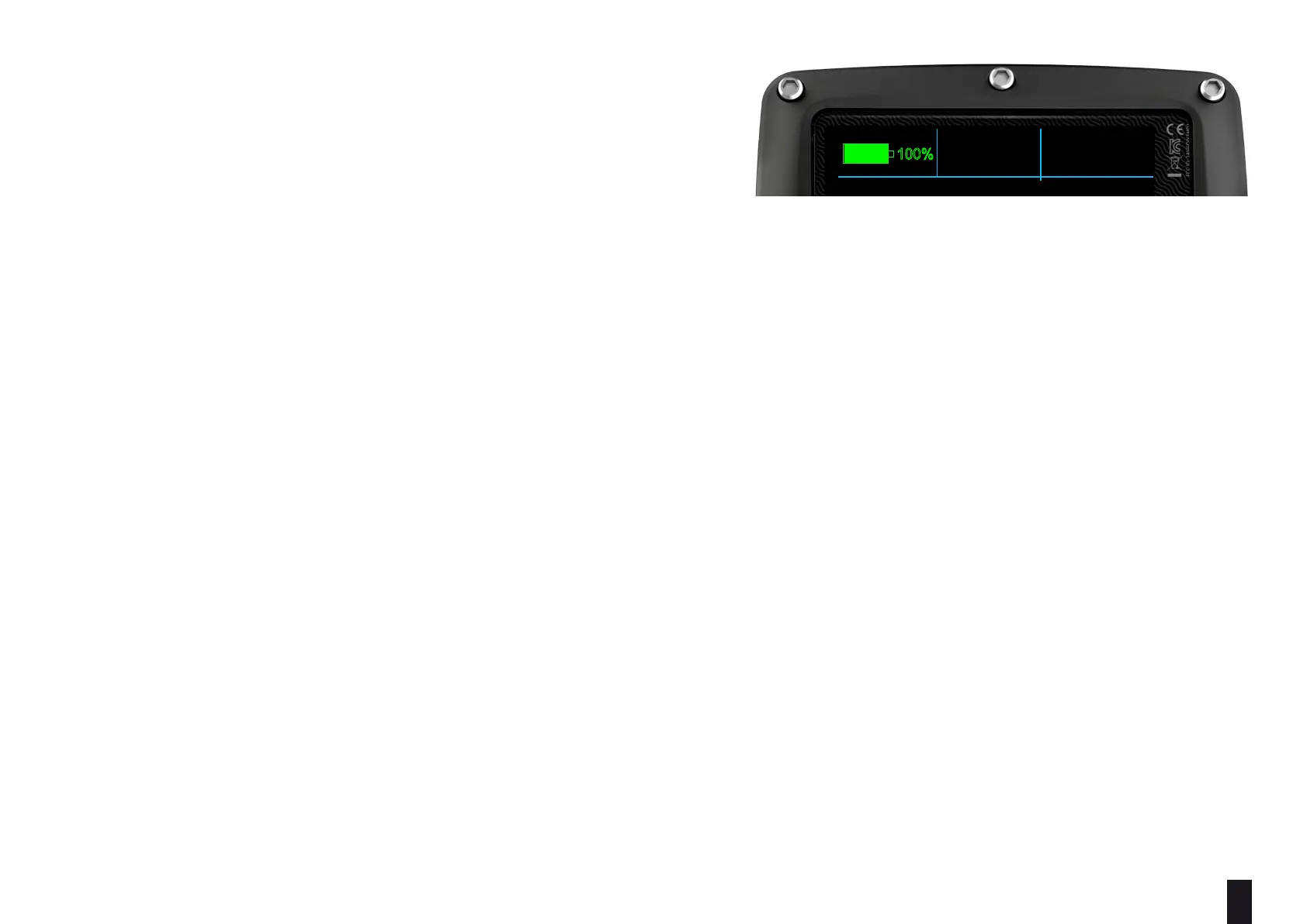
Battery indicator (on the top left side)
the RATIOiX3M 2 uses a color code to advise you on its battery status
Green color (100%->50%): Everything is ok
Yellow color (50%->20%): Alert (do not make extremely demanding
dives or in cold or freezing waters)
Red color (<20%): Recharge as soon as possible..
ATTENTION: It is suggested to not dive if the computer shows <30% of battery.
Do not dive if the computer shows <20% battery.
- Model name (position: top center)
Is possible to replace “RATIO” with your name. Connect your iX3M 2 to Ratio ToolBox to edit this part of the display.
The Ratio ToolBox is available on the support area of Ratio Computer website (www.ratio-computers.com).
- Date and Time (position: top right)
Current time and date. If a second GMT is set, iX3M 2 shows alternately GMT1 and GMT2
RATIO iX3M 2 can run up to 2 dierent time zones.
(eg. if we are in a country with a dierent time zone of our homeland’s, it is possible to set both times on the RATIO iX3M 2)
MAIN SYSTEM COMPASS DIVE
READY TO DIVE
AIR
AMBIENT PRESSURE:
TEMPERATURE:
950mb
25.9°C
MODE :
SALT
GF:
OC
93/93
12:00
01/01/2022 TU
TECH+
RATIO
100%



 To Next Page