54
Model, serial number and operative system
To navigate the menu follow the instructions in the picture on the left.
In this page you can visualize: Model name, serial number (S/N) and the installed
operative system version (OS).
In case you need assistance for your RATIO iX3M 2 these data are important.
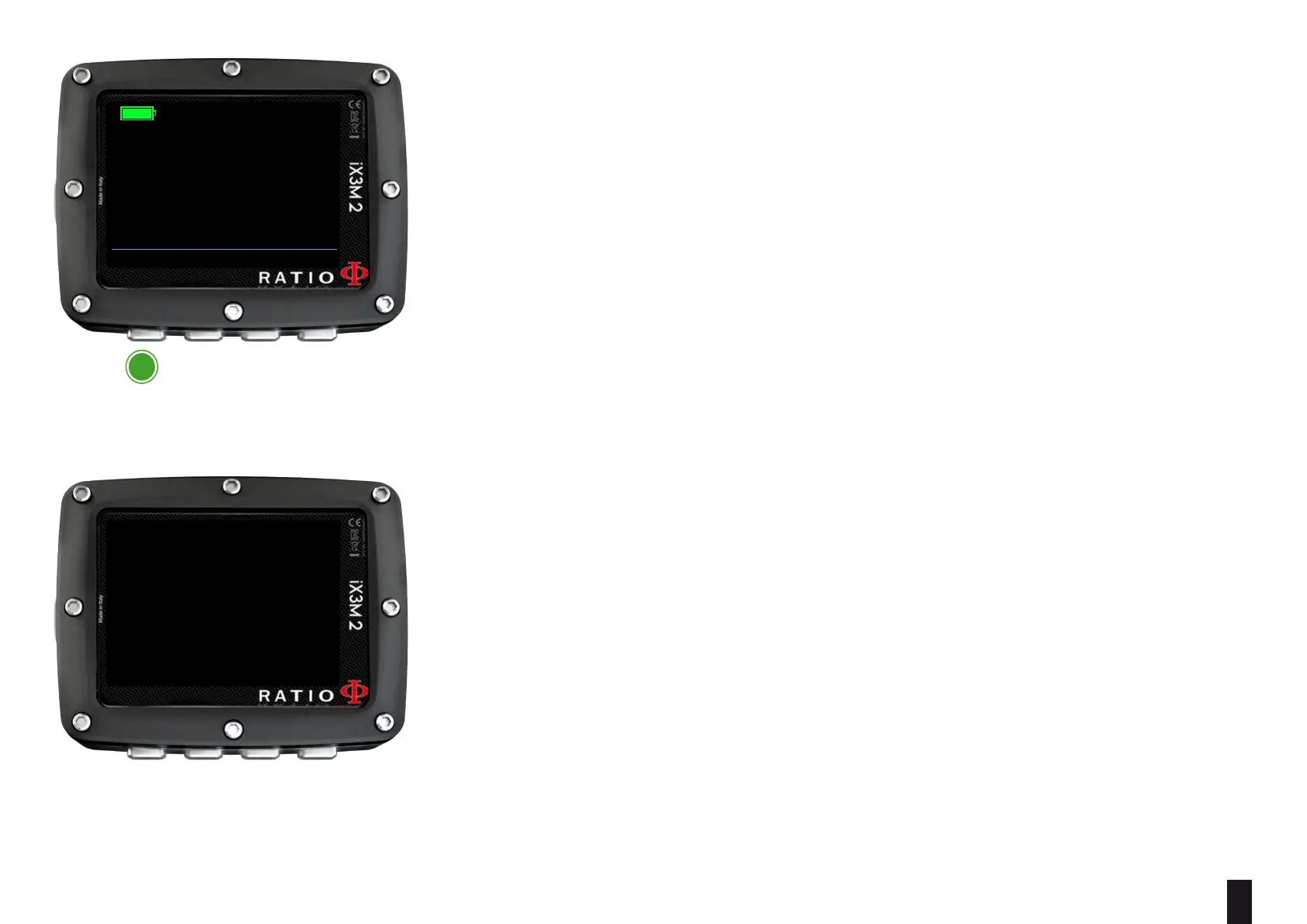
SWITCH OFF (Manual switching o)
The RATIO iX3M 2 switches o automatically after a certain inactivity period..
However, you can also switch the device o manually.
If the device is in charge, the command will be executed only once the charge is
finished.
If the device is still carrying out the tissue desaturation after a dive, the command
“switch o “ deactivates all systems which are not essential.
Nevertheless, the device goes on to carry out the desaturation calculation.
BACK
INFO
14:42
RATIO IX3M2 TECH+
100%
S/N: 070001
100% 4.11V
OS 5.1.5.X/XXX
a
eXit



 To Next Page