36
Diluent Table for RATIO iX3M 2 Tech+
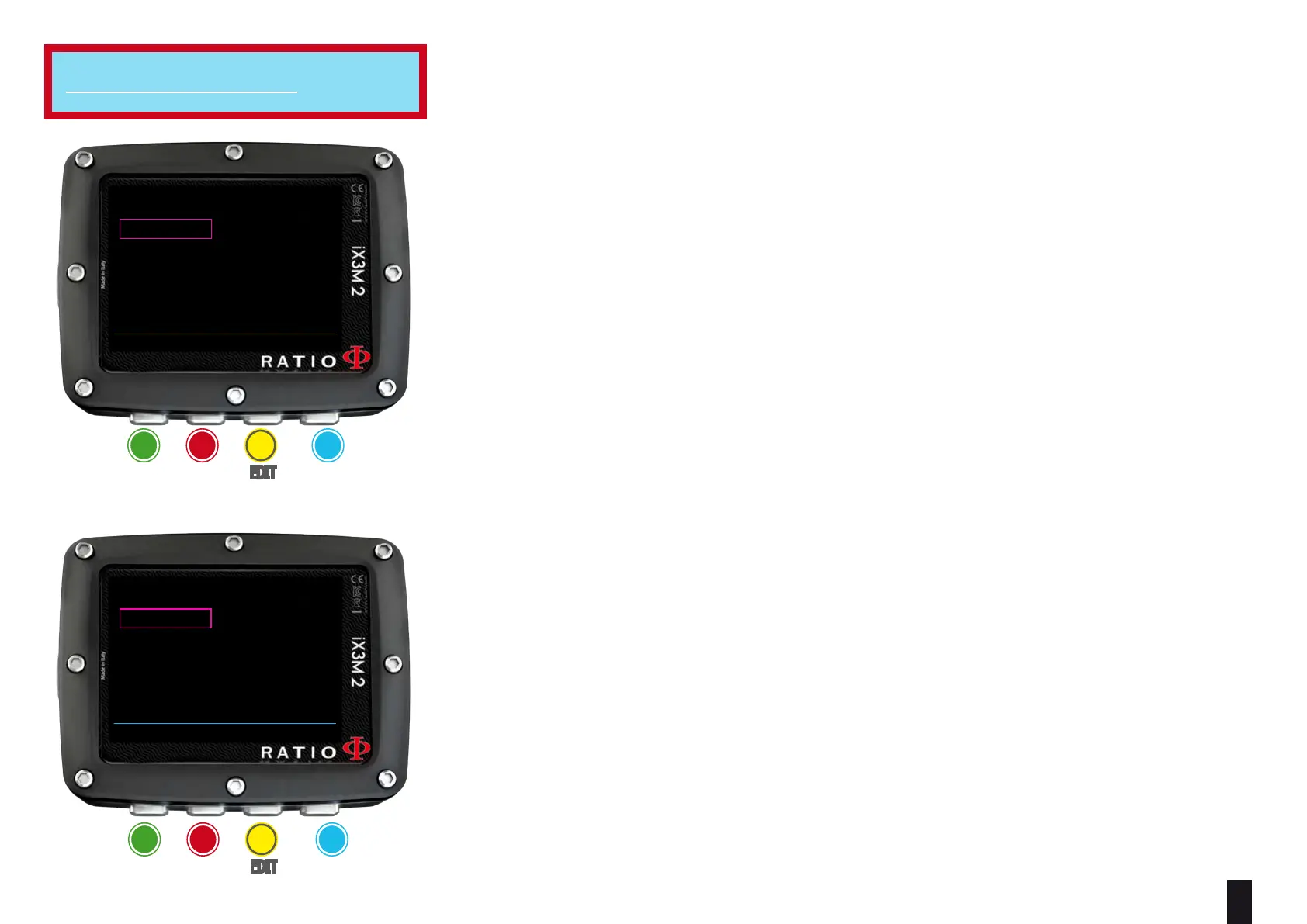
To navigate the menu follow the instructions in the picture on the left.
ATTENTION: The diluents are active ONLY if the CCR mode is ON
ATTENTION: The diluent 1 is always the starting one.
This menu shows all available diluents. Select the mix using B button, edit the selected
mix with C button and activate (ON) or deactivate (OFF) the selected diluent with D
button.
O2%: (Oxygen) Indicates the % of Oxygen in the mix.
Min. 7% Max. 100%
HE%: (Helium) Indicates the % of Helium in the mix.
Min. 0% Max. 95%
MOD: Maximum depth to which the mix created can be used. The MOD is re-
calculated automatically every time the MIX or the PPO2 value are changed. It
is not possible to change the MOD directly.
EAD: Equivalent Air Depth
Attention: Enable the Rebreather mode (CCR) only for dives with rebreather.
The CCR mode is not suitable for dives in open circuit!
Attention: Diving with Rebreather requires a specic training. Diving with
Rebreather without a suitable training or without the due caution can cause
injuries or death.
Refer to your Rebreather instructor to get instructions on how to set the correct
diluents.
For iX3M 2 Tech+
BACK NEXT EDIT ONOFF
DILUENT TABLE
1:21/00 ON
2:15/35 OFF
3:10/50 OFF
RESET
ba c D
eXit neXt eDit on / oFF
ba c D
eXit neXt eDit eDit
BACK NEXT << >>
DILUENT 2
O2%: 15
PP02: 1.60
MOD: 96
HE%: 35
EAD: 54



 To Next Page