47
SYSTEM SETTINGS
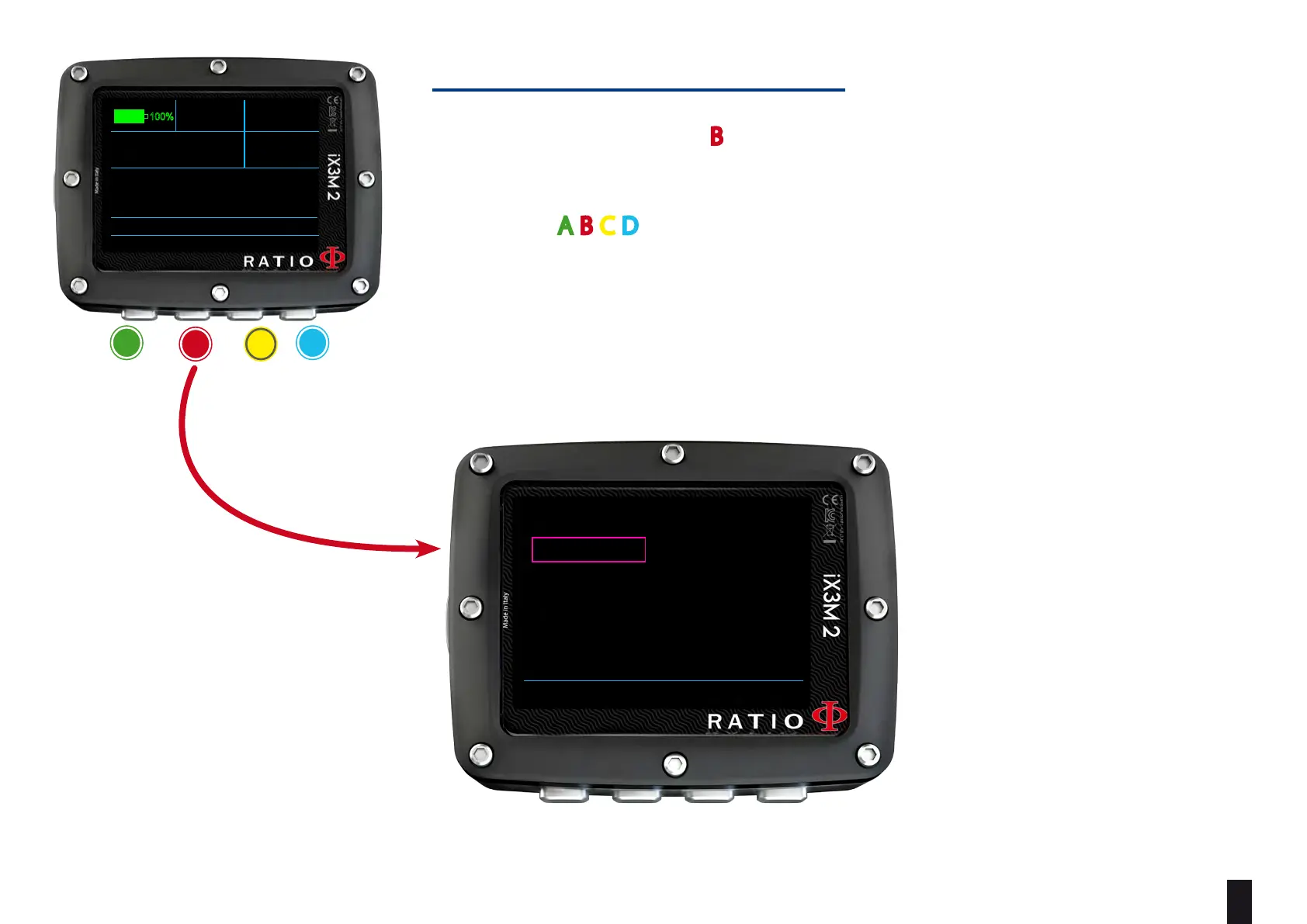
From the main screen press B buttons to have access to the menu.
Use buttons A-B-C-D as described in the picture to navigate the menu.
The selected entry is indicated in red color.
(According to your RATIO iX3M 2 model some entries might not be visualized)
Helpful tip:
You can change the RATIO iX3M 2 menu,
headlines and data colors from the menu
DISPLAY.
a
b c
D
MAIN SYSTEM COMPASS DIVE
READY TO DIVE
AIR
AMBIENT PRESSURE:
TEMPERATURE:
950mb
25.9°C
MODE :
SALT
GF:
OC
93/93
12:00
01/01/2022 TU
TECH+
RATIO
100%
BACK ENTER UP DOWN
SYSTEM SETTINGS
DISPLAY
GENERAL SETS
PC MODE
TRANSMITTER
COMPASS
DEFAULT
INFO
SWITCH OFF



 To Next Page