48
Display Set
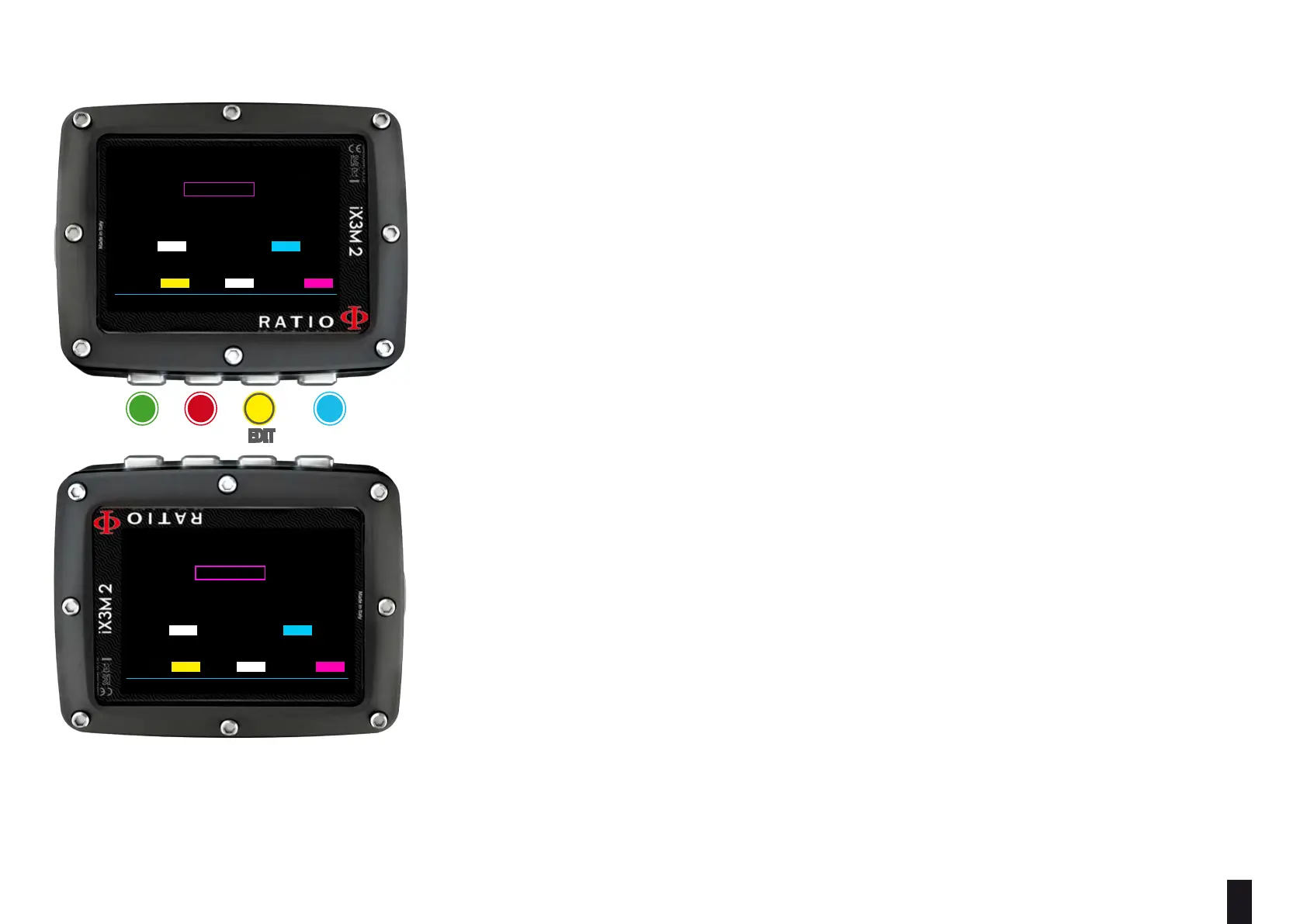
To navigate the menu follow the instructions in the picture on the left.
BACKLIGHT: Display luminous intensity. From 1 to 15
ROTATION: (0 or 180 degrees) ativates/deactivates the the ip screen.
ATTENTION: the screen’s brightness aects considerably the device’s battery run time.
COLOR CODE: The RATIO iX3M 2 allows you to change the color of the screen data .
DATA: Dive data color.
LABEL: Dive parameters labels’ color.
TITLE: the Menu headlines color.
ITEM: the dierent menu’s parameters color.
SEL: the color of the selected menu entry.
Helpful tip:
If you have any doubts on your device’s setting, you can set the company’s parameters from the menu DEFAULT
ba c D
eXit neXt eDit eDit
BACK NEXT << >>
DISPLAY SETTINGS
BACKLIGHT: LEV/MODE: 15
ROTATION: NORMAL
DIVE SCREEN COLORS
DATA:
LABELS:
DIVE SCREEN COLORS
TITLES: ITEMS: SELECT:
BACK NEXT << >>
DISPLAY SETTINGS
BACKLIGHT: LEV/MODE: 15
ROTATION: NORMAL
DIVE SCREEN COLORS
DATA:
LABELS:
DIVE SCREEN COLORS
TITLES: ITEMS: SELECT:



 To Next Page