34
ATTENTION: Mix 1 is always the starting one.
The iX3M 2 will automatically suggests a mix as soon as a best deco mix is available considering the MOD of the set mixes regardless the
label of the mix (Mix 2, Mix 3 etc.)
The iX3M 2 suggest the “best mix” during the ascent and during the descent. If you don’t want to use the best mix during the descent phase
ignore the suggestion. The iX3M 2 will adjust the deco calculations automatically.
WARNING: iX3M 2 calculates the TTS considering all the mixes set as ON.
Double check the MIX TABLE before each dive.
WARNING: Diving with Enriched air mixes or with Trimix requires a specic training. Diving with EAN or Trimix without a
suitable training or without the due cautions is dangerous! If you have not received the specific training do not change
the MIX settings and do not dive with EAN or Trimix! Set mixes are considered in the decompression calculations. Do not
set mixes that are dierent from the mixes that you will use in your dive!
ba c D
eXit neXt eDit on / oFF
BACK NEXT EDIT ONOFF
MIX TABLE
1:21/00 ON
2:50/00 OFF
3:99/00 OFF
4:18/45 OFF
5:17/50 OFF
6:15/55 OFF
7:10/50 OFF
8:05/70 OFF
9:10/70 OFF
10:15/70 OFF
RESET
MIX Table
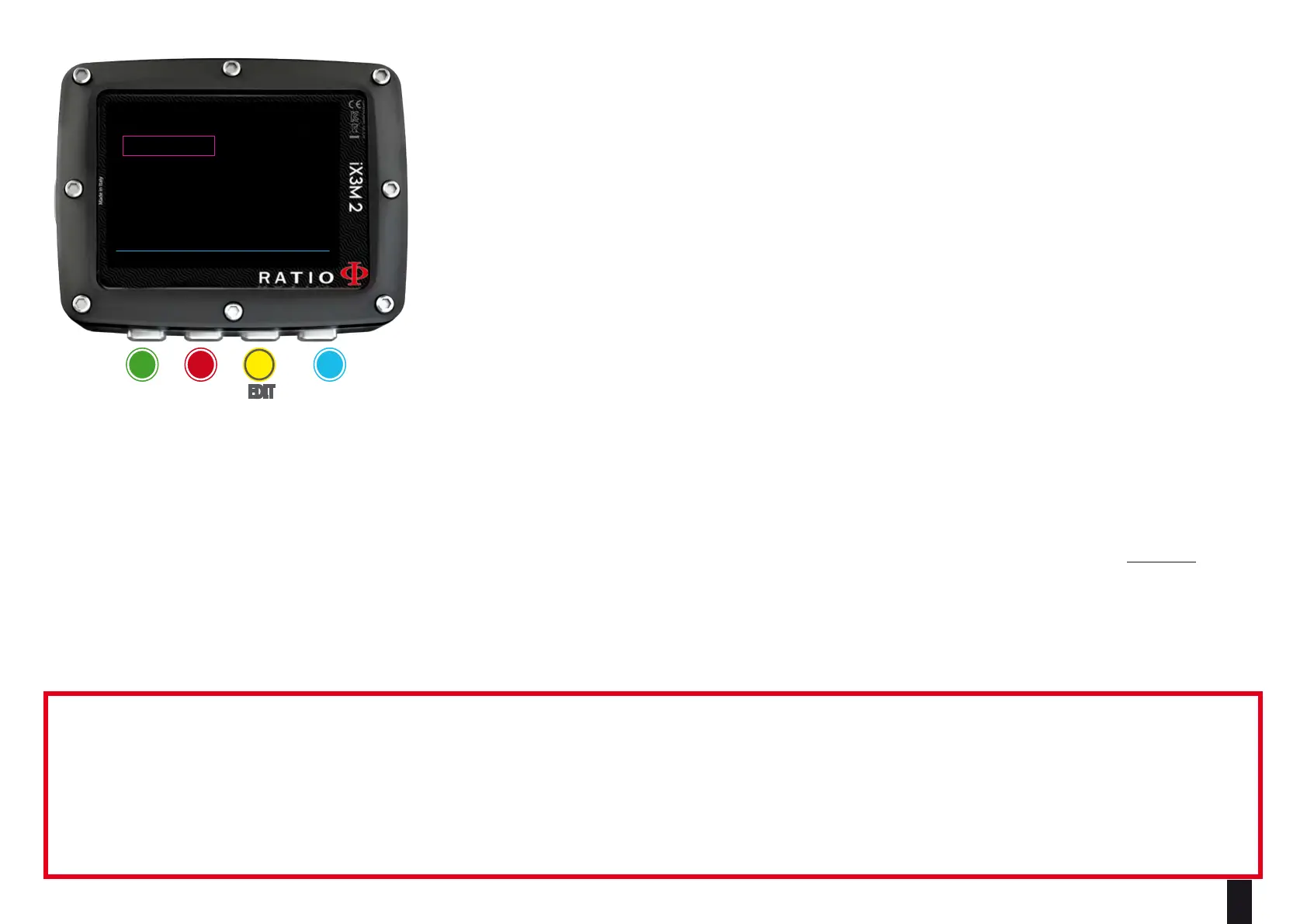
To navigate the menu follow the instructions in the picture on the left.
According to your iX3M 2 model you can set:
iX3M 2 Pro: up to 3 mixes Oxygen % from 21% to 99%
iX3M 2 Deep: up to 3 mixes
Mix 1: %O
2
from 18% to 99% %He from 0% to 50%
Mix 2-3: %O
2
from 18% to 99%
iX3M 2 Tech+: up to 10 mixes (%O
2
from 05% to 99%; %He from 0% to 95%)
MIX TABLE menu shows all available mixes. Select the mix using B button, edit the
selected mix with C button and activate (ON) or deactivate (OFF) the selected mix with
D button.



 To Next Page