65
Settings change during the dive
General Settings
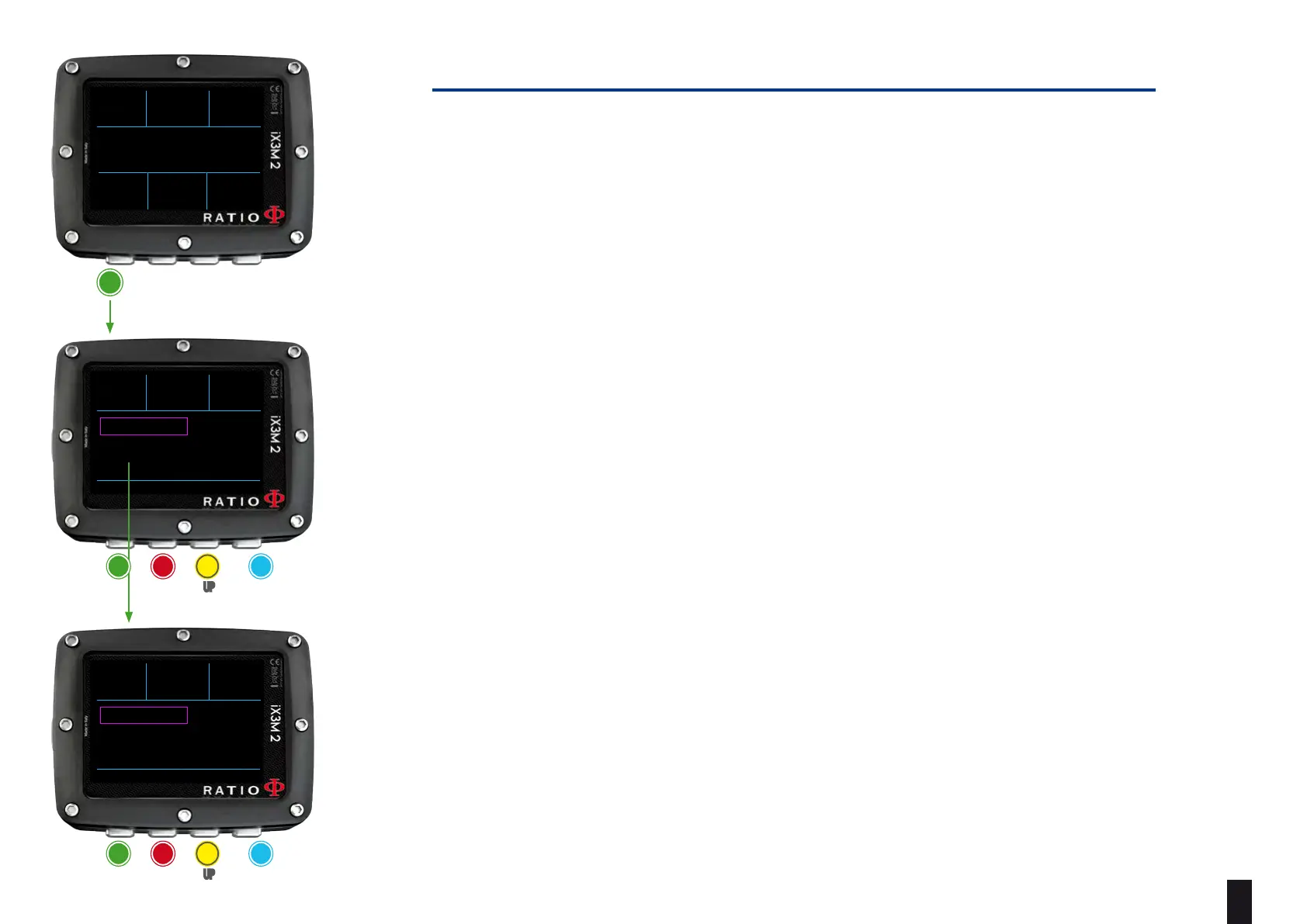
Press A button during the dive to open the General Setting menu. To navigate
follow the instruction on the picture.
MIX TABLE: Edit the MIX TABLE. (see MIX TABLE on this manual)
TRANSMITTER: Edit the Wireless Transmitter settings. (see TRANSMITTER on this
manual)
PREFERENCE: Open the Settings sub-menu
DISPLAY: edit the display settings (see DISPLAY on this manual)
DIVE ALARMS: edit the Alarms settings (see ALARMS SET on this manual)
DIVE SETS 2: edit the Safety Stop, Deep Stop end Last Stop settings (See DIVE SETS 2
on this manual)
(For iX3M 2 Tech+ only, if CCR MODE)
DILUENT TABLE: edit the diluent table. (see DILUENT TABLE on this manual)
CCR SET: edit the CCR setting (Set Points). (see CCR SET on this manual)
a
OC MIX MAX
50%
DEPTH RUNTIME NDL
PPO2
21
0.86
12
5
.2
m
:00
45
.2
m
DEPTH RUNTIME NDL
31
12
5
.2
m
:00
BACK ENTER UP DOWN
MIX TABLE
TRASMITTER
PREFERENCE
DEPTH RUNTIME NDL
31
12
5
.2
m
:00
BACK ENTER UP DOWN
MIX TABLE
TRASMITTER
PREFERENCE
DEPTH RUNTIME NDL
31
12
5
.2
m
:00
BACK ENTER UP DOWN
DISPLAY
DIVE ALARMS
DIVE SETS 2
ba c D
eXit select Up DoWn
ba c D
eXit select Up DoWn



 To Next Page