33
CCR Settings for RATIO iX3M 2 Tech+
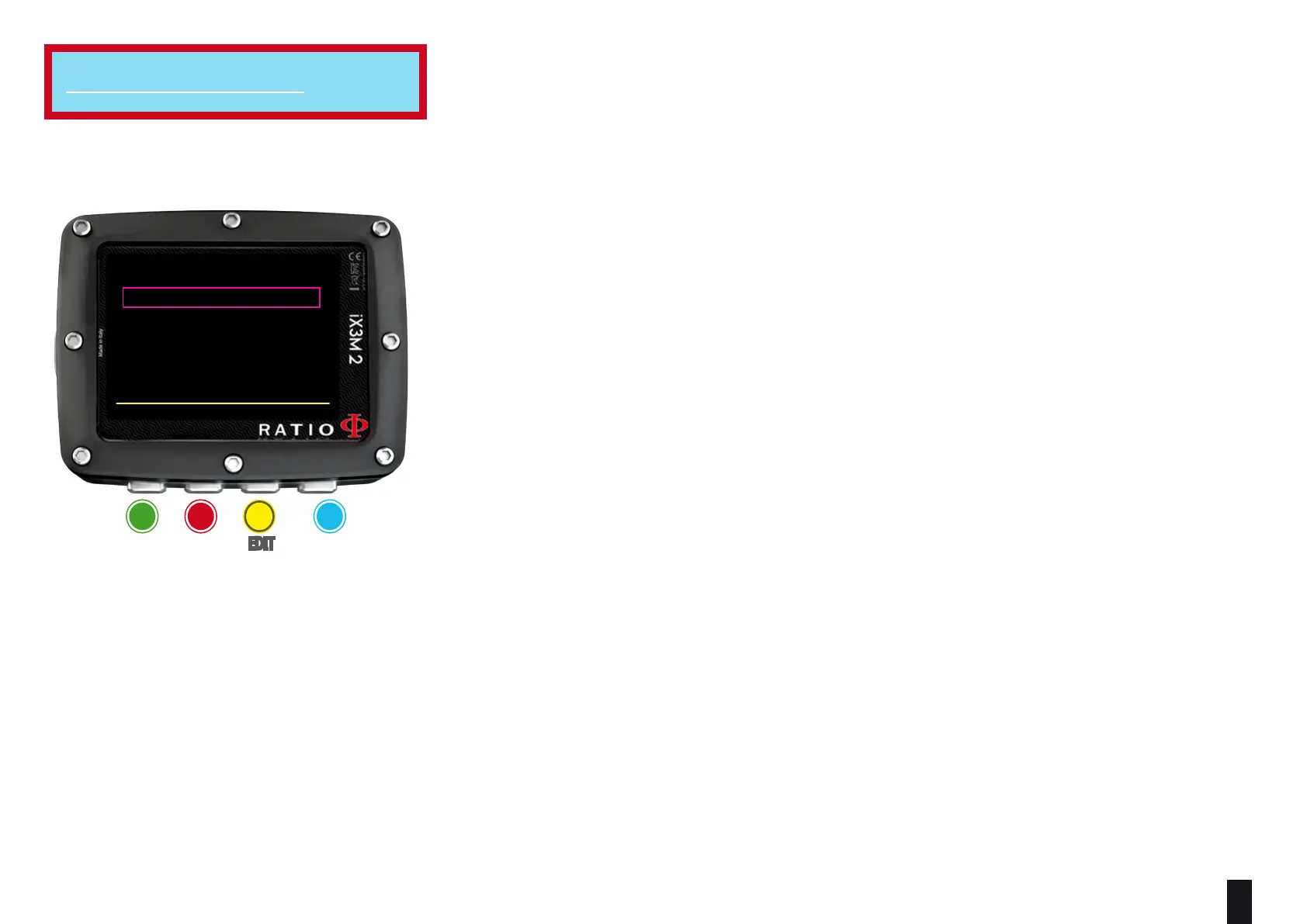
To navigate the menu follow the instructions in the picture on the left.
SETPOINT LOW: Range 0.40 a 1.60. It is the starting setpoint.
DEPTH 1: Automatic switch from SETPOINT LOW to SETPOINT MID and vice versa.
SETPOINT MED: Range 0.40 a 1.60 (Step 0.05)
DEPTH 2: Automatic switch from SETPOINT MID to SETPOINT HIGH and vice versa.
SETPOINT HIGH: Range 0.40 a 1.60 (Step 0.05)
SETPOINT MODE:
AUTO = During the dive the iX3M 2 will automatically switch from SETPOINT LOW to
SETPOINT MID at DEPTH 1, from SETPOINT MID to SETPOINT HIGH at DEPTH 2 and (during
the ascending) from SETPOINT HIGH to SETPOINT MID at DEPTH 2 and from SETPOINT MID to
SETPOINT LOW at DEPTH 1.
MAN= The Set Point have to be managed manually during the dive.
(See “Change the set point during a dive” on this manual)
During the dive you can switch from AUTO to MAN,
During the dive you can NOT switch from MAN to AUTO.
(See “Change the set point during a dive” on this manual)
Attention: Enable the Rebreather mode (CCR) only for dives with rebreather. The CCR mode is not suitable for dives in open circuit!
Attention: Diving with Rebreather requires a specific training !!!
Diving with Rebreather without a suitable training or without the due caution can cause injuries or death.
Refer to your Rebreather instructor to get instructions on how to set the SET POINT.
For iX3M 2 Tech+
ba c D
eXit neXt eDit eDit
BACK NEXT << >>
CCR SETTINGS
SETPOINT 1: 0.70
DEPTH 1: 5m
SETPOINT 2:
1.30
DEPTH 2: 80m
SETPOINT 3: 1.10
SETPOINT MODE: AUTO



 To Next Page