63
Mix Change during the dive
If besides the bottom mix in the mix chart, decompressive mixes are set as well, the
computer will warn the user when it’s the right moment to change the mix, making
the MIX area (on bottom left of the main screen) ash in yellow.
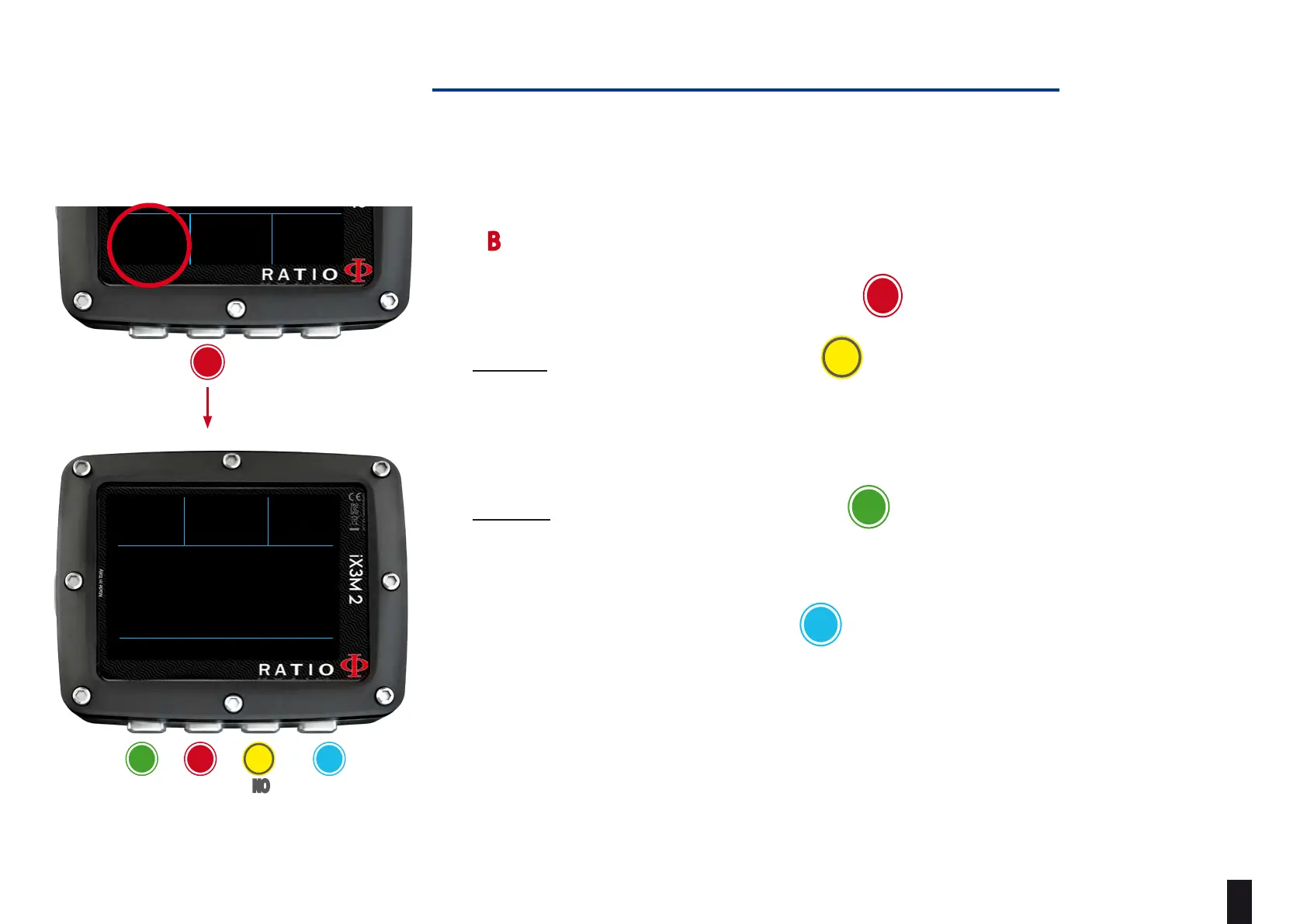
Press B (when MIX is ashing) to open MIX CHANGE menu
- To CONFIRM the suggested MIX press YES
- To REFUSE the MIX change press NO
(Warning, if you REFUSE the mix change the suggested mix will be DISABLED.iX3M
2 assumes that you will not be able to use the suggested mix during the dive.) You
can reactivate the mix in the MIX TABLE (see following pages)
- To IGNORE the mix change press BACK
In this case iX3M 2 assumes that you are able to use the suggested mix, but you
want to postpone the mix change.
- To open the MIX TABLE press “MIX“
b
c
a
D
DEPTH RUNTIME TTS
5
10
75
.5
m
:00
BACK YES NO MIX
CHANGE MIX? EAN99
ba c D
eXit yes no miX
table
OC MIX MAX
50%
DEPTH RUNTIME NDL
PPO2
21
0.86
12
5
.2
m
:00
45
.2
m
OC MIX
50%
+16°
C 0.00
TEMP
ASC
b



 To Next Page