53
Compass settings (COMPASS)
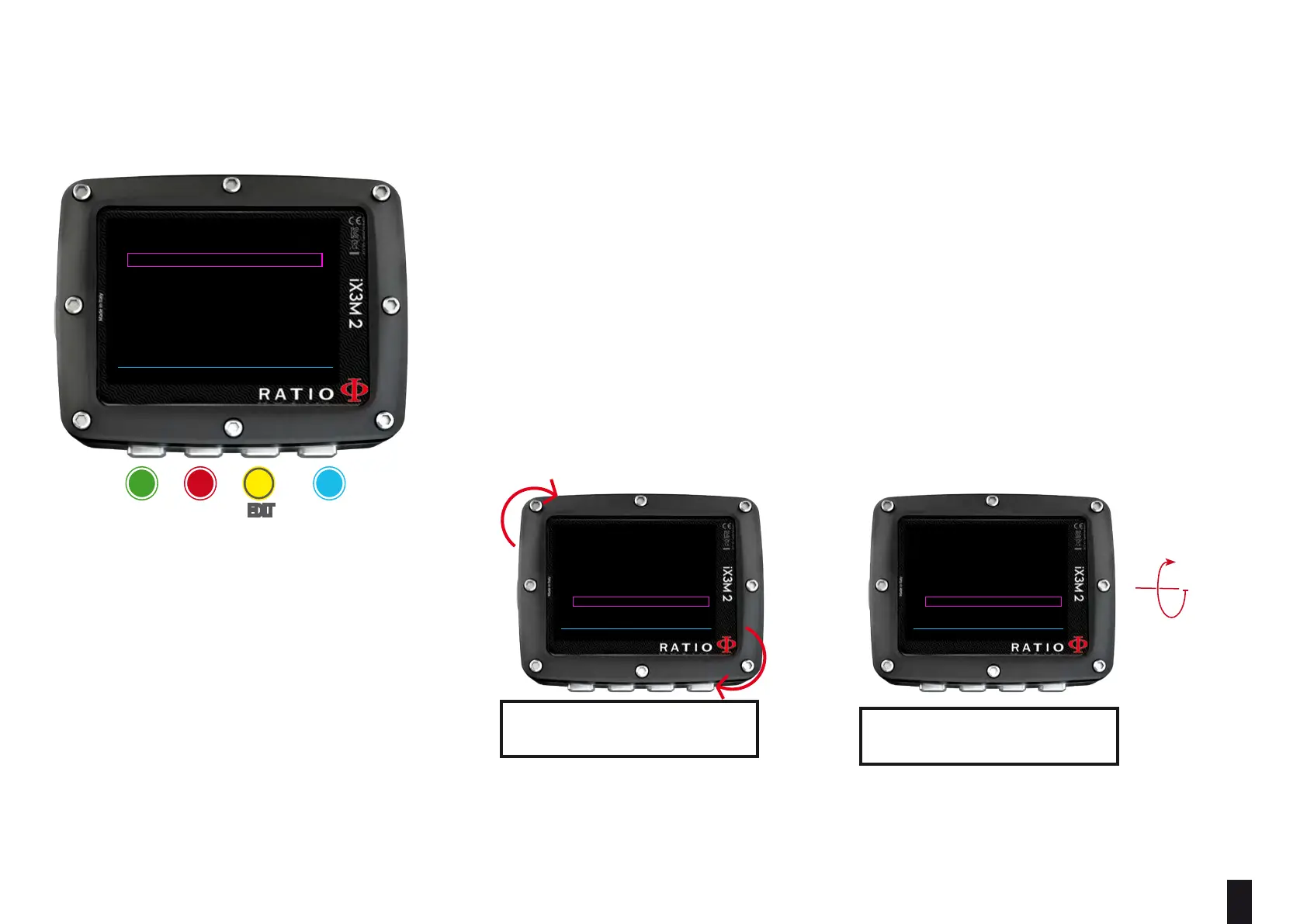
To navigate the menu follow the instructions in the picture on the left
DECLINATION: The declination is meant to compensate the dierence
between the geographic and the magnetic north; this factor
.can be found visiting dedicated web sites.
DIRECTION: EAST/WEST. The direction is meant to indicate the direction of
the magnetic field’s declination.
Helpful tip:
You can deepen your knowledge about the compass’ Direction and Declination on:
https://en.wikipedia.org/wiki/Magnetic_declination
CALIBRATE: Calibrate the compass. (see pictures below)
BACK NEXT << >>
COMPASS SETTINGS
DECLINATION: 0.0
DIRECTION: EAST
CALIBRATE: ROTATE
rotate
tilt
Slowly and constantly turn the
unit on a at surface.
Slowly and constantly turn the
uniton its vertical axis.
For a correct survey, carry out the calibration far from magnetic eld sources i (PC, TV, light poles etc.)
BACK NEXT << >>
COMPASS SETTINGS
DECLINATION: 0.0
DIRECTION: EAST
CALIBRATE: START
BACK NEXT << >>
COMPASS SETTINGS
DECLINATION: 0.0
DIRECTION: EAST
CALIBRATE: TILT
ba c D
eXit neXt
eDit eDit



 To Next Page