35
Edit a MIX
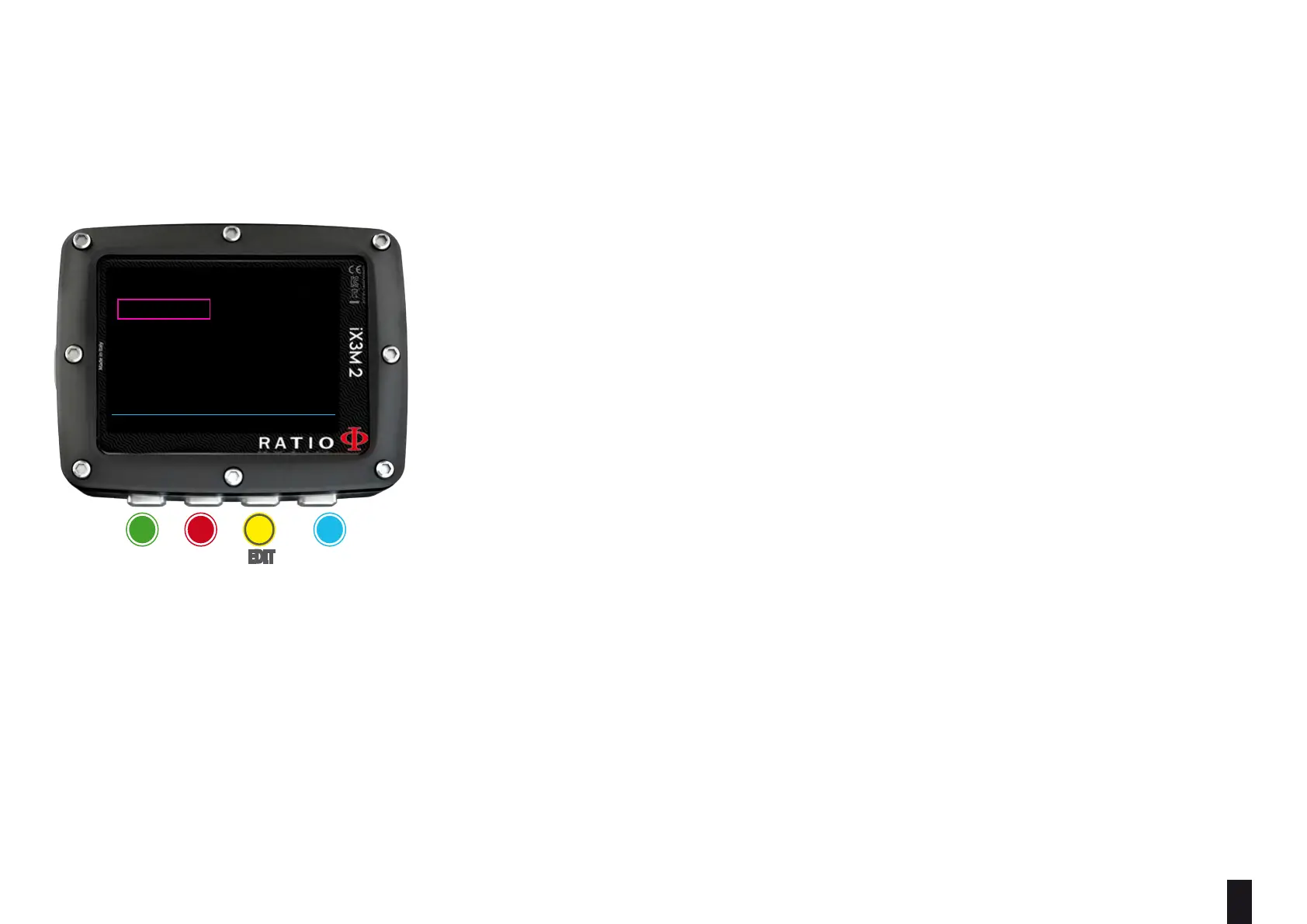
To navigate the menu follow the instructions in the picture on the left.
O2%: (Oxygen) Indicates the % of Oxygen in the mix.
HE%: (Helium) Indicates the % of Helium in the mix.
(0
2
+ He % can not be higher than 100% at anytime. If “0
2
+ He % > 99” iX3M 2
automaticcaly reduces the % of He in the Mix.
PPO2: (Partial O2 pressure): It indicates the maximum PPO2 that you want to
tollerate using the mix during the dive.
MOD: Maximum depth to which the mix created can be used. The MOD is re-calculated
automatically every time the MIX or the PPO2 value are changed. It is not possible to
change the MOD directly.
During the dive an acoustic alarm will be activated if MOD value is exceeded (see
“ALARM” on this manual). Once activated press and hold A button to mute the
alarm.
EAD (Equivalent Air Depth): The equivalent air depth, for a given nitrox mix and
depth, is the depth of a dive when breathing air that would have the same partial
pressure of nitrogen.
ba c D
eXit neXt
eDit eDit
BACK NEXT << >>
MIX 2
O2%: 50
PP02: 1.60
MOD: 22
HE%: 00
EAD: 9



 To Next Page