32
Deco Stop for RATIO iX3M 2 Tech+
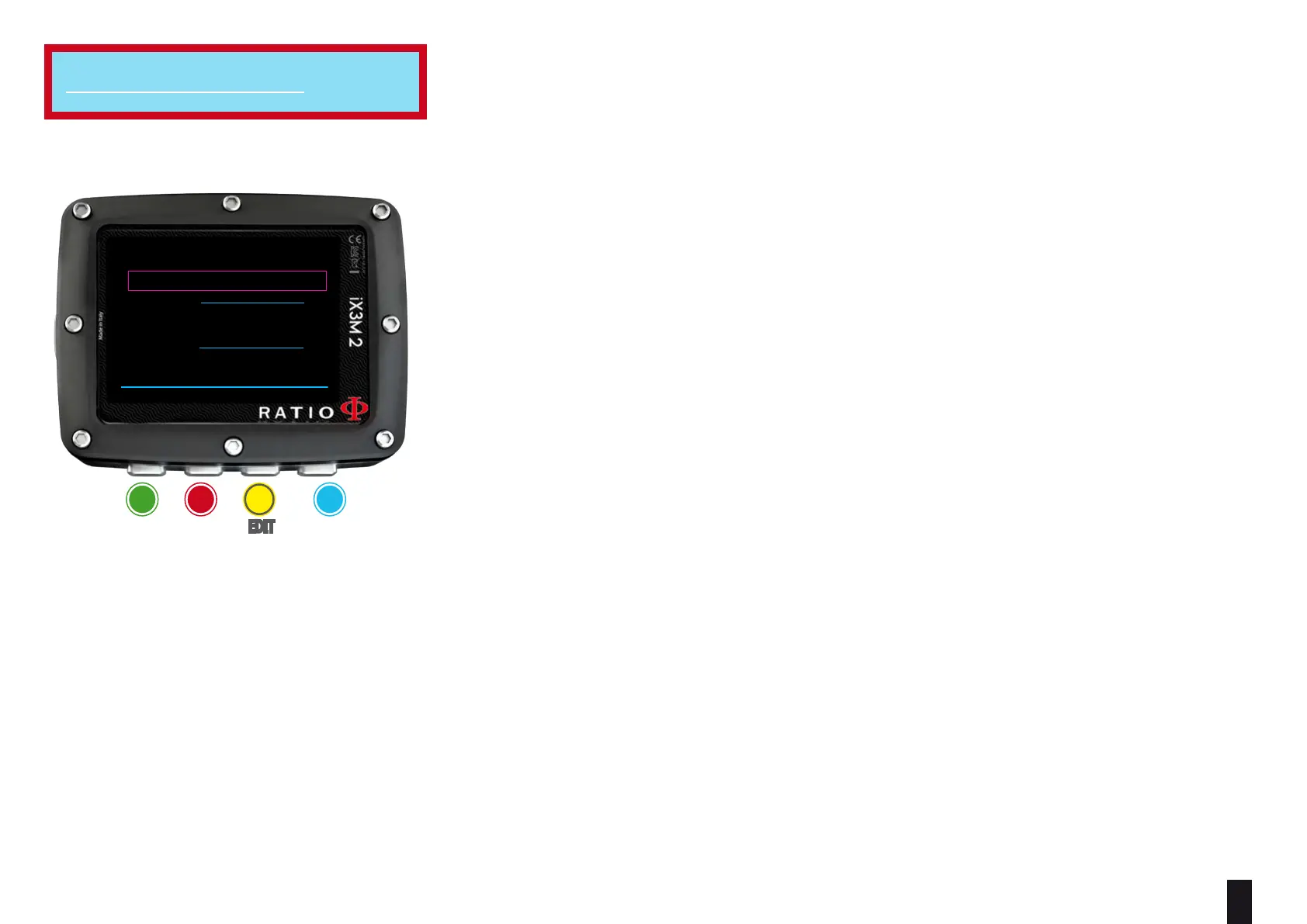
To navigate the menu follow the instructions in the picture on the left.
The whole dive profile is divided in 3 depth zones.
First Zone: from the surface to depth DEPTH1.
Second Zone: from DEPTH1 to DEPTH 2.
Third Zone: from DEPTH2 to the maximum depth reached during the dive
For every depth zone it is possible to specify which decompression step to use to
calculate the dierent stops in that zone by the parameters STEP1, STEP2, STEP3.
example:
<-- see the settings in this picture
With this settings, for depths below 48mt the stops will be spaced out of 5 mt
between them; the stops included between 48 mt and 15 mt will be spaced out of
3 mt while the stops between 15 mt and the surface will be spaced out of 3 mt.
Helpful tip: To force the last stop to a preset depth (eg. 6mt) you can set STEP1=6mt and DEPTH1=6mt
Helpful tip: You can keep the buttons C or D pressed to change the iX3M 2 data more rapidly.
STEP parameters can be modified with step of 1.0mt.
DEPTH parameters can be modied with step of 1.0mt.
Helpful tip:
If you have any doubts on your device’s setting, you can set the company’s parameters from the menu DEFAULT
For iX3M 2 Tech+
WARNING: Do not change the DECO STOP setting if you are not sure what you are doing and you received the
proper training! Keep in mind that the STEP 1 value aects the “LAST STOP” setting (see the previous page).
ba c D
eXit neXt eDit eDit
BACK NEXT << >>
DECO STOP
STEP 1: 3m
DEPTH 1:
15m
STEP 2: 3m
DEPTH 1:
48m
STEP 3: 5m



 To Next Page