24
Bottom part of the display
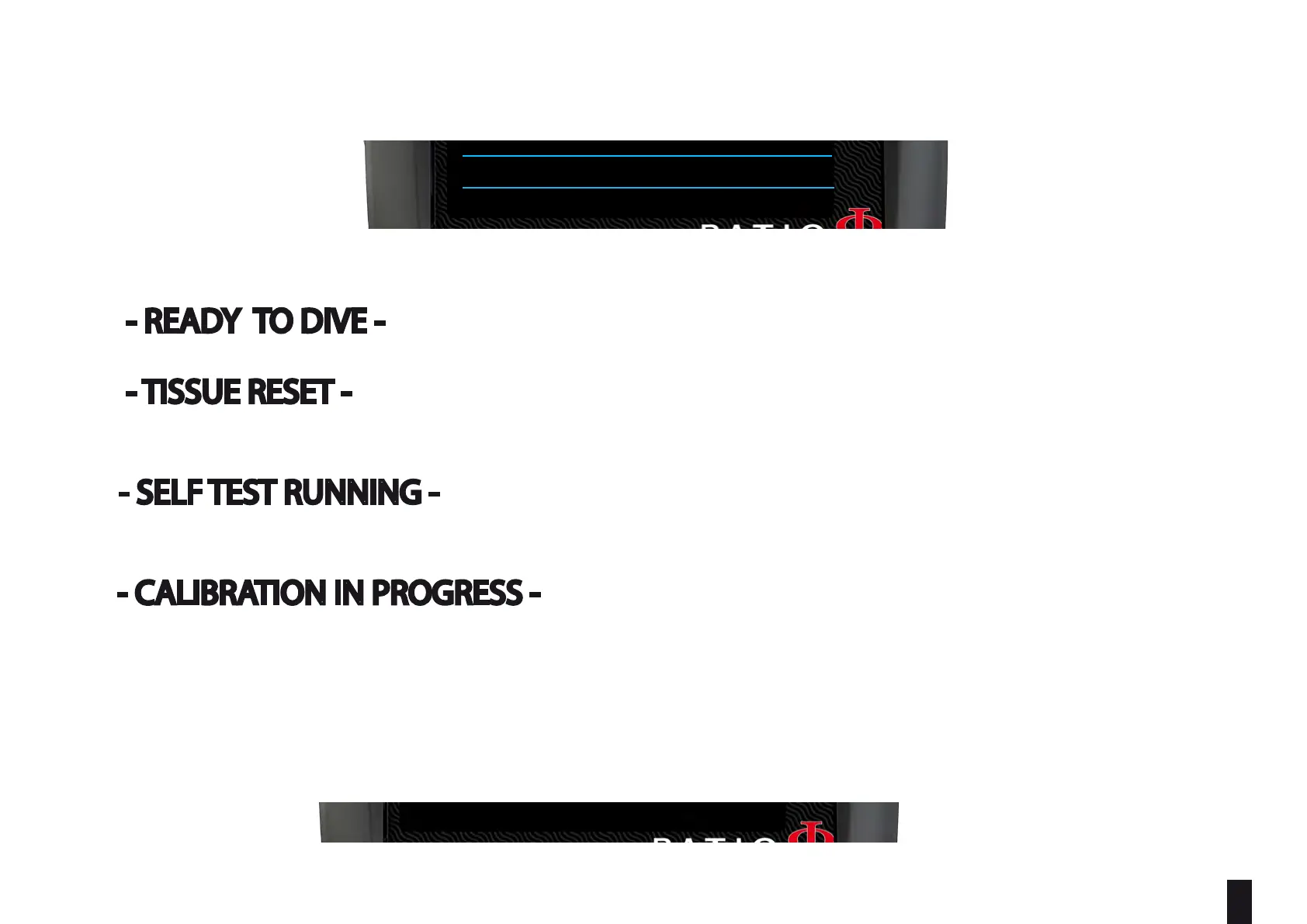
- Shows the current status of the unit:
- READY TO DIVE - : The iX3M 2 is ready to dive.
- TISSUE RESET - : A “RESET TO DEFAULT => TISSUE” as been performed on the unit (see RESET TO DEFAULT on
this manual). This message will disappear after 48 hrs from the reset or after your next dive.
- SELF TEST RUNNING - : iX3M 2 is performing a system check. You can activate the self test holding A
button for more than 7 seconds. Do not dive when the iX3M 2 is performing the SELF TEST.
- CALIBRATION IN PROGRESS - : iX3M 2 is performing an automatic recalibration of the pressure sensor.
Do not dive when the iX3M 2 is performing the calibration.
LSK: Line select Keys:
The current function of each of the 4 button of the iX3M 2 is shown on the bottom part of the display. The function of each
button may vary depending on the menu.
MAIN SYSTEM COMPASS DIVE
READY TO DIVE
AIR
AMBIENT PRESSURE:
TEMPERATURE:
950mb
25.9°C
MODE :
SALT
GF:
OC
93/93
12:00
01/01/2022 TU
TECH+
RATIO
100%
MAIN SYSTEM COMPASS DIVE
READY TO DIVE
AIR
AMBIENT PRESSURE:
TEMPERATURE:
950mb
25.9°C
MODE :
SALT
GF:
OC
93/93
12:00
01/01/2022 TU
TECH+
RATIO
100%



 To Next Page