64
Alarms management during the dive
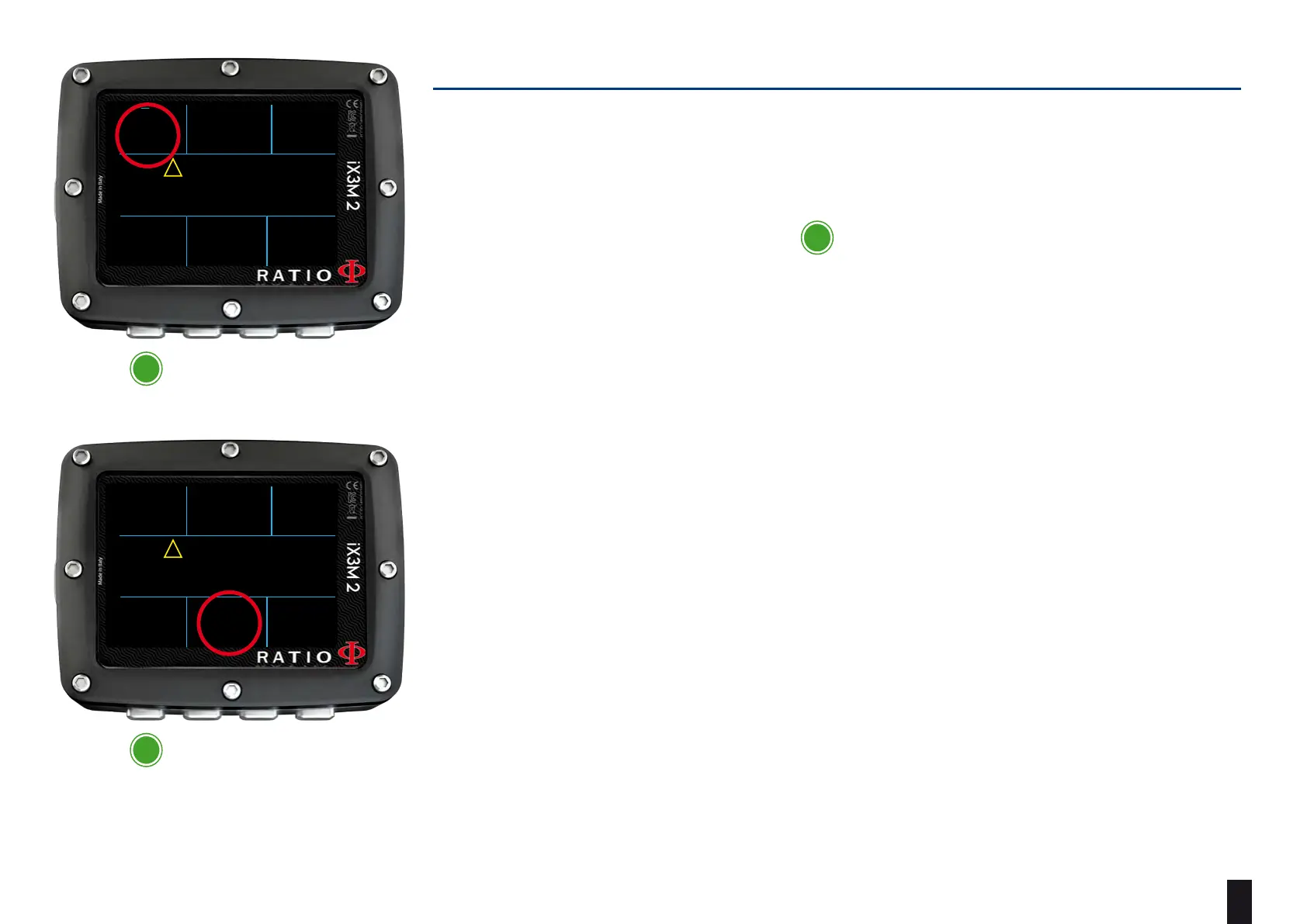
When an alarm is triggered during the dive (acustic or vibration alarm) iX3M 2
shows the alarm description in yellow in the middle part of the display (see picture).
Press and hold for at least 3 seconds button to mute the alarm.
In case of multiple violations and multiple alarms (e.g. in the picture both MOD and
PpO2 are triggering an alarm) you have to mute each alarm individually.
(Press and hold A to mute the first alarm, than press and hold A to mute the second
alarm)
a
a
a
conFirm
(press anD HolD 3 sec.)
conFirm
(press anD HolD 3 sec.)
OC MIX MAX
50%
DEPTH RUNTIME NDL
PPO2
21
0.86
12
5
.2
m
:00
45
.2
m
OC MIX MAX
50%
DEPTH RUNTIME NDL
PPO2
21
0.86
12
5
.2
m
:00
45
.2
m
OC MIX MAX
50%
DEPTH RUNTIME NDL
PPO2
21
0.86
12
5
.2
m
:00
45
.2
m
OC MIX MAX
50%
DEPTH RUNTIME NDL
PPO2
21
0.86
12
5
.2
m
:00
45
.2
m
OC MIX
OC MIX
DEPTH
DEPTH
50%
50%
24
.1
24
.1
1.70
1.70
4
:17
4
:17
28
28
21
21
PPO2
PPO2
MOD EXCEEDED
CONFIRM?
PPO2 HIGH
CONFIRM?
RUNTIME
RUNTIME
MAX
MAX
NDL
NDL
!
!



 To Next Page