66
Quick Settings
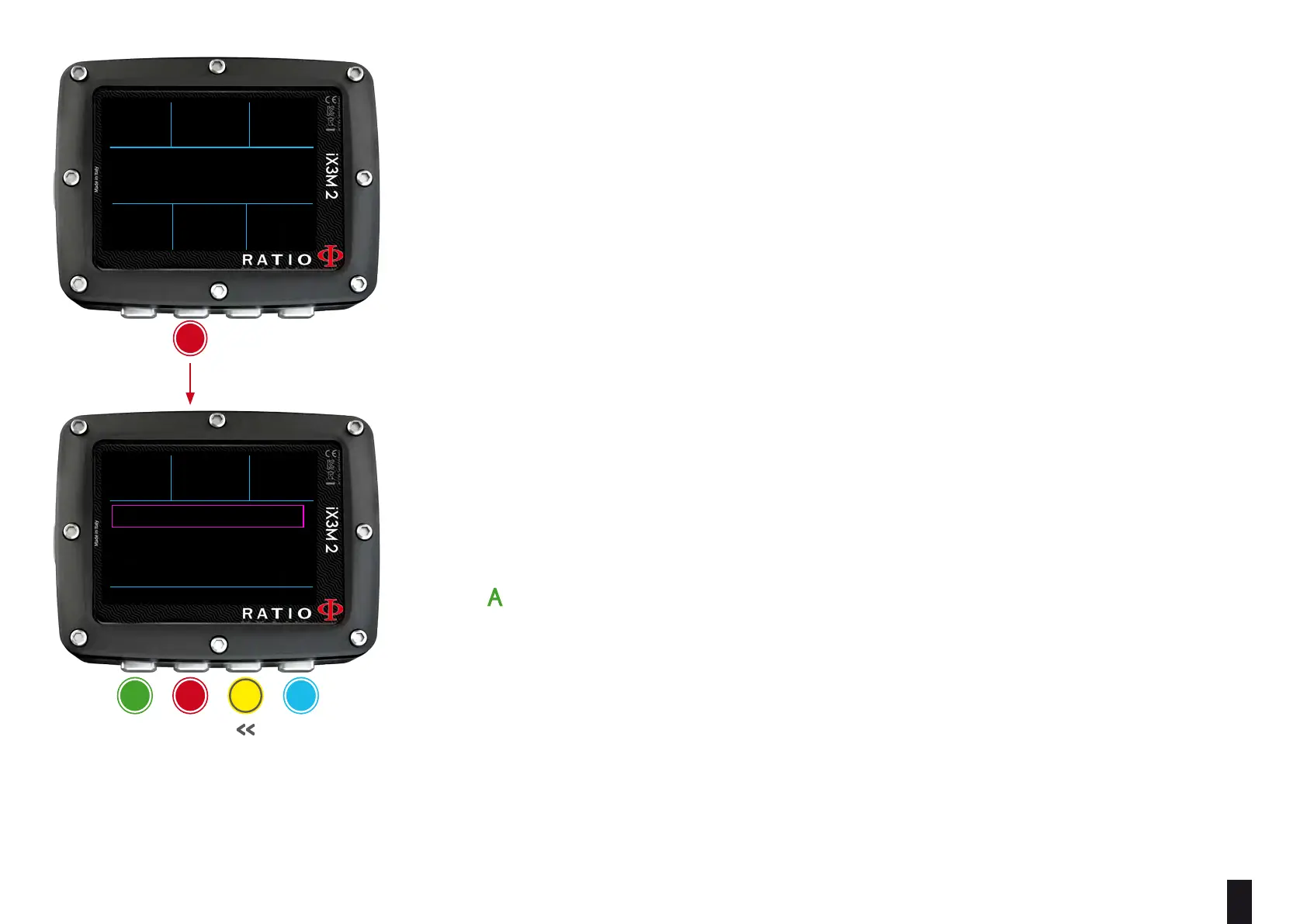
To navigate follow the instruction on the picture..
MIX: Use C and D buttons to scroll the available mixes. Set the MIX as ACT,
YES or NO. Mixes are shown as %O2 / %He.
ACT: Mix that you are currently using
YES: Mix enabled, you are able to use the mix if needed
NO: Mix disabled
(if iX3M2 Tech+) GFL/GFH (R0 if VPM):
Change the Gradient Factor Low and High if BUL algorithm is set,
or change Critical Bubble radius if VPM algorithm is set.
(if iX3M2 Pro or iX3M2 Deep) PS: Change the conservatism level.
(see DIVE SET 1 on this manual)
MODE: OC/CCR (for iX3M2 Tech+ only) Switch between Open Circuit mode
(OC) and Closed Circuit Mode (CCR) and viceversa.
Press to save and exit.
Attention: in the following pages we will explain how to modify the MIX and
the algorithm settings during the dive.
However remember always that:
To modify the Gradients and the Critical Bubble Radius a suitable training is
necessary!
To use more than one Mix when diving a suitable training is necessary!
DO NOT modify these parameters if you have not received such training!
OC MIX MAX
50%
DEPTH RUNTIME NDL
PPO2
21
0.86
12
5
.2
m
:00
45
.2
m
DEPTH RUNTIME NDL
31
12
5
.2
m
:00
BACK NEXT << >>
MIX: 99/0 ACT
GFL / GFH: 93/93
MODE: OC
DEPTH RUNTIME NDL
31
12
5
.2
m
:00
BACK ENTER UP DOWN
MIX TABLE
TRASMITTER
PREFERENCE
b
a c D
neXt
save anD
eXit
<< >>
b



 To Next Page