30
If the chosen Algorithm is VPM:
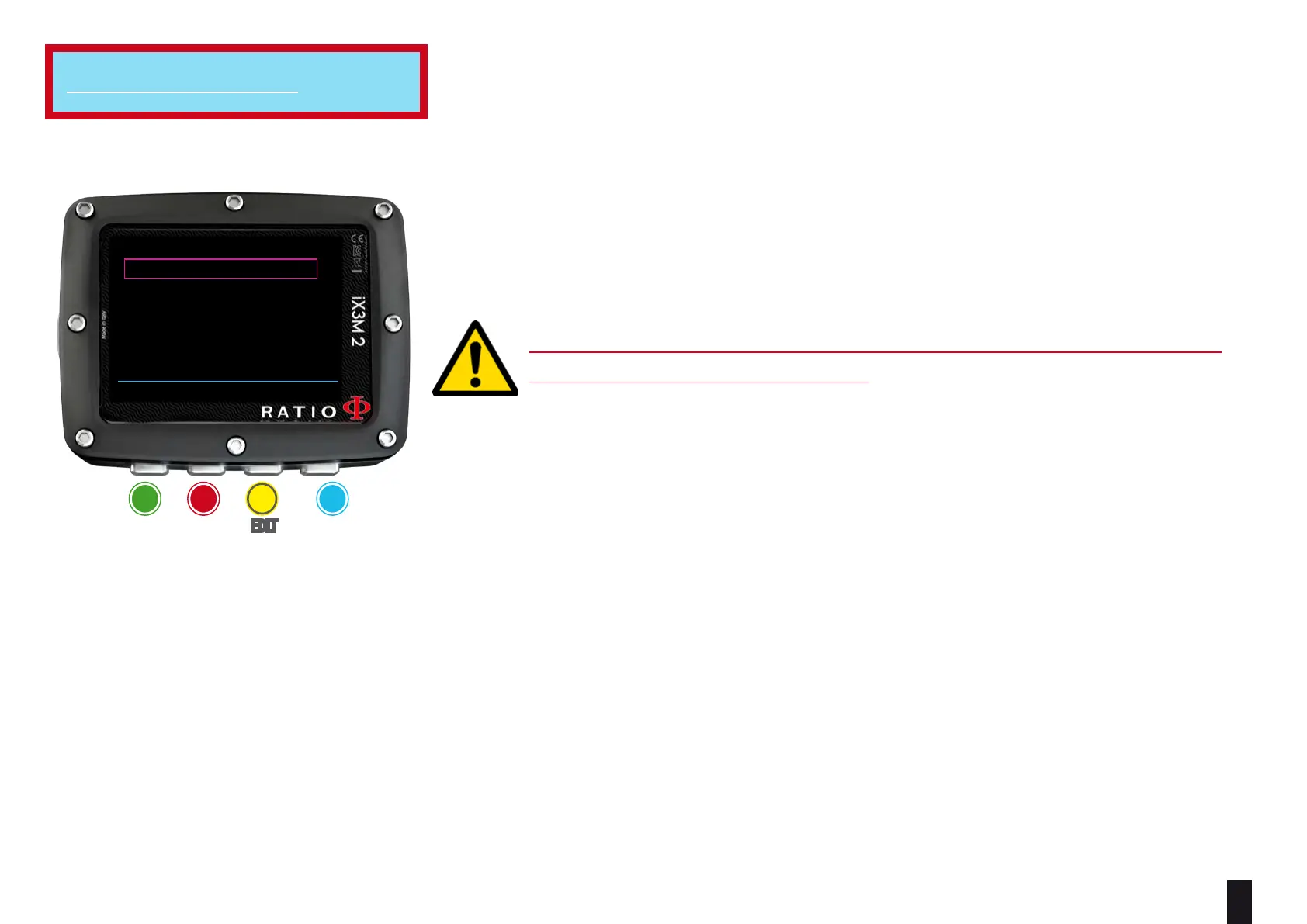
R0:
sets the Critical Bubble Radius’ value.
It is possible to set R0 from 0.4 to 1.0
Helpful tip: You can keep the buttons C or D pressed to change the iX3M 2 data more rapidly.
ATTENTION: To change the Critical Bubble Radius’ value a suitable theoretical
knowledge is needed.
DO NOT CHANGE THE CRITICAL BUBBLE RADIUS WITHOUT HAVING
RECEIVED A SUITABLE TRAINING.
The RATIO iX3M 2 is not responsible for damages to people or objects due to a
wrong setting of such parameters.
For suggested protection levels refer to the previous pages of this manual.
Helpful tip:
If you have any doubts on your device’s setting, you can set the company’s parameters from the menu DEFAULT
Helpful tip:
Generally speaking, the increasing of the R0 involves your computer’s conservatism increase.
Helpful tip:
With the RATIO iX3M 2 it is possible to change the value R0 while diving, to manage possible emergencies.
For iX3M 2 Tech+
ba c D
eXit neXt eDit eDit
BACK NEXT << >>
DIVE SETTINGS 1
WATER:
DIVE MODE:
SALT
SCUBA
R0: 0.50
ALGORITHM: VPM
DECO CTRL: OFF



 To Next Page