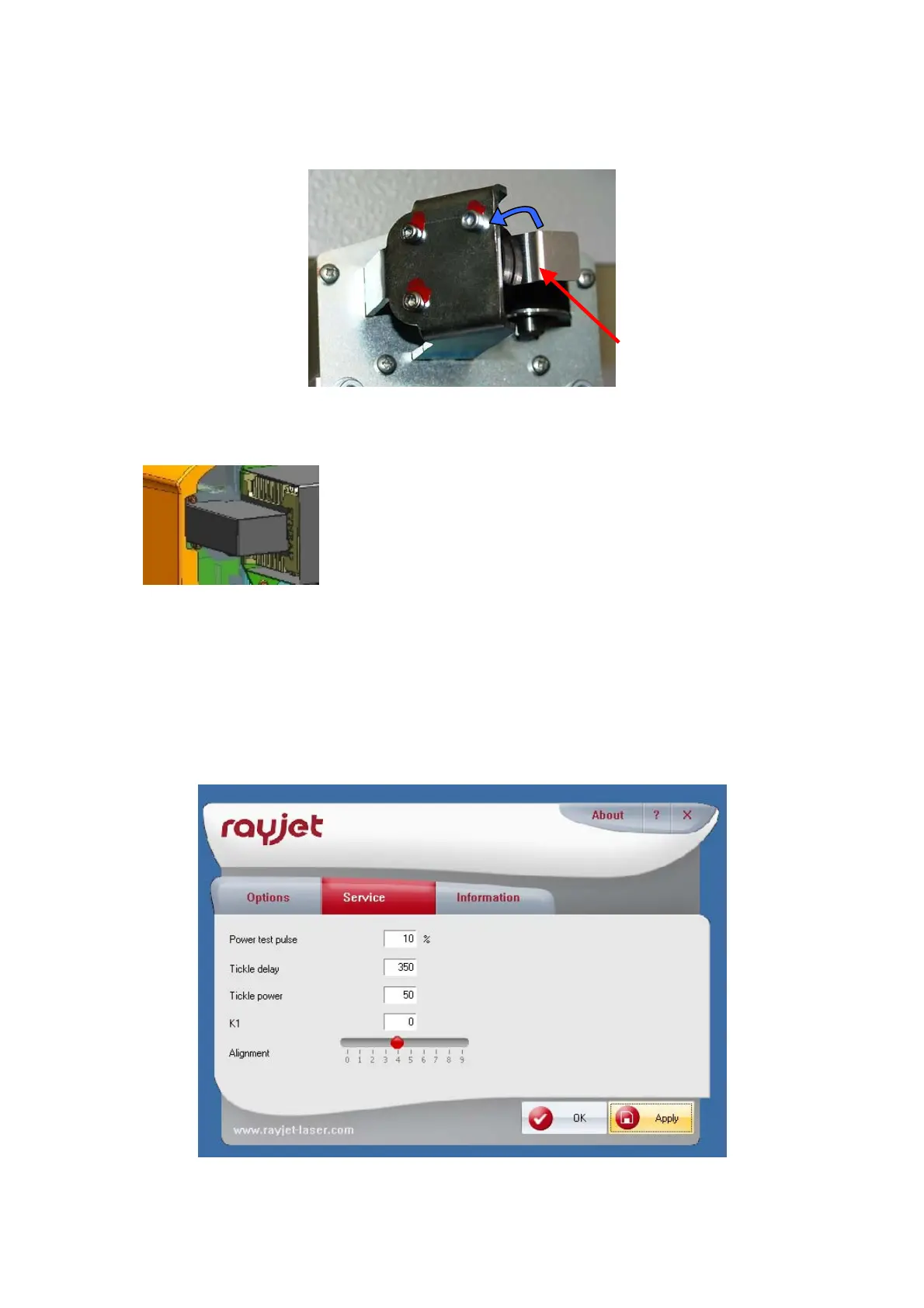
3. Remove mirror #2 on the right side of the x-axis.
4. Remove the cover of mirror #1 carefully
5. Put the BAT for mirror #1 & 2 on the holder of mirror #2.
6. Turn on the Rayjet.
7. Connect the Rayjet to the Manager and ensure that the testpulse the options of the Mini
manager is set to a low level (~10%) before doing the beam alignment. You find this menu
through right-click on the small red icon on the left side of the task bar.



 To Next Page