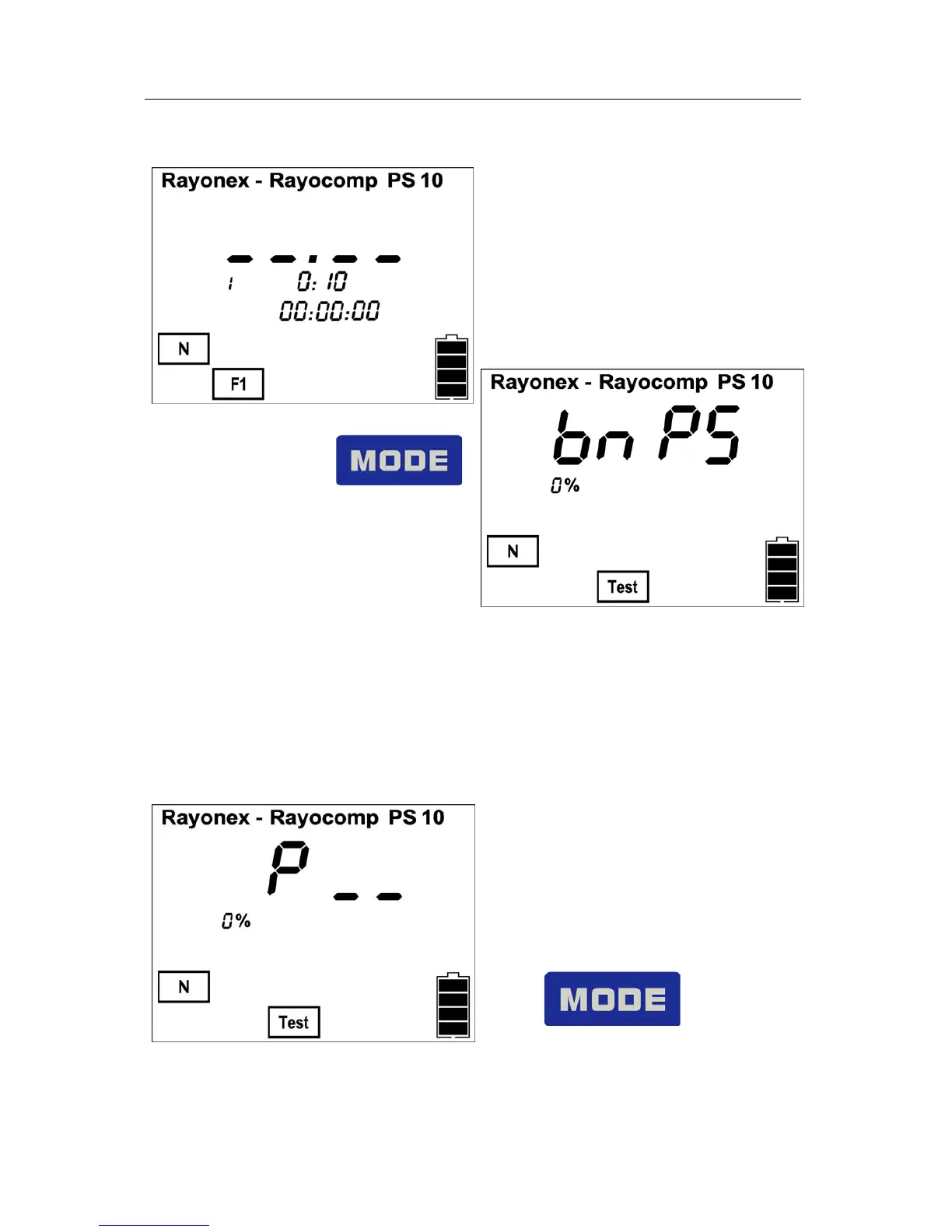
4.1.4 Selecting the Menu with the Mode Key Page 16
After having pressed
again, the Rayocomp PS 10 changes
to the menu item “Test” and shows
on the display:
If the module 10 is activated, the menu item “Test RAH” will be shown on the
display after the menu item “Test-BnPS”. By pressing on the key “mode” once
again, this menu item can be selected.
If the key “mode” isn’t pressed once more, after having selected the menu
item “Test-BnPS”, the following prompt will appear:
Here, BnPS fundamental frequency
values can be tested. For further
information take a look at chapter
4.4
Please press again the key:


 To Next Page