4.4 Menu Item “Test“ Page 35
4.4 Menu Item “Test“
The menu item “Test” offers a number of functions for testing fundamental
frequency values. We talk about testing in this context, when we try to find
out whether a certain fundamental frequency value requires harmonisation or
not. The test method was already explained in chapter 4.2.1. If you want to
test single fundamental frequency values, this is easiest to perform in the
menu item “Direct” – as we have described already. It always makes sense to
use the menu item “Test” if you want to test a large number of fundamental
frequency values, one after the other. If you want to test electro-magnetic
disturbance, for example, you have to test six different fundamental
frequency values. In the menu item “Direct”, we could enter these six values,
one after the other, but one can hardly say this method is quick and easy.
However, if you select an already activated test program, i.e. the one for
testing electro-magnetic radiation, from the menu item “Test”, all six
frequencies of this program are already integrated in the storage of the
device and no longer need to be entered. After the first frequency value has
been tested, you must switch to the following program value. Do this by
means of the keyboard (key: arrow to the right), or use the sensor
(pushbutton to the right). The device then automatically sets the selected test
value. Determined resonances can be temporarily stored in the internal
storage of the device for harmonising later on. This is achieved by actuating
the OK key of the keyboard or by pushing the button of the sensor forward.
The temporarily stored values can then be harmonised via the menu item
“F1” with the program number P0.00 (see chapter 4.3.4).
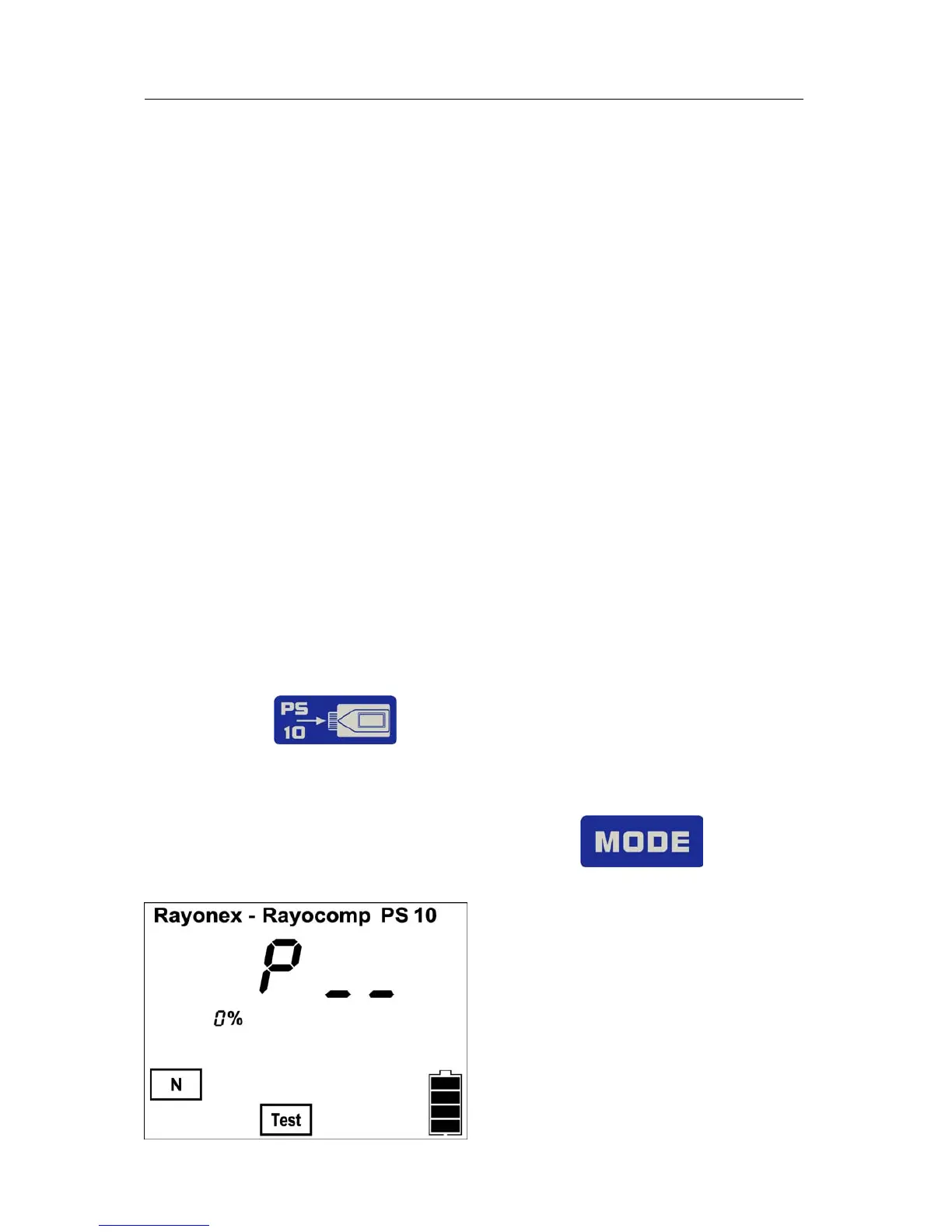
Alternatively the values can be be stored on a memory card with the
following key
The Rayocomp PS 10 allows access to several of these fundamental frequency
value compilations, to be explained in the following.
Select the menu item “Test-BnPS“ with the following key key .
The display shows:
Just like the menu item “F1”, “test” is
separated in “BnPS” and “RAH”.
However, the menu item “RAH” can
only be selected, if the module 10 is
activated. Here you enter the number
of the corresponding test program.
On the next page, you can look into
the list of test compositions.


 To Next Page