4.3.5 Utilising the Harmonising Programs of the new RAH Page 33
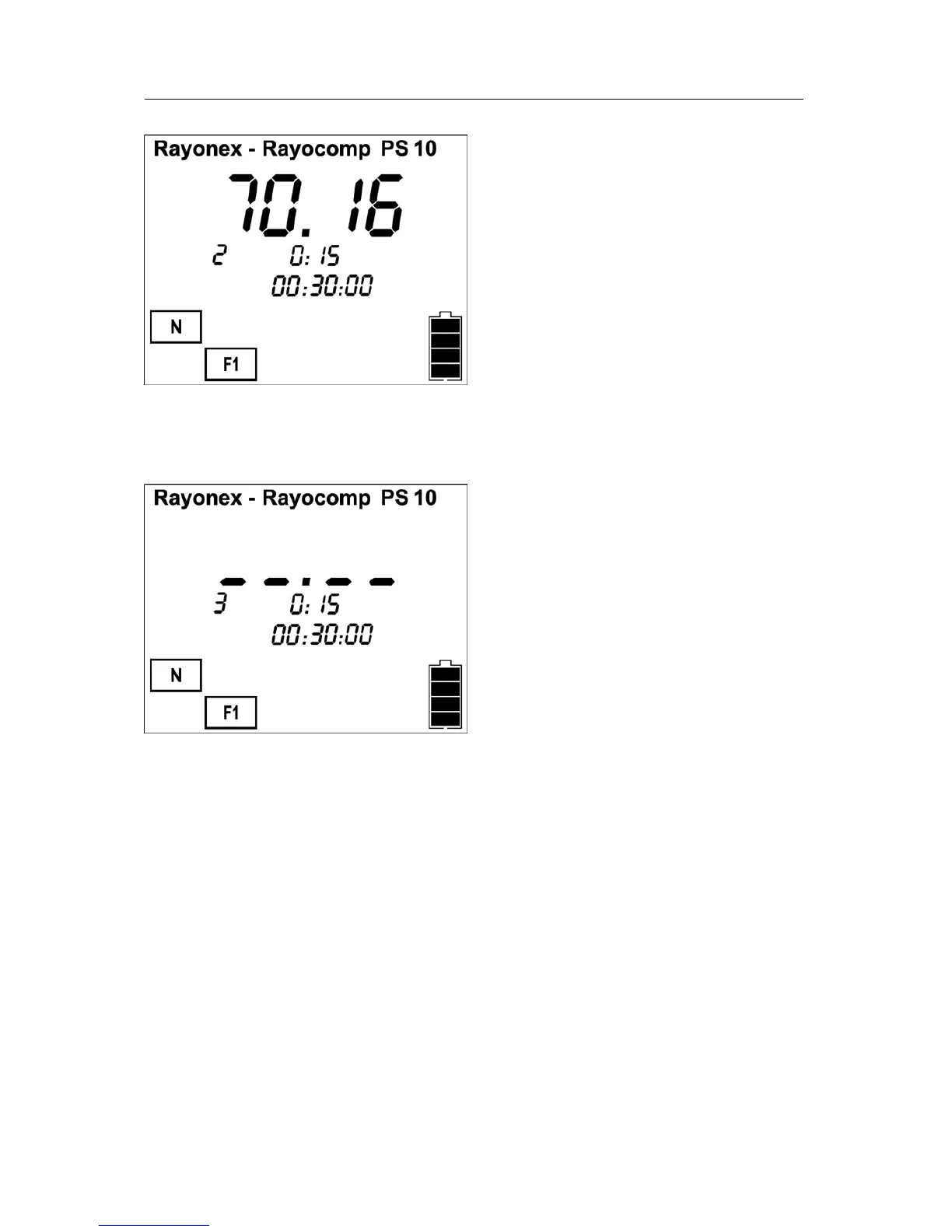
If you intend to harmonise program 70.16 for 15 minutes, too, confirm by
pressing the OK button.
Now that all programs have been selected, harmonising can commence.
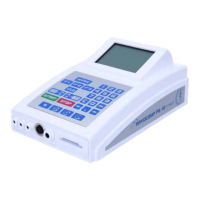
Harmonising begins as soon as you have actuated the start button. This
triggers the first program. The percent display shows the progress. After 100
% is achieved, the polariser switches over to +/- and the timer for
harmonising starts counting backward. The countdown of the total
harmonising time proceeds in steps of one second while the single programs
are counted backward at minute intervals. The display shows the program
number.
When ever you apply the RAH module, please make sure that no card is
inserted in the card slot. Should this ever happen, the user is informed to
remove the card with error message ‘Er 40’. This applies to all kinds of
memory cards.


 To Next Page