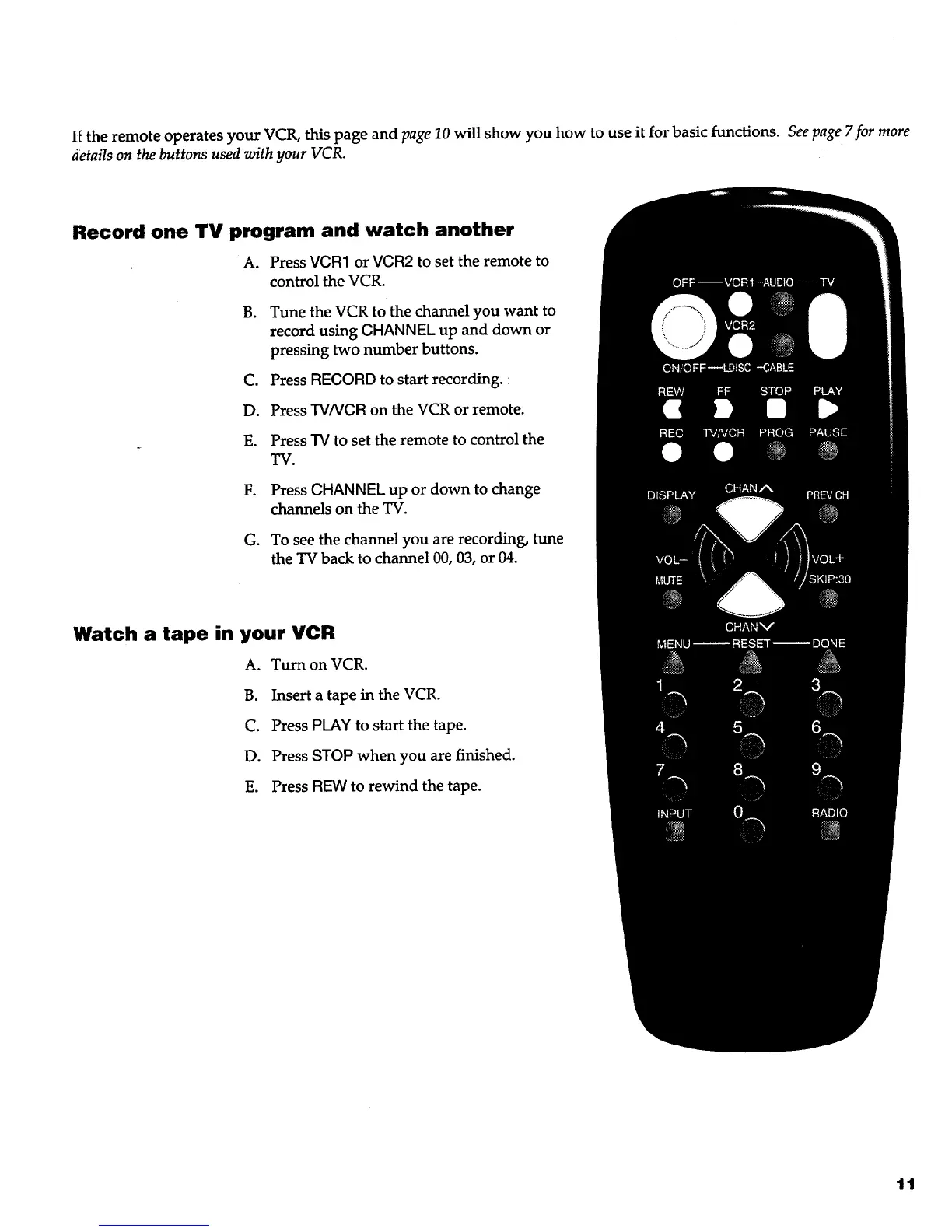
If the remote operates your VCR, this page and page 10 will show you how to use it for basic functions. See page 7for more
details on the buttons used with your VCR.
Record one TV program and watch another
A. Press VGR1 or VCR2 to set the remote to
control the VCR.
B. Tune the VCR to the channel you want to
record using GHANNEL up and down or
pressing two number buttons.
C. Press REGORD to start recording. :
D. Press "W/VGRon the VCR or remote.
E. Press "IVto set the remote to control the
TV.
F. Press GHANNEL up or down to change
channels on the TV.
G. To see the channel you are recording, tune
the TV back to channel 00, 03, or 04.
Watch a tape in your VCR
A. Turn on VCR.
B. Insert a tape in the VCR.
C. Press PLAY to start the tape.
D. Press STOP when you are finished.
E. Press REW to rewind the tape.
11



 To Next Page