Startup
5. Place all available channels into memory
Details are on page 22.
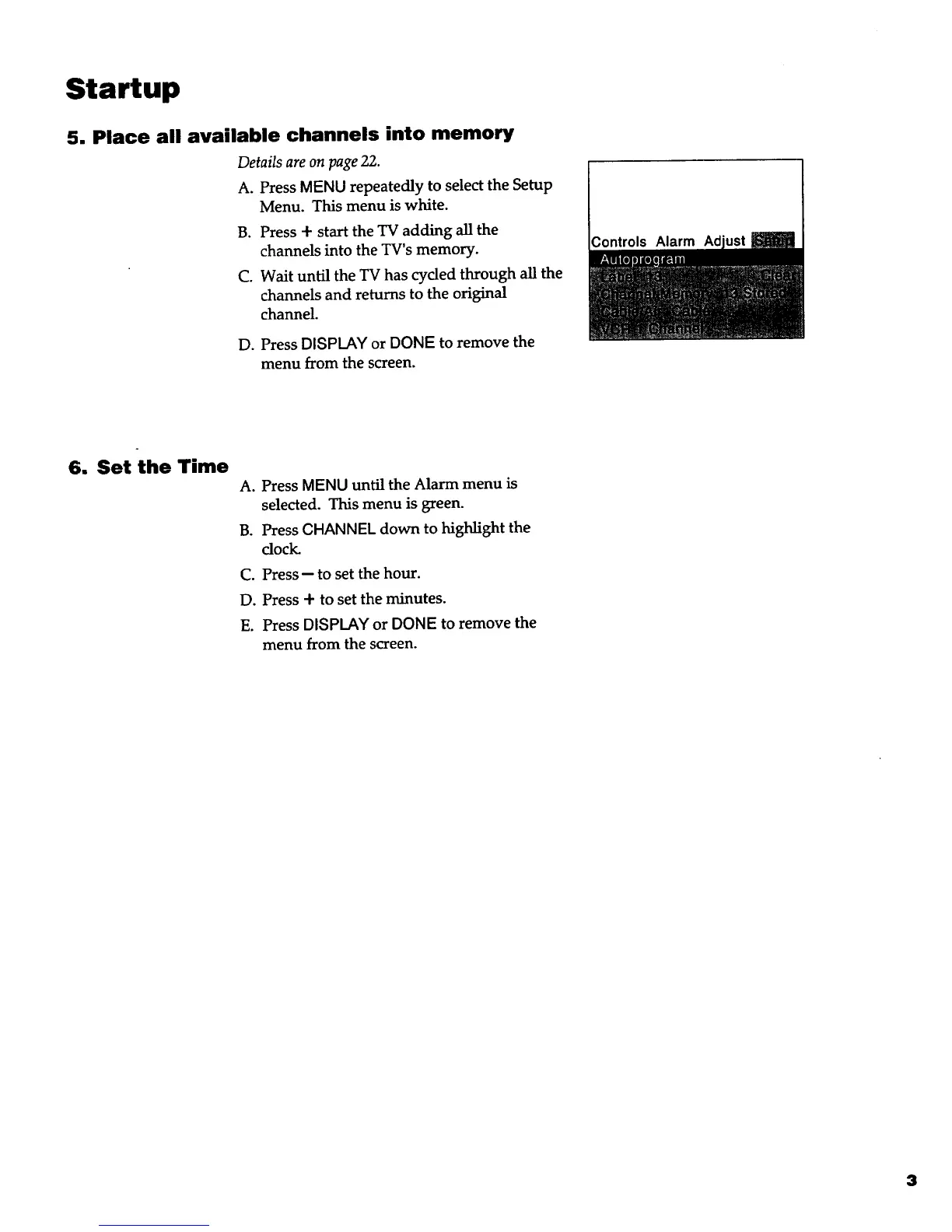
A. Press MENU repeatedly to select the Setup
Menu. This menu is white.
B. Press + start the TV adding all the
channels into the TV's memory.
C. Wait until the TV has cycled through all the
channels and returns to the original
channel.
D. Press DISPLAY or DONE to remove the
menu from the screen.
6, Set the Time
A. Press MENU until the Alarm menu is
selected. This menu is green.
B. Press CHANNEL down to highlight the
dock.
C. Press -- to set the hour.
D. Press + to set the minutes.
E. Press DISPLAY or DONE to remove the
menu from the screen.
3



 To Next Page