Displays on the Screen
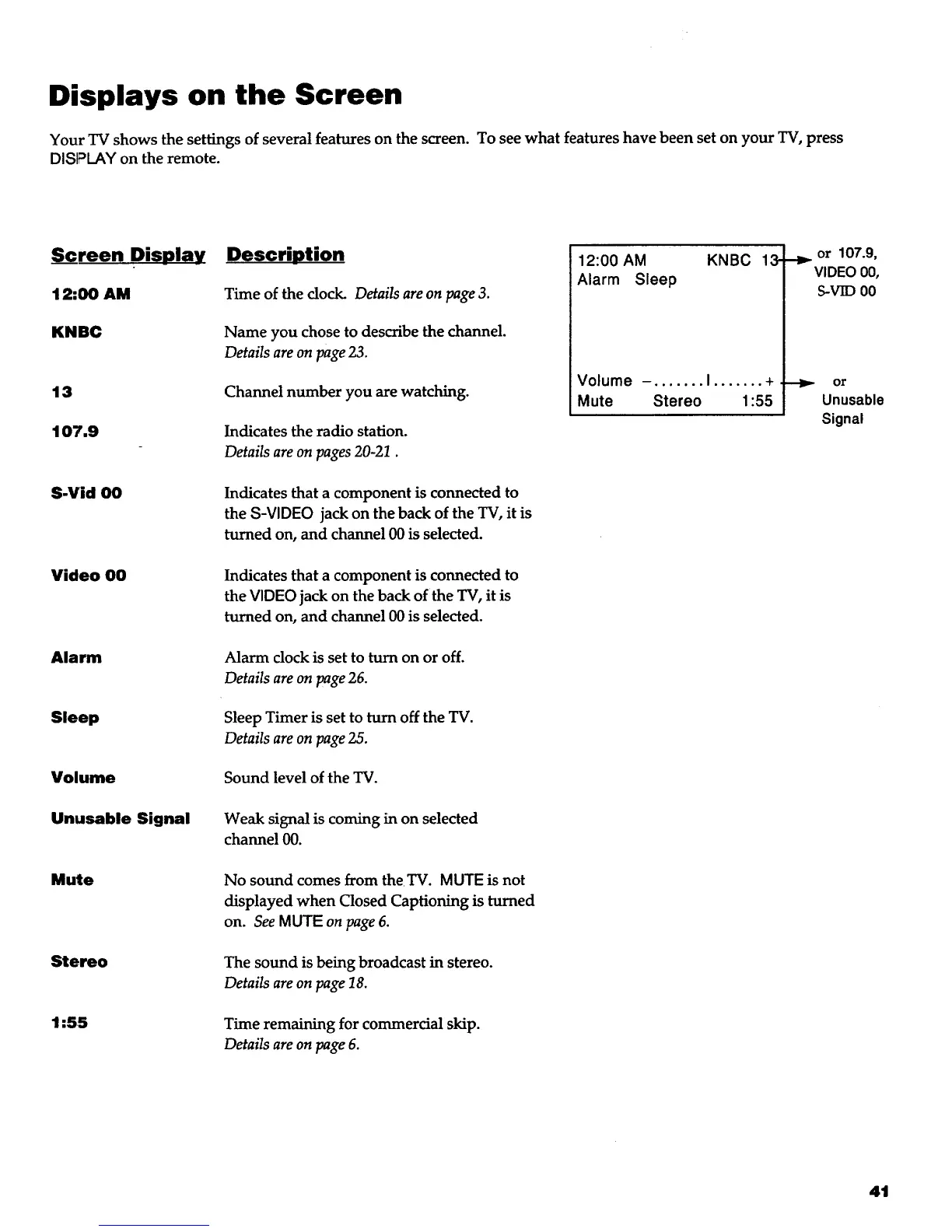
Your TV shows the settings of several features on the screen. To see what features have been set on your TV, press
DISPLAY on the remote.
Screen Display
12:00 AM
KNBC
13
107.9
S.Vid 00
Video O0
Alarm
Sleep
Volume
Unusable Signal
Mute
Stereo
1:55
Descri_otion
Time of the dock. Details are on page 3.
Name you chose to describe the channel.
Details are on page 23.
Channel number you are watching.
Indicates the radio station.
Details are on pages 20-21.
Indicates that a component is connected to
the S-VIDEO jack on the back of the TV, it is
turned on, and channel 00 is selected.
Indicates that a component is connected to
the VIDEO jack on the back of the TV, it is
turned on, and channel 00 is selected.
Alarm clock is set to turn on or off.
Details are on page 26.
Sleep Timer is set to turn off the TV.
Details are on page 25.
Sound level of the TV.
Weak signal is coming in on selected
channel 00.
No sound comes from theTV. MUTE is not
displayed when Closed Captioning is turned
on. See MUTE on page 6.
The sound is being broadcast in stereo.
Details are on page 18.
Time remaining for commercial skip.
Details are on page 6.
12:00 AM KNBC
Alarm Sleep
Volume -. ...... I ....... +
Mute Stereo 1:55
13- _ or 107.9,
VIDEO00,
S-VID 00
or
Unusable
Signal
41



 To Next Page