Front Panel Controls
For details on using buttons with menus, see Menu Basics on page 5.
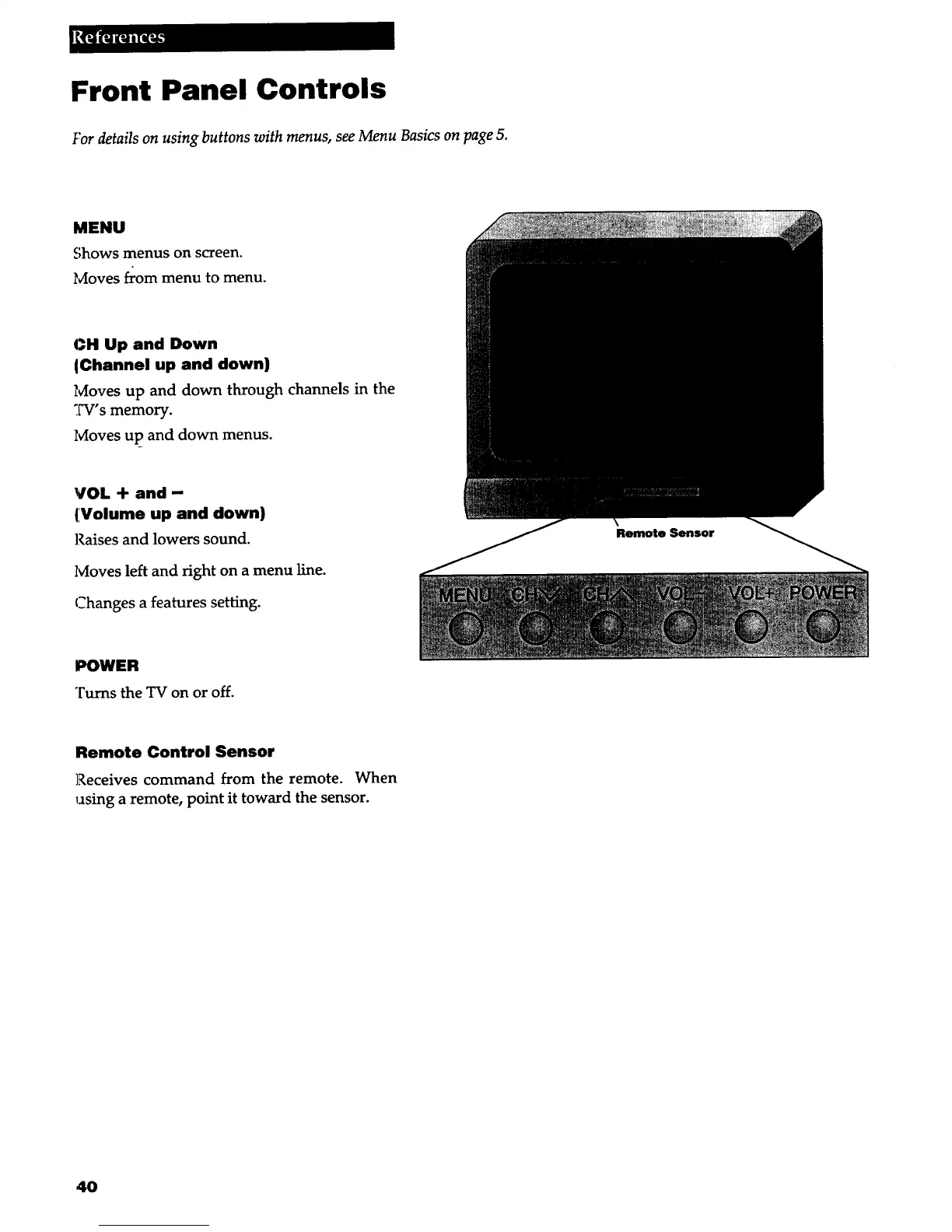
MENU
Shows menus on screen.
Moves from menu to menu.
CH Up and Down
IChannel up and down)
Moves up and down through channels in the
:W's memory.
Ivioves up and down menus.
VOL -I- and-
(,Volume up and down)
Raises and lowers sound.
lvloves left and right on a menu line.
Changes a features setting.
POWER
Turns the TV on or off.
Remote Control Sensor
Receives command from the remote. When
using a remote, point it toward the sensor.
40



 To Next Page