_..,TUI?qH_ 1_ 5_ liiikvA
Basic Tour of the Remote
Basic information about your remote is show. below. This will _ve you a general idea of how your remote works.
For more details, see pages 6-15.
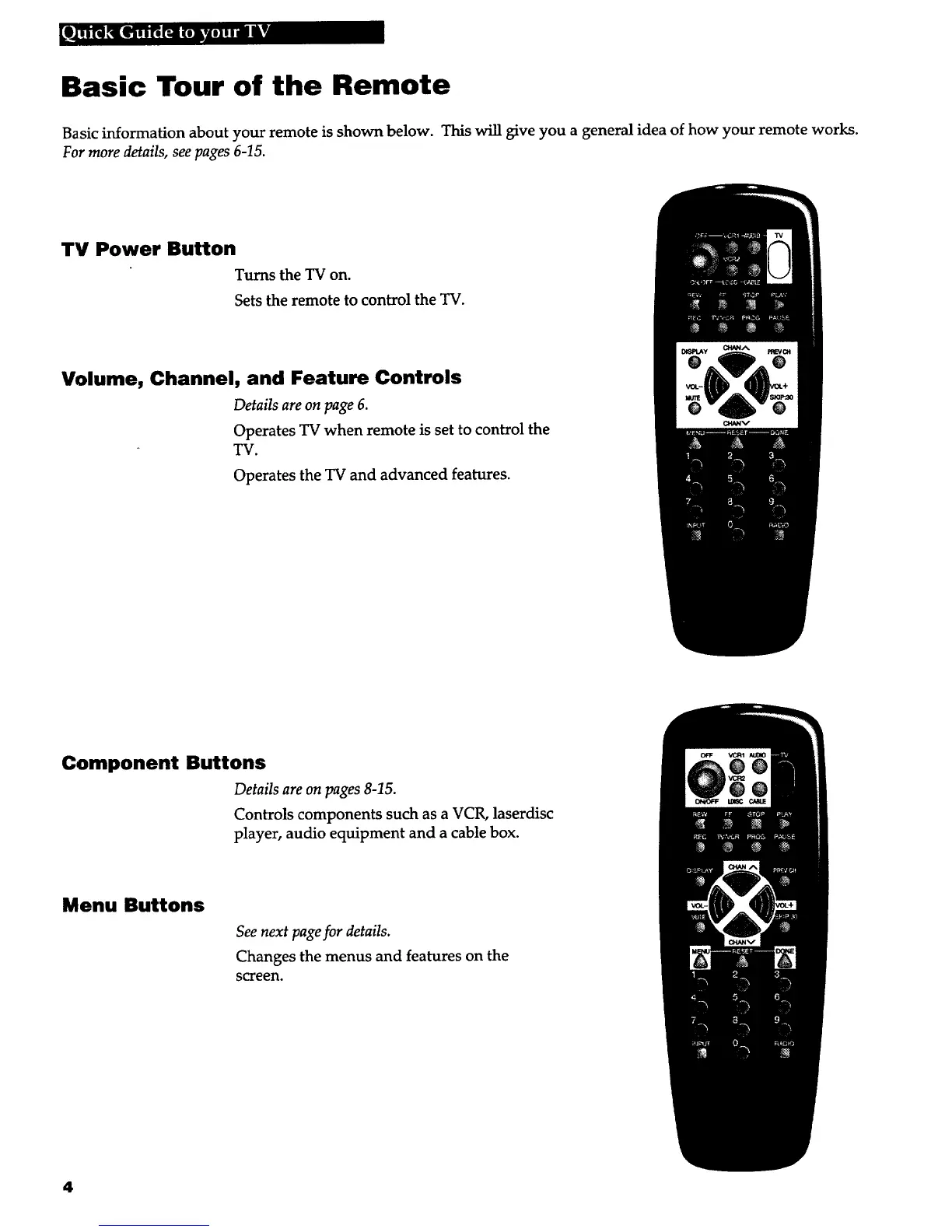
TV Power Button
Turns the TV on.
Sets the remote to control the TV.
Volume, Channel, and Feature Controls
Details are on page 6.
Operates TV when remote is set to control the
TV.
Operates the TV and advanced features.
Component Buttons
Details are on pages 8-15.
Controls components such as a VCR, laserdisc
player, audio equipment and a cable box.
Menu Buttons
See next page for details.
Changes the menus and features on the
screen.
4



 To Next Page