Overall Picture
Follow the steps below to lighten or darken the overall picture without changing the color level. This feature can also be
adjusted through the Adjust menu on the previous page.
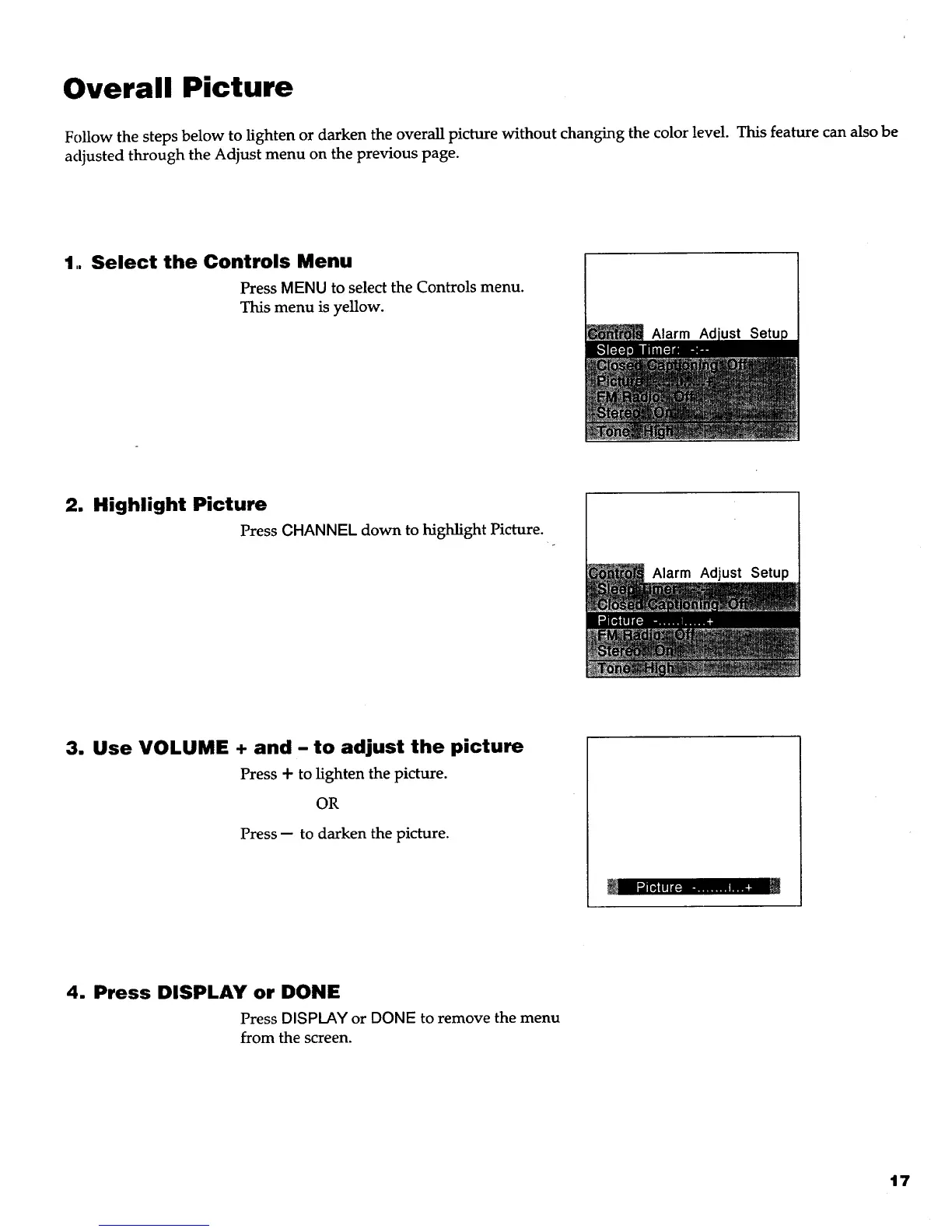
1. Select the Controls Menu
Press MENU to select the Controls menu.
This menu is yellow.
Alarm Ad
2. Highlight Picture
Press CHANNEL down to highlight Picture.
Alarm Adjust Setup
3. Use VOLUME + and - to adjust the picture
Press + to lighten the picture.
OR
Press -- to darken the picture.
4. Press DISPLAY or DONE
Press DISPLAY or DONE to remove the menu
from the screen.
17



 To Next Page