Programming FM Radio Stations into Memory
Nine radio stations can be programmed into the TV's memory so they can be quickly selected. The number buttons 1
through 9 can be programmed to automatically select the stations.
1. Select the Radio Station
A. Place the FM Radio feature under the
Controls menu in the Manual Tune
position.
B. Press GHANNEL up or down to step
through the radio stations one at a time to
select the station.
2. Store the Station
A.
B°
C.
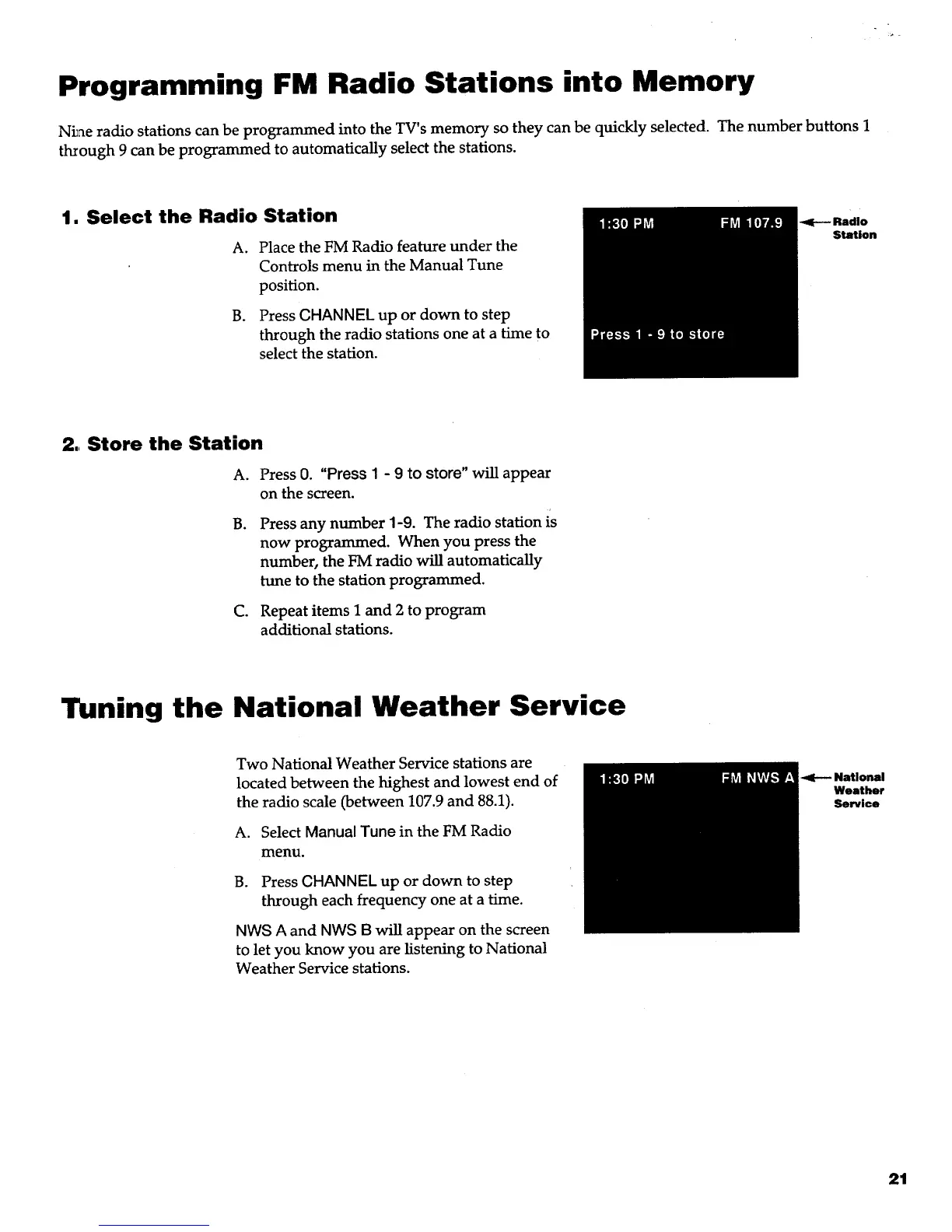
Press 0. "Press I - 9 to store" will appear
on the screen.
Press any number 1-9. The radio station is
now programmed. When you press the
number, the FM radio will automatically
tune to the station programmed.
Repeat items 1 and 2 to program
additional stations.
Tuning the National Weather Service
Two National Weather Service stations are
located between the highest and lowest end of
the radio scale (between 107.9 and 88.1).
A. Select Manual Tune in the FM Radio
menu.
B. Press CHANNEL up or down to step
through each frequency one at a time.
NW8 A and NWS B will appear on the screen
to let you know you are listening to National
Weather Service stations.
-4(--- National
Weather
Service
21



 To Next Page