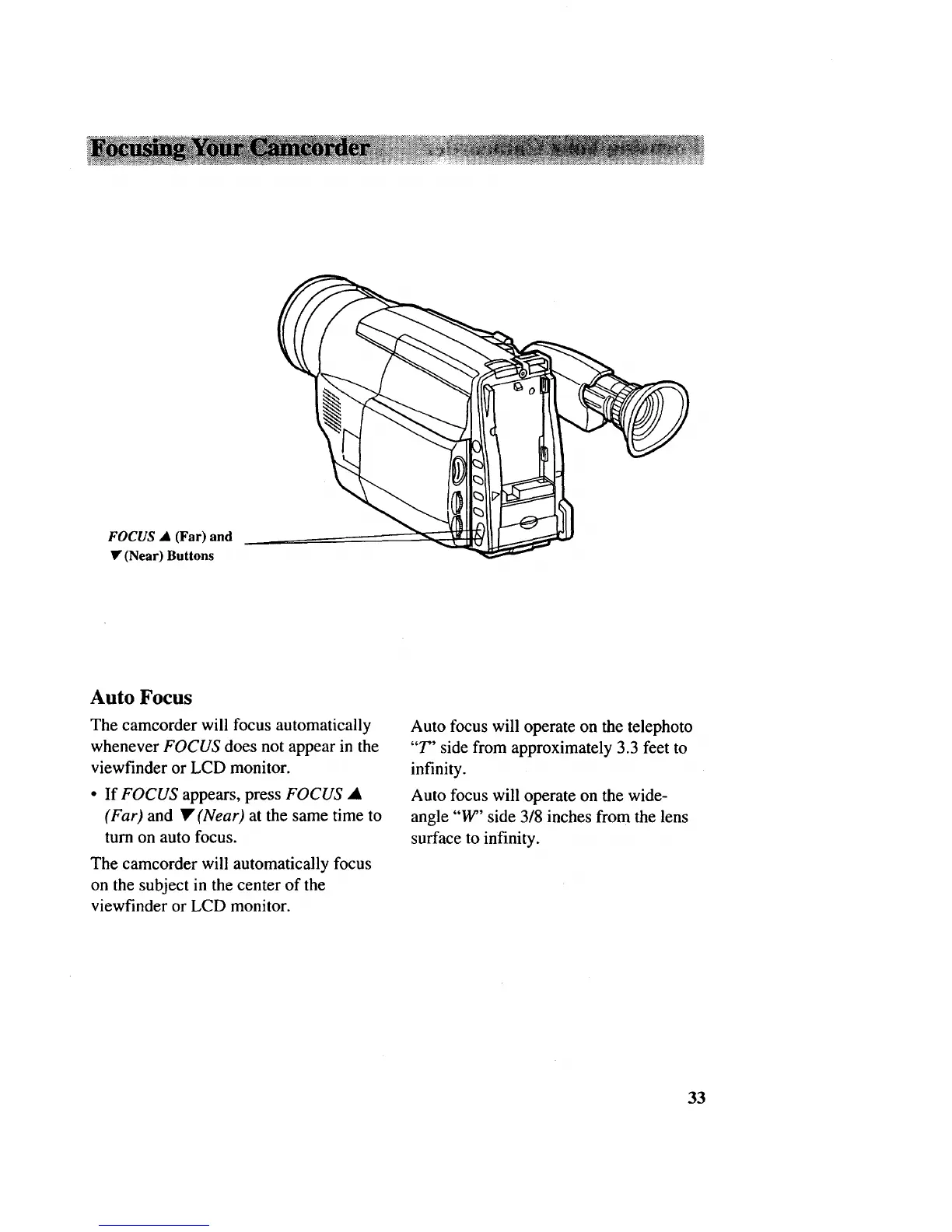
FOCUS • (Far) and
• (Near) Buttons
Auto Focus
The camcorder will focus automatically
whenever FOCUS does not appear in the
viewfinder or LCD monitor.
• If FOCUS appears, press FOCUS •
(Far) and • (Near) at the same time to
turn on auto focus.
The camcorder will automatically focus
on the subject in the center of the
viewfinder or LCD monitor.
Auto focus will operate on the telephoto
"T" side from approximately 3.3 feet to
infinity.
Auto focus will operate on the wide-
angle "W" side 3/8 inches from the lens
surface to infinity.
33



 To Next Page