Viewfinder Playback
Viewfinder playback is the simplest way to watch tapes using the camcorder.
This method is generally used only to review scenes immediately after recording.
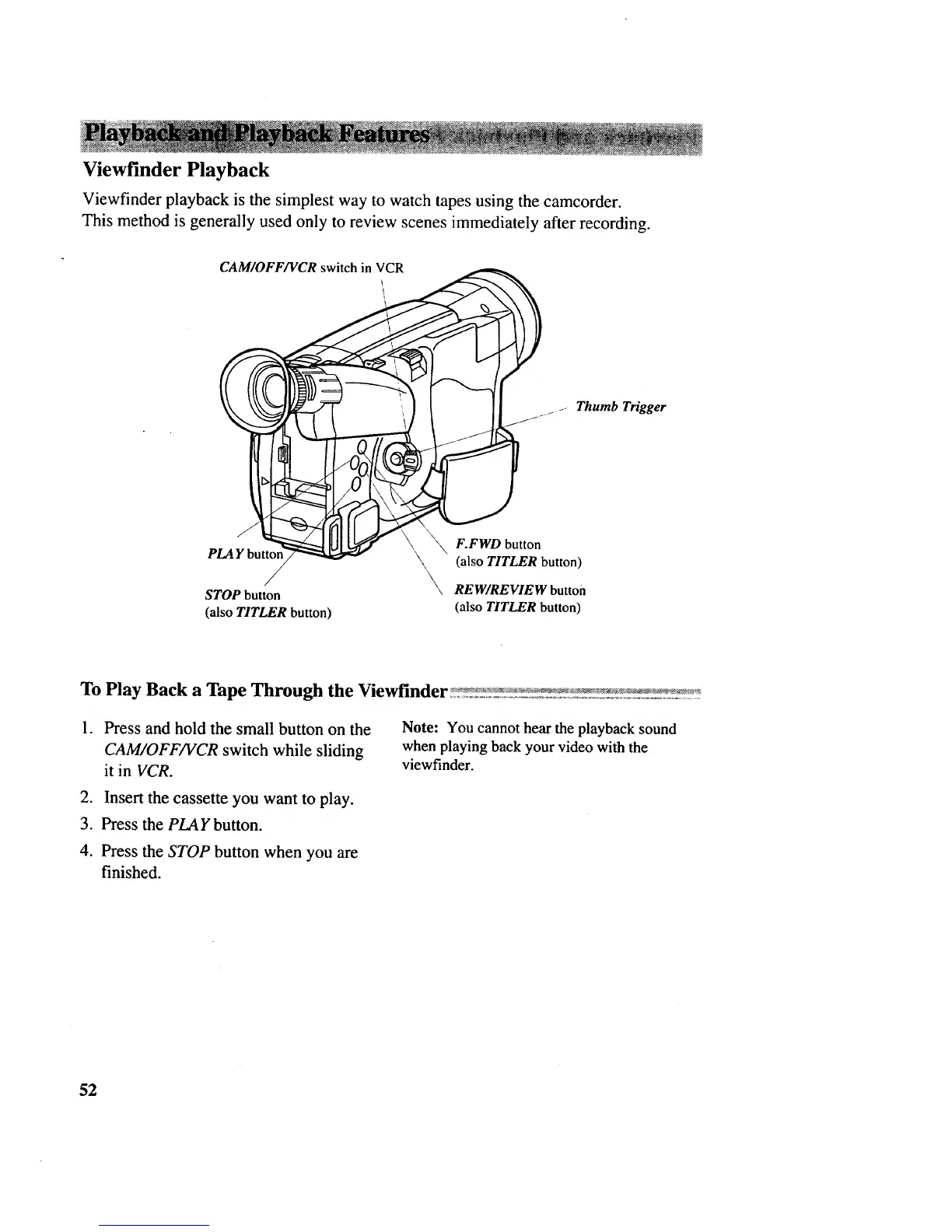
CAM/OFF/VCR switch in VCR
_- Thumb Trigger
'\ _ F.FWO button
PLAY butto_ \,. (alsoTITLER button)
/ _, REW/REVIEW button
STOP button
(also TITLER button) (also TITLER button)
.
Press and hold the small button on the
CAM/OFF/VCR switch while sliding
it in VCR.
2. Insert the cassette you want to play.
3. Press the PLAY button.
4. Press the STOP button when you are
finished.
Note: You cannot hear the playback sound
when playing back your video with the
viewfinder.
52



 To Next Page