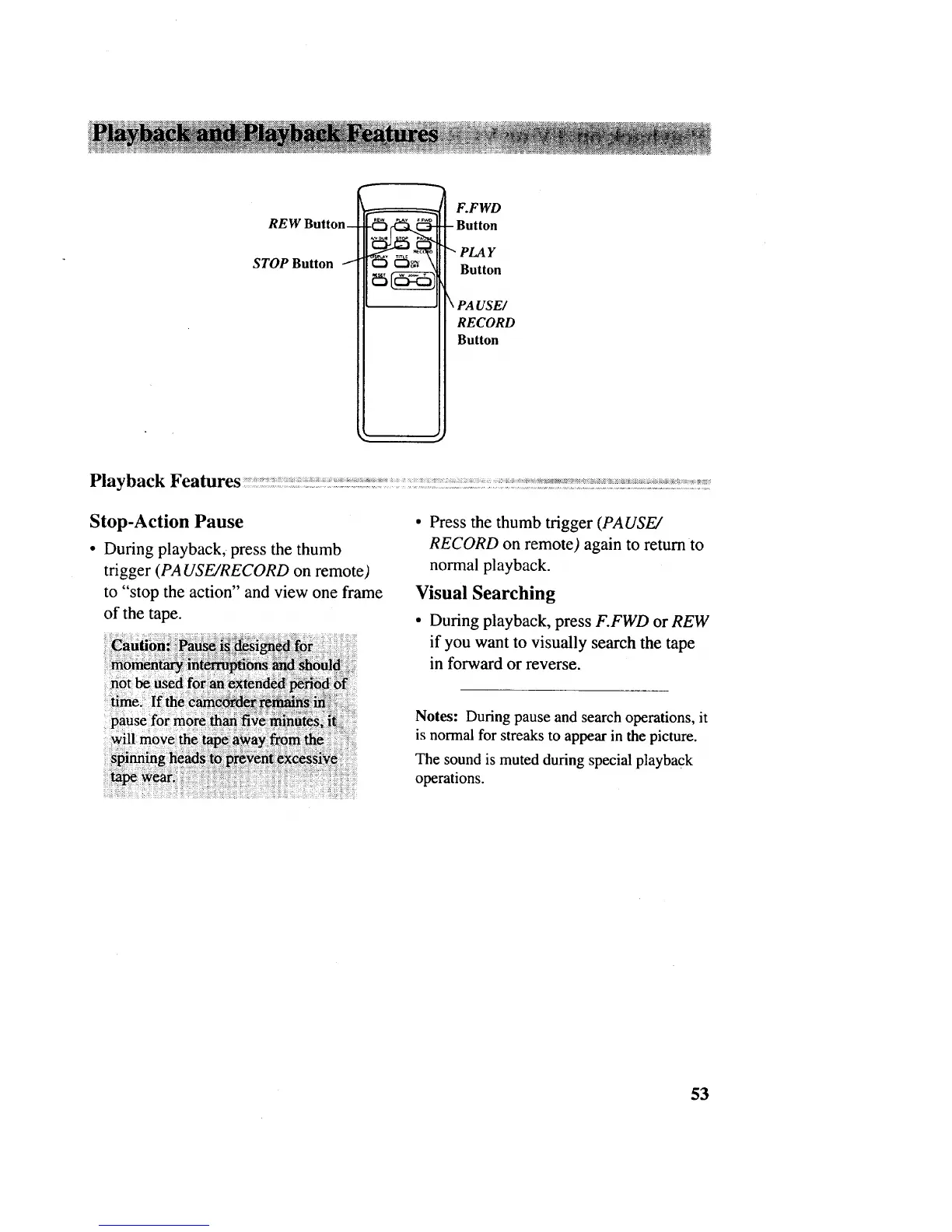
REW Button_
STOP Button i
F.FWD
Button
PLAY
Button
\ PA USE/
RECORD
Button
Stop-Action Pause
• During playback, press the thumb
trigger (PA USE/RECORD on remote)
to "stop the action" and view one frame
of the tape.
: not_: :ased: fo_ _
_us_fo_more$_ _ _n_]_ i::
• Press the thumb trigger (PAUSE/
RECORD on remote) again to return to
normal playback.
Visual Searching
• During playback, press F.FWD or REW
if you want to visually search the tape
in forward or reverse.
Notes: During pause and search operations, it
is normal for streaks to appear in the picture.
The sound is muted during special playback
operations.
53



 To Next Page