Negative/Positive Recording
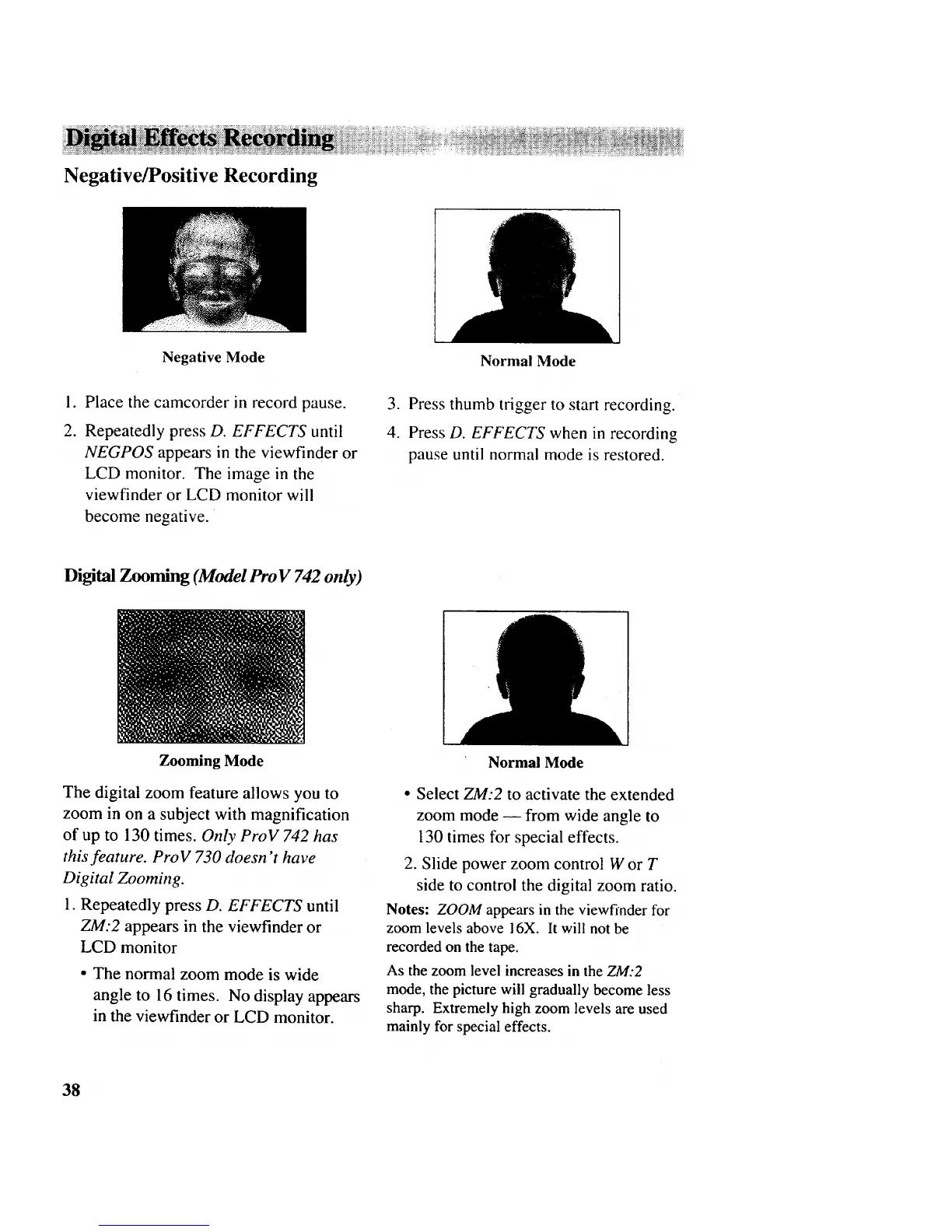
Negative Mode
Normal Mode
I.
2.
Place the camcorder in record pause.
Repeatedly press D. EFFECTS until
NEGPOS appears in the viewfinder or
LCD monitor. The image in the
viewfinder or LCD monitor will
become negative.
3. Press thumb trigger to start recording.
4. Press D. EFFECTS when in recording
pause until normal mode is restored.
Digital Zooming (Model Pro V 742 only)
Zooming Mode
The digital zoom feature allows you to
zoom in on a subject with magnification
of up to 130 times. Only ProV 742 has
this feature. ProV 730 doesn't have
Digital Zooming.
1. Repeatedly press D. EFFECTS until
ZM:2 appears in the viewfinder or
LCD monitor
• The normal zoom mode is wide
angle to 16 times. No display appears
in the viewfinder or LCD monitor.
Normal Mode
• Select ZM:2 to activate the extended
zoom mode -- from wide angle to
130 times for special effects.
2. Slide power zoom control W or T
side to control the digital zoom ratio.
Notes: ZOOM appears in the viewfinder for
zoom levels above 16X. It will not be
recorded on the tape.
As the zoom level increases in the ZM:2
mode, the picture will gradually become less
sharp. Extremely high zoom levels are used
mainly for special effects.
38



 To Next Page