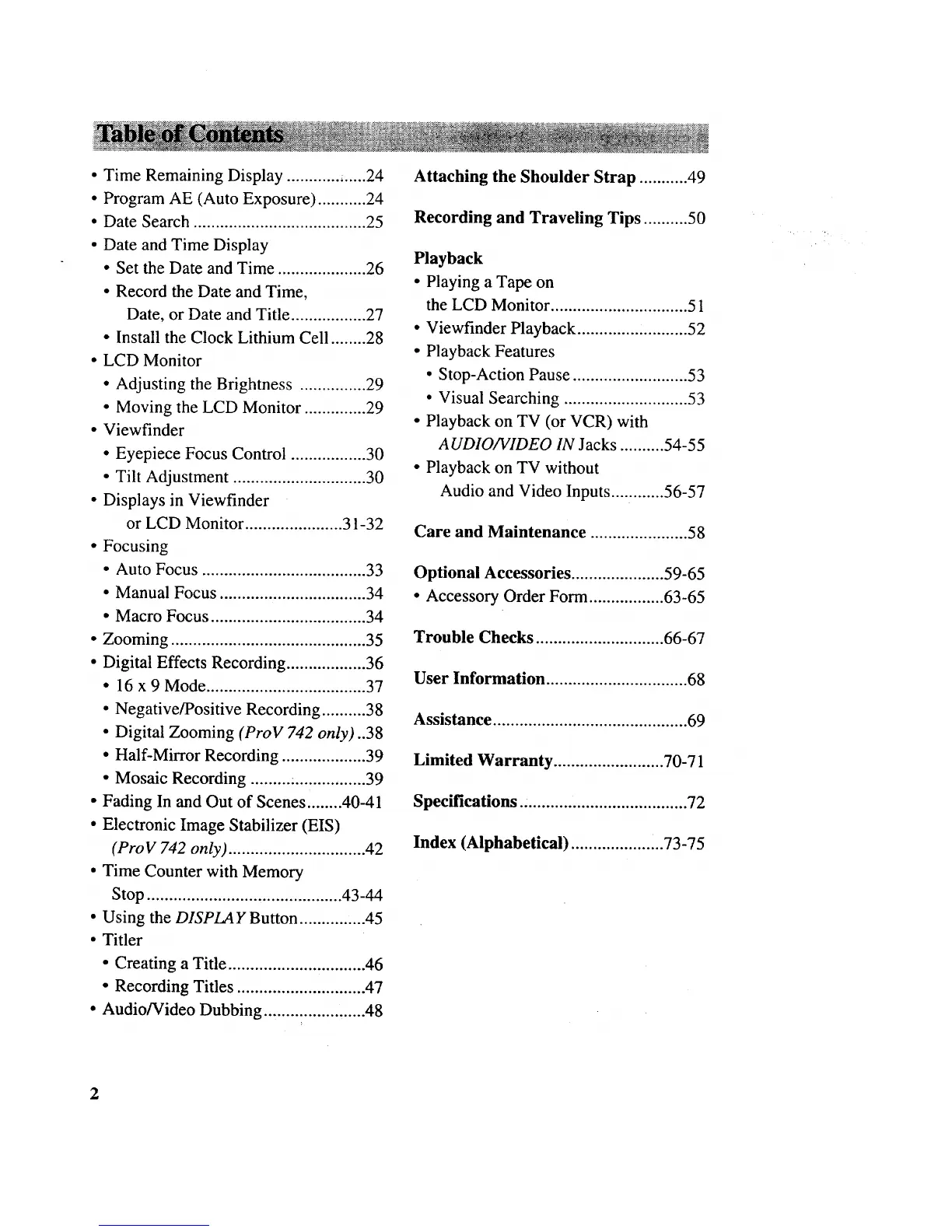
• Time Remaining Display ............ ......24
• Program AE (Auto Exposure) ........... 24
• Date Search ....................................... 25
• Date and Time Display
• Set the Date and Time .................... 26
• Record the Date and Time,
Date, or Date and Title ................. 27
• Install the Clock Lithium Cell ........ 28
• LCD Monitor
• Adjusting the Brightness ............... 29
• Moving the LCD Monitor .............. 29
• Viewfinder
• Eyepiece Focus Control ................. 30
• Tilt Adjustment .............................. 30
• Displays in Viewfinder
or LCD Monitor ...................... 31-32
• Focusing
• Auto Focus ..................................... 33
• Manual Focus ................................. 34
• Macro Focus ................................... 34
• Zooming ............................................ 35
• Digital Effects Recording .................. 36
• 16 x 9 Mode .................................... 37
• Negative/Positive Recording .......... 38
• Digital Zooming (ProV 742 only)..38
• Half-Mirror Recording ................... 39
• Mosaic Recording ......... :................ 39
• Fading In and Out of Scenes ........ 40-41
• Electronic Image Stabilizer (EIS)
(ProV 742 only) ............................... 42
• Time Counter with Memory
Stop ............................................ 43-44
• Using the DISPLAY Button ............... 45
• Titler
• Creating a Title ............................... 46
• Recording Titles ............................. 47
• Audio/Video Dubbing ....................... 48
Attaching the Shoulder Strap ........... 49
Recording and Traveling Tips .......... 50
Playback
• Playing a Tape on
the LCD Monitor ............................... 51
• Viewfinder Playback .............. ,.......... 52
• Playback Features
• Stop-Action Pause .......................... 53
• Visual Searching ............................ 53
• Playback on TV (or VCR) with
A UDIO/VIDEO IN Jacks .......... 54-55
• Playback on TV without
Audio and Video Inputs ............ 56-57
Care and Maintenance ...................... 58
Optional Accessories ..................... 59-65
• Accessory Order Form ................. 63-65
Trouble Checks ............................. 66-67
User Information ................................ 68
Assistance ............................................ 69
Limited Warranty ......................... 70-71
Specifications ...................................... 72
Index (Alphabetical) ..................... 73-75
2



 To Next Page