PELLET STOVES Chapter 4
red
INSTALLATION AND USE MANUAL
page 43
Operation Technical service - Rights reserved - Reproduction prohibited
1st situation: ECO-STOP inactive (default)
If you de-activate this function, when the set temperature is reached,
the stove will continue operating at minimum power until power is
again requested by the thermostat or until the user decides to shut the
stove down manually.
The default setting for the stove is with ECO-STOP de-
activated as in the previous example.
2nd situation: ECO-STOP active and time-controlled
If this function is activated, when the set temperature is reached the
stove will go to minimum for a time set by the user, which may be from
1 minute to 30 minutes. During this time, if there is no temperature-
related request, the stove will then shut down automatically. The stove
will re-light automatically only if the thermostat requests heating.
4.9.2.4.
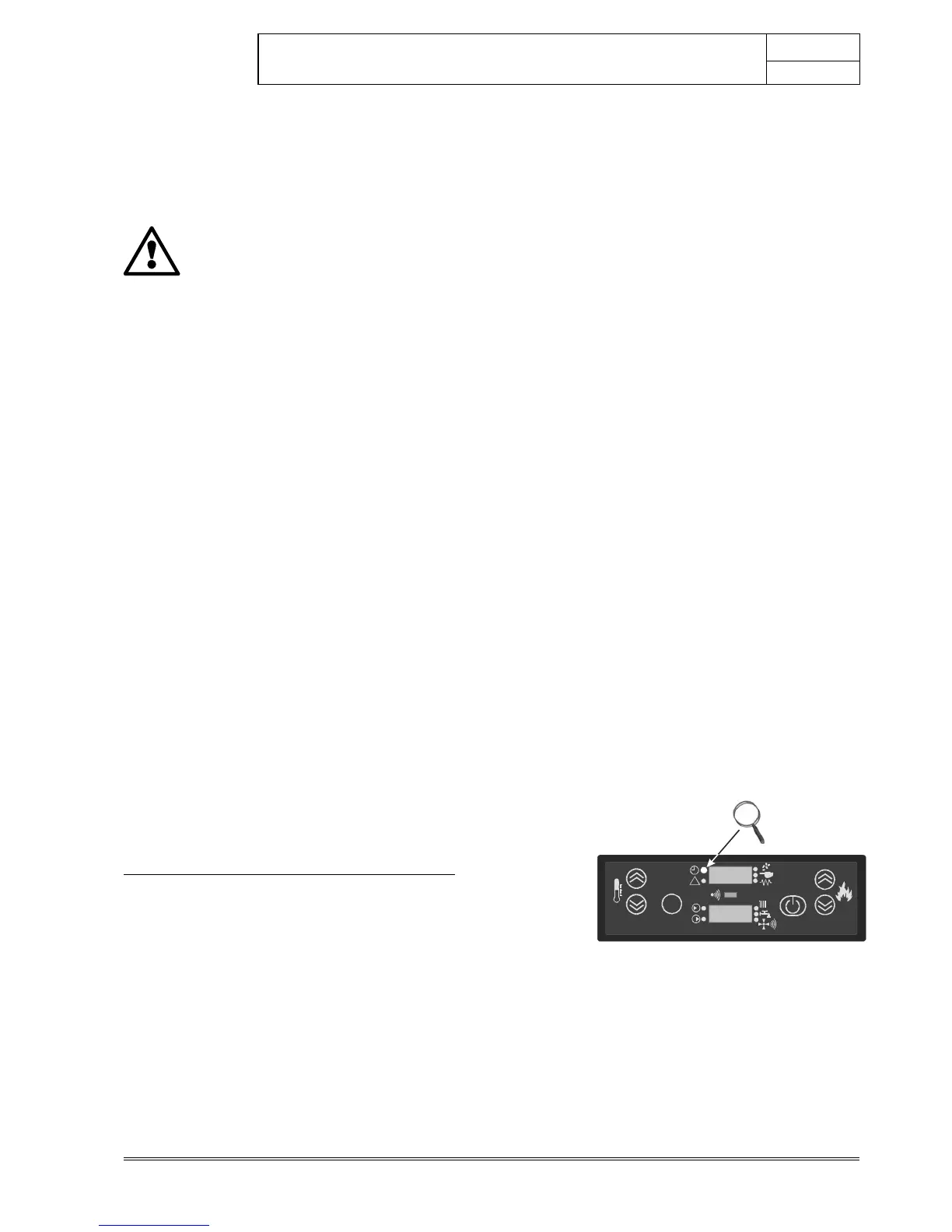
Activation /de-activation of ECO-STOP mode
Press the main switch on the back of the stove and place it in the
position “I”. The display of the control panel will show the message
OFF/CURRENT TIME
Press the button
immediately followed by the button on the
control panel. The display of the control panel will show the
message UT01/OFF
Press the button
repeatedly until the display on the panel shows
“
UT16";
the display of the control panel shows UT16/OFF
Press and hold the button
and then press the button and go
to item
“UT19”
; the display will show the message UT19/OFF
Press the button
or to activate or deactivate the function, or
to change the time of intervention of the ECO-STOP mode. The
display of the panel will show the message UT19/OFF or UT19/1’,
UT19/2’, UT19/3’………. UT19/30’ (where 1’/30’ are the required
waiting minutes before the Eco-Stop function stops the boiler)
Press the button
for a few seconds to confirm until the panel
shows the message OFF/CURRENT TIME
Example with ECO-STOP active and time-controlled
If the room temperature measured by the thermostat probe (internal or
external) is 15°C and the temperature set on the thermostat is 20°C,
the stove will follow a pre-set ramp-up in power. Once the target
temperature is reached (20°C), the stove will go to minimum power.
The stove will remain in this mode for 15 minutes. If the room
temperature remains above the set temperature, the stove will
automatically shut down temporarily. The message “
Eco Stop
” will be
shown. When room temperature drops below the thermostat set value
(for example 18°C) the stove will prepare for automatic relighting
(“COOL-FIRE”). It will then start operating until a temperature of 20°C
is once again reached.
If the stove is equipped with the kit for the production of domestic hot
water, and hot water is requested for over 30 seconds (by means of
the flow switch), the stove will relight immediately without going
through the aforementioned cooling phases (“COOL-FIRE”)
SET
TURBO
1
2
64
3
5
!
17°C
63°C



 To Next Page