PELLET STOVES Chapter 4
red
INSTALLATION AND USE MANUAL
page 45
Operation Technical service - Rights reserved - Reproduction prohibited
SET
TURBO
1
2
64
3
5
!
Ut 01
day5
Use the button (increase) or (decrease) to set the hours.
To memorize, press the button
, which will take you to the next
display, “UT 03”, to set the minutes.
Setting of MINUTES (code on display UT 03)
The display (8) will alternately show the code “UT 03” and the
current minutes on the clock.
Use the button
(increase) or (decrease) to set the minutes.
To memorize, press the button
. This will take you to the display
of “UT 04”.
The code “UT 04” is not part of PROGRAMMED mode.
It is to be used only by the installer or a qualified
technician by means of an access key.
Press button 3 again to proceed and to display the
code “UT 05”.
4.9.3.2.
Start day (code on display UT 01)
The current day is set first, and will act as a reference for the
programming sequence. This means you will need to ask yourself: what
day is it today?
Suppose that as you read this paragraph it is Friday. Using the table
shown here (
Figure 7
), you will see that Friday corresponds to DAY 5.
You will need to assign the stove the starting day of DAY 5.
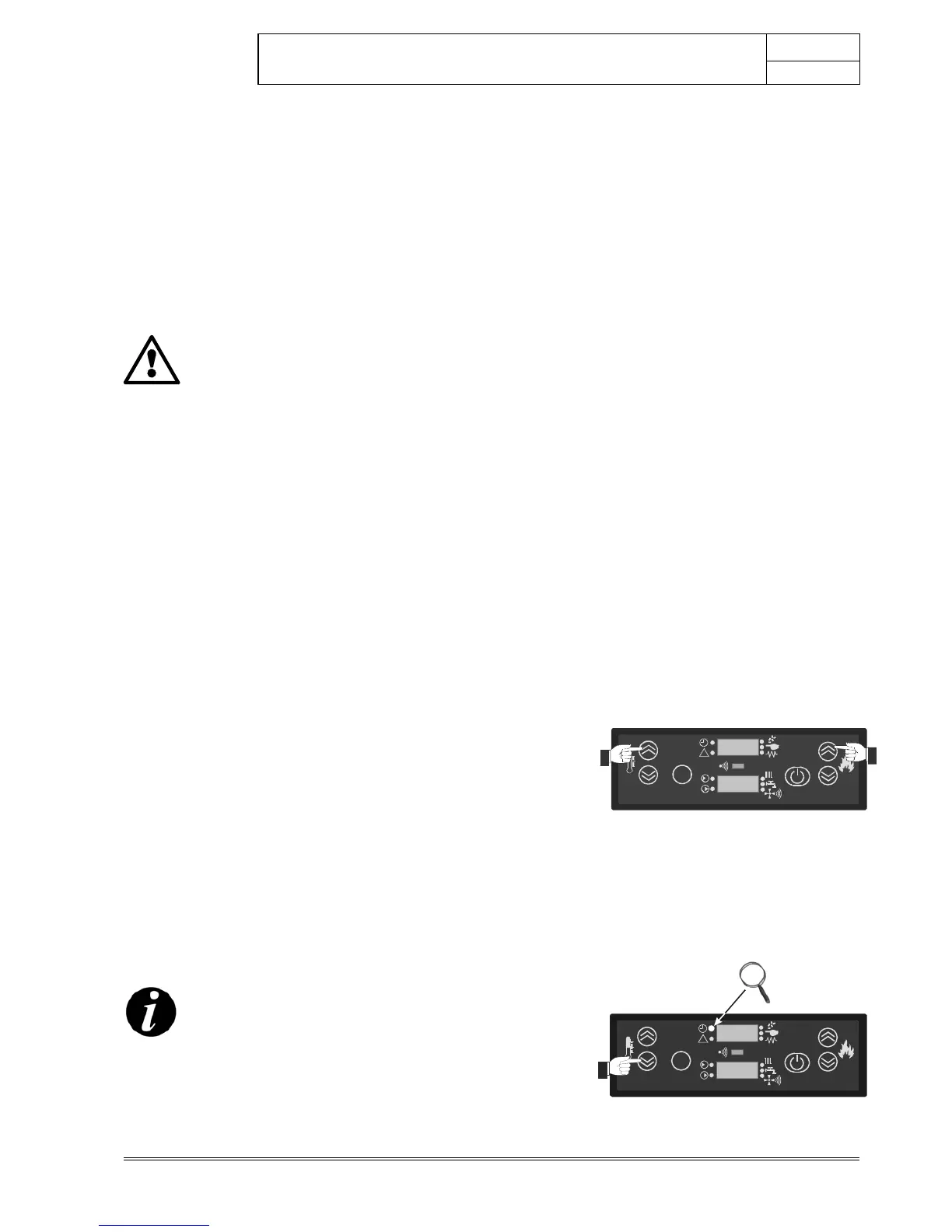
To set this value, press in sequence buttons
and . The code
“UT
01”
will appear, alternating with the message “OFF”. Now press once
on the button
and you will see the message “DAY 7”. You will
immediately note that the indicator light (9) of the display is on.
Press twice more on button
and you will see in sequence the
messages “DAY 6 DAY 5”.
The display (8) will now show the message “DAY 5” alternating with
the code
“UT 01”.
The same procedure can be implemented using the button
. The only
difference is that the menu scrolls in the opposite direction as shown:
“OFF DAY 1DAY 2DAY 3DAY 4DAY 5”
To memorize the setting, press the button
.
SUMMARY:
To ACTIVATE the PROGRAMMED mode (indicator light 9 on) press in
sequence the buttons
and to show the code
“UT 01”
. Then press
the buttons
or to increase or decrease the start day. To
memorize, press the button
.
ATTENTION!
Any day memorized except for the message “OFF”
activates PROGRAMMED mode.
To DE-ACTIVATE PROGRAMMED mode (indicator light 9 off), press in
sequence buttons
and to display the code “UT 01”. Then press
the buttons
or until the message “OFF” is shown; confirm by
pressing the button
.
Buttons for menu access.
Selection of current day and activation of
programmed mode.
SET
TURBO
1
2
64
3
5
!
Ut 01
63°C



 To Next Page