955-0003_v3.2, Rev- A1 COPYRIGHT © 2012 RED Digital Cinema
109
CONTRAST
Adjusts the overall contrast of the image. Range is -1.0 (flat) to +1.0 (max contrast). Default is 0.0.
BRIGHTNESS
Adjusts brightness without crushing highlights. Available range is – 10.0 to +10.0. Default is 0.0.
GAIN
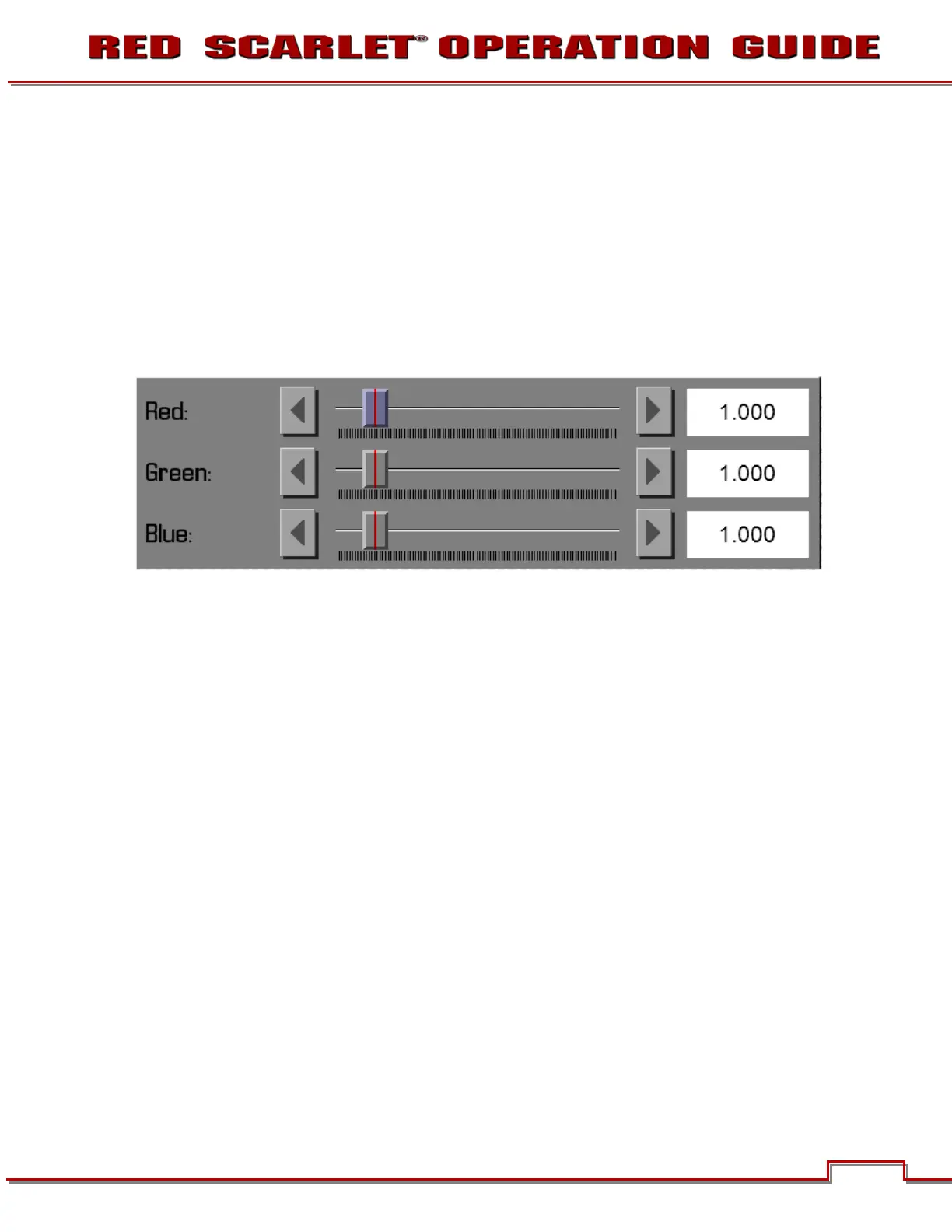
The GAIN sub-menu permits adjustment of RED GAIN, BLUE GAIN and GREEN GAIN.
RED
Adjusts the gain of the RED channel only. Range is 0.0 (no Red) to 10.0. Default is 1.0.
BLUE
Adjusts the gain of the BLUE channel only. Range is 0.0 (no Blue) to 10.0. Default is 1.0.
GREEN
Adjusts the gain of the GREEN channel only. Range is 0.0 (no Green) to 10.0. Default is 1.0.
FLUT
The FLUT sub-menu permits adjustment of FLUT, EXPOSURE COMPENSATION and SHADOW.



 To Next Page