COPYRIGHT © 2012 RED Digital Cinema 955-0003_v3.2, Rev-A1
138
BLACK SHADING PROCEDURE
The calibration procedures are the same for both BLACK SHADING options.
The calibration procedures are the same for both Black Shading (24 FPS @ 1/48 SEC) and Black
Shading (Current FPS/Exposure) options.
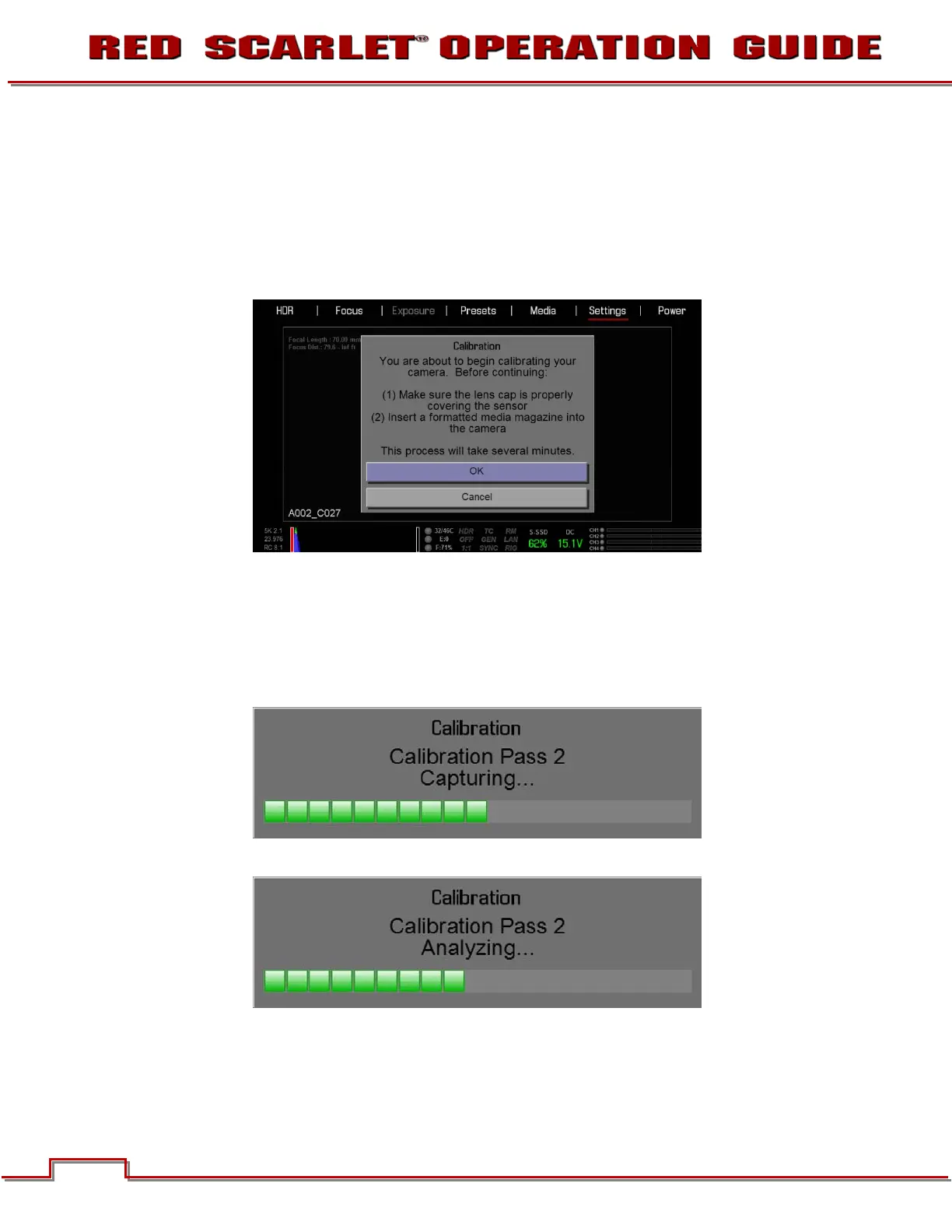
When selected, a screen will appear asking if you wish to proceed with Black Shading calibration.
REDMOTE will also display the following messages.
Black Shading calibration procedure:
1. Ensure the sensor is NOT exposed to the calibration light source by installing the lens cap properly.
2. Ensure a properly formatted SSD is attached to the camera and properly formatted.
3. Select OK to perform the Black Shading calibration. The calibration will make 2 passes.
4. A status screen will show progress of the Capturing step. Second pass shown.
5. Once Capturing is complete, a status screen will show progress of the Analyzing step.



 To Next Page