955-0003_v3.2, Rev- A1 COPYRIGHT © 2012 RED Digital Cinema
139
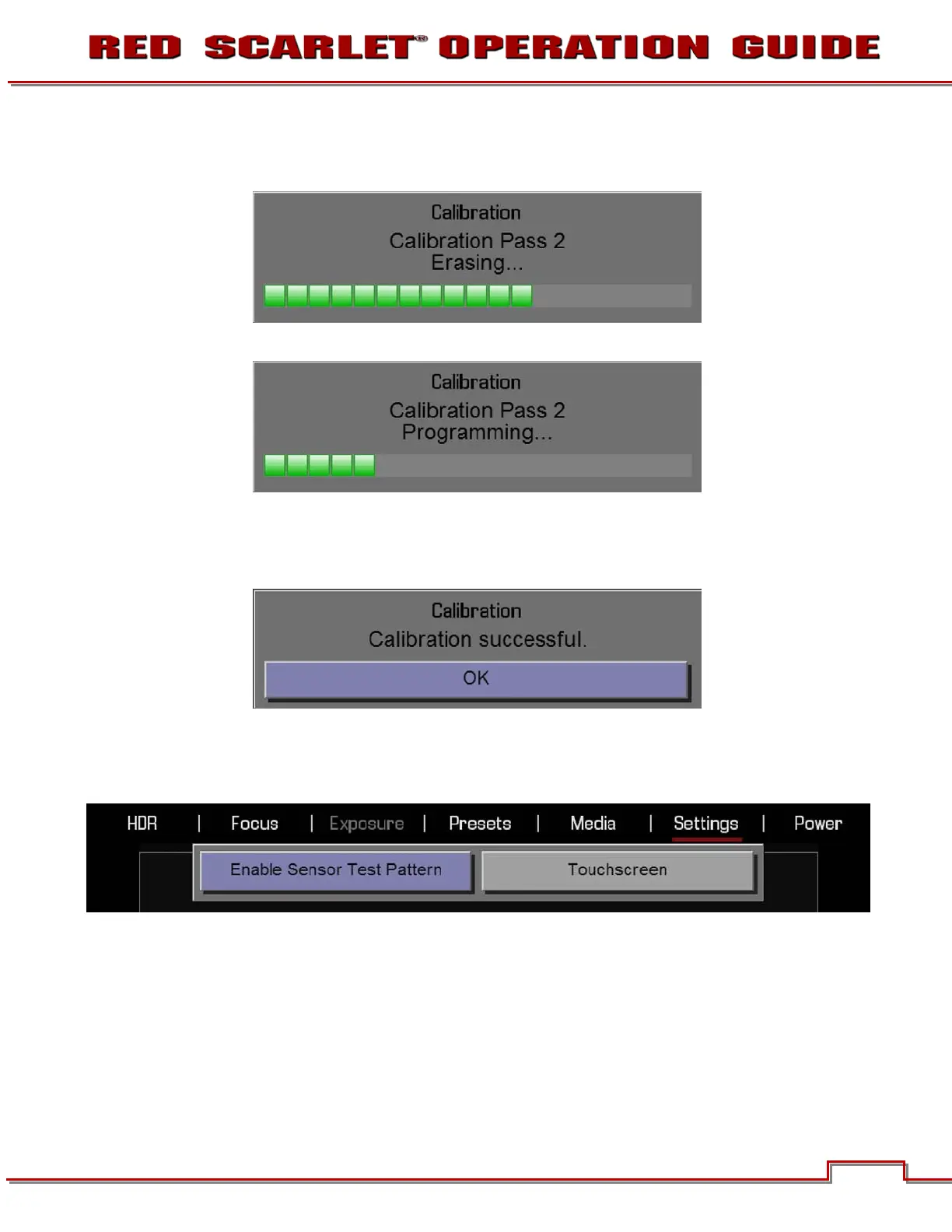
6. Once Analyzing is complete, a status screen will show progress of the Erasing step.
7. Once Erasing is complete, a status screen will show progress of the Programming step.
8. The camera will perform this procedure twice.
9. After Programming, CALIBRATION SUCCESSFUL will be displayed. Select OK to complete Black
Shading calibration.
SELF TEST
When selected allows you to perform a self-test for the sensor and LCD Touchscreen.



 To Next Page