955-0003_v3.2, Rev- A1 COPYRIGHT © 2012 RED Digital Cinema
141
TOUCHSCREEN
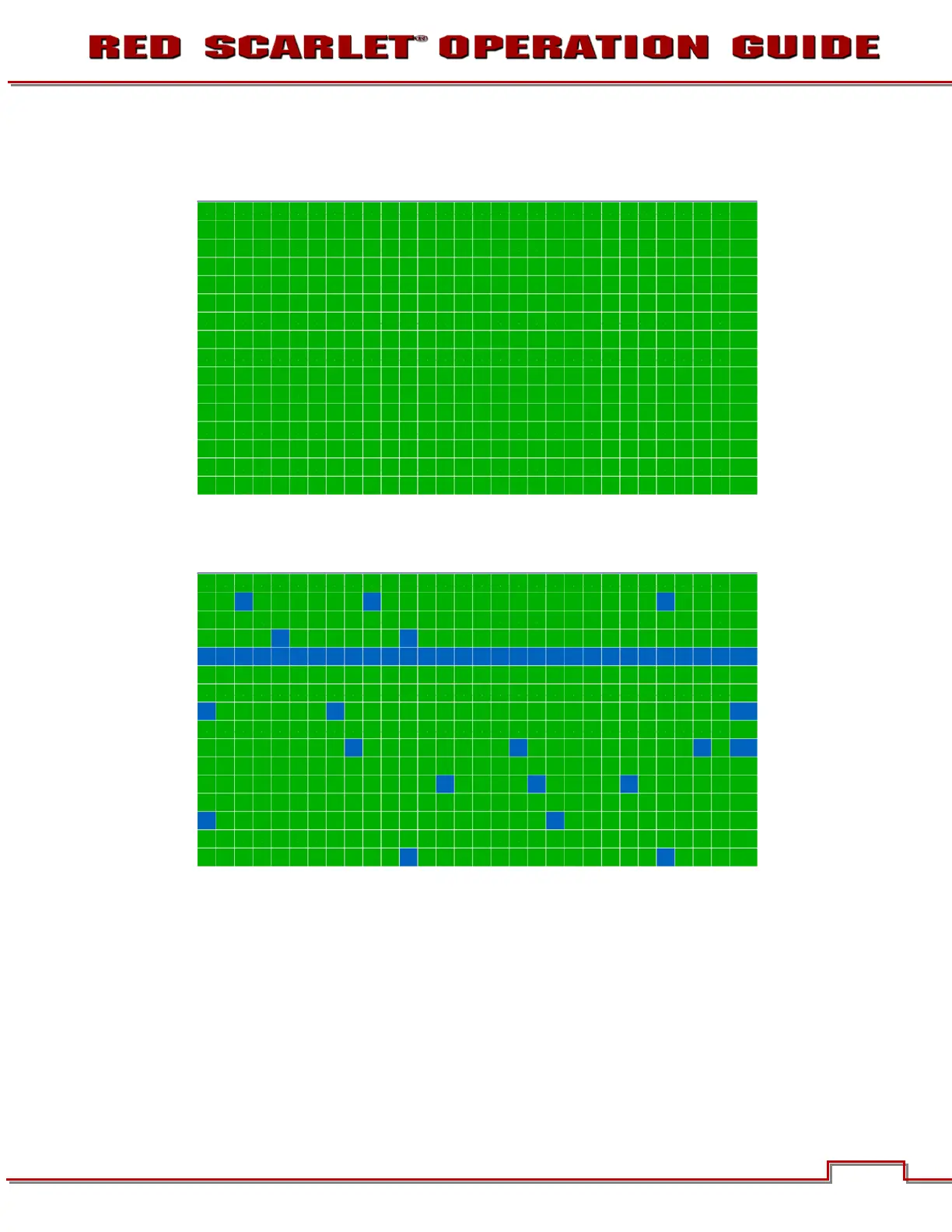
When selected allows you to perform a touchscreen self-test.
When the touchscreen self-test is on, you can verify all areas of the touch screen respond to touch.
Simply touch each box using your finger. The touchscreen responds to the touch and the Green box
turns Blue.
To exit the Touchscreen Self-Test:
• Place your finger on the touchscreen and hold it there until the main screen appears.
• Press the Enter or Menu button on the Side Handle or REDMOTE.
RESTORE SYSTEM
Restore System permits ALL camera configuration and setup data to be reset to factory default values.



 To Next Page