COPYRIGHT © 2012 RED Digital Cinema 955-0003_v3.2, Rev-A1
142
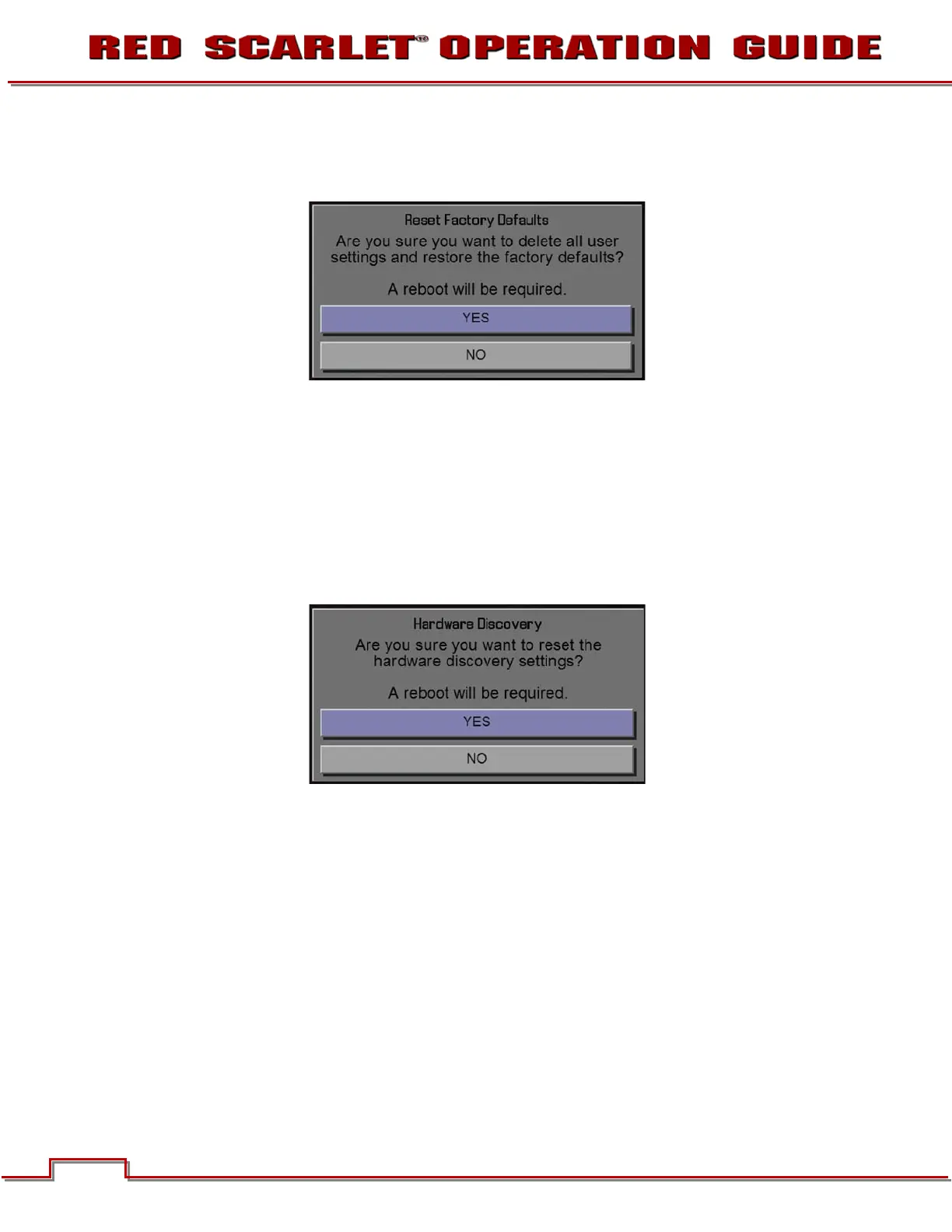
When selected, you will be asked to confirm if you want to delete all settings and restore the factory
default settings. After settings are restored, “DEFAULT SETTINGS RESTORED, INITIALIZING
RESTART…” Camera will automatically power down and will require you to manually power it up.
NOTE: User key settings will be reset as well as any other changes from the cameras default
settings. The REDMOTE will also require paring to communicate wirelessly with the camera.
REDISCOVER
Rediscovers all hardware and caches the data for future boot cycles.
When selected, you will be asked to confirm if you want to reset all hardware discovery settings. After
settings are reset, “RESET HARDWARE DISCOVERY SUCCESSFUL, INITIALIZING RESTART…”
Camera will automatically power down and will require you to manually power it up.



 To Next Page